


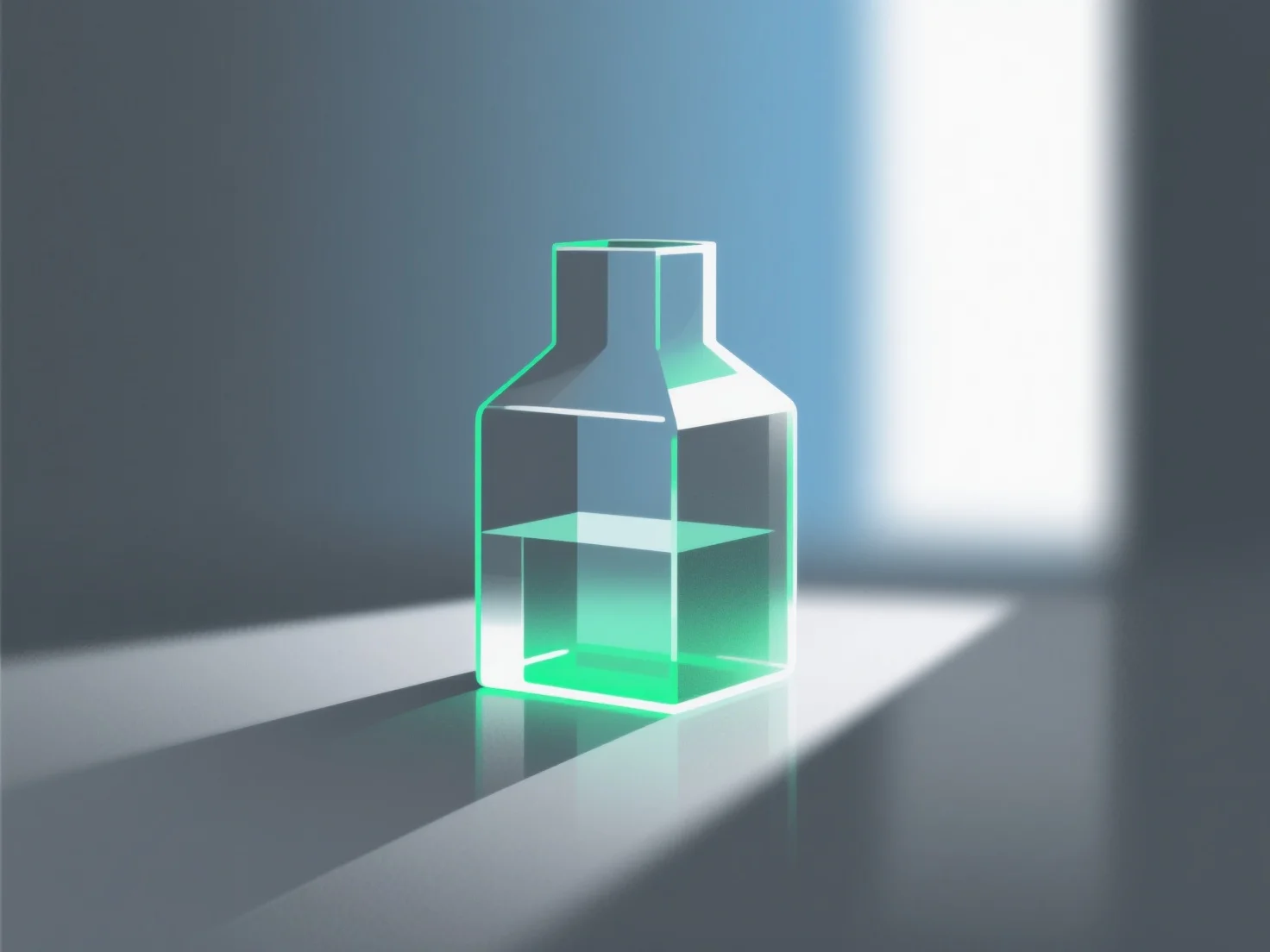
Simular materiais de vidro em renderização 3D envolve principalmente replicar as suas propriedades ópticas fundamentais: transmissão de luz, reflexão e refração.
Os principais passos e parâmetros incluem: - **Transmissão**: Defina valores elevados para garantir que a luz passe, imitando a transparência do vidro. - **Índice de refração**: Utilize cerca de 1,5 (vidro padrão) para simular com precisão a curvatura da luz à medida que entra/sai do material. - **Rugosidade da superfície**: Valores mais baixos para vidro claro e liso; valores mais elevados para efeitos foscos ou texturizados.
Os iniciantes podem começar com as predefinições do software.