


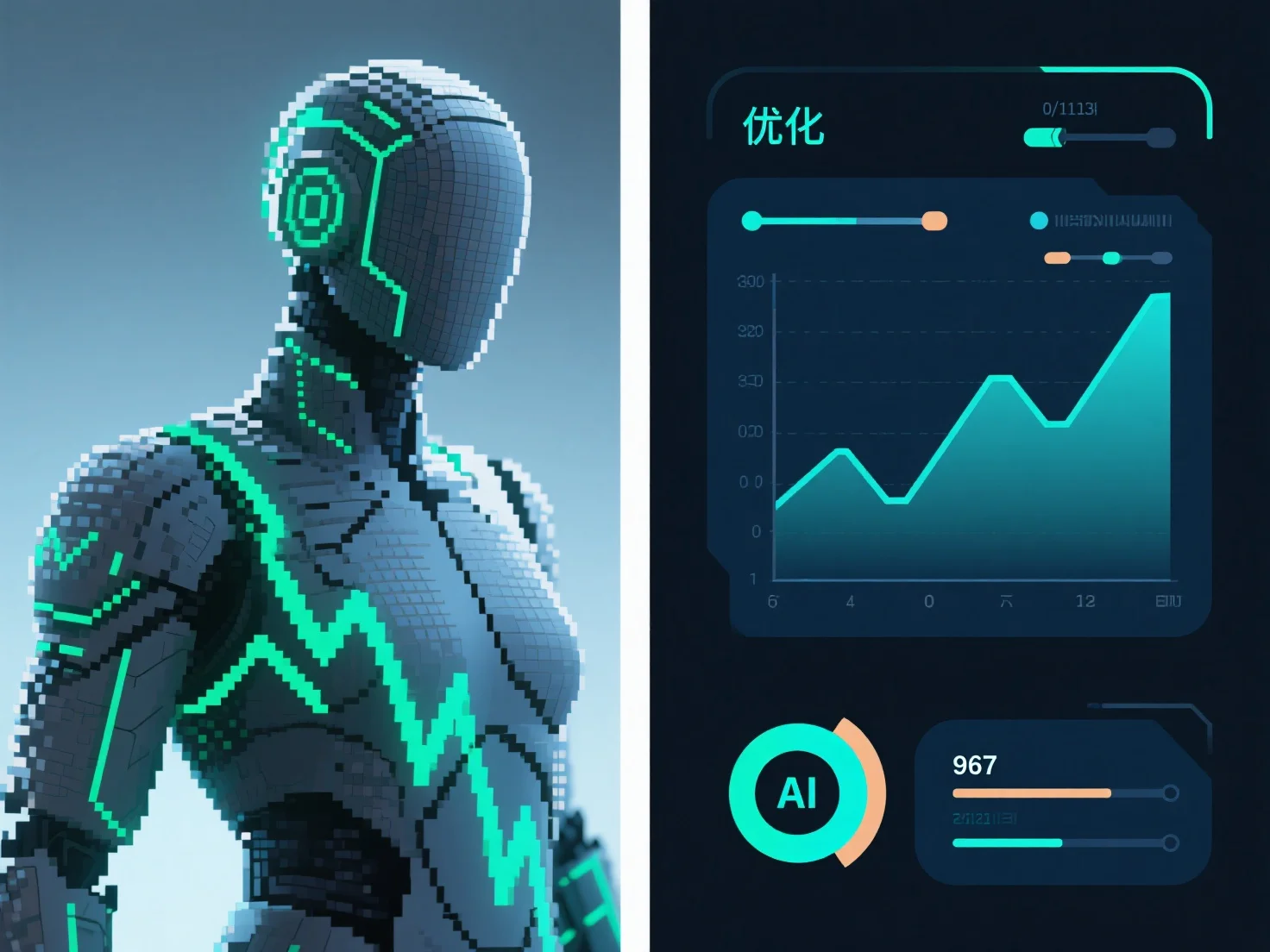
Para otimizar as texturas para renderização em tempo real em jogos, concentre-se em equilibrar a qualidade visual e o desempenho através de técnicas-chave: reduzir a resolução, usar mipmaps e aplicar compressão.
- **Reduzir a resolução da textura de forma adequada**: Diminuir a resolução reduz o uso de memória da GPU e a pressão da largura de banda, melhorando diretamente a velocidade de renderização e mantendo uma qualidade visual aceitável. - **Implementar mipmaps**: Gerar versões de textura de baixa resolução pré-calculadas para objetos distantes, a fim de evitar aliasing e garantir uma renderização mais suave a distâncias variadas. - **Usar compressão suportada pelo hardware**: Adotar formatos como BCn.
Estes métodos, em conjunto, otimizam a eficiência da textura para uma renderização suave de jogos em tempo real.