


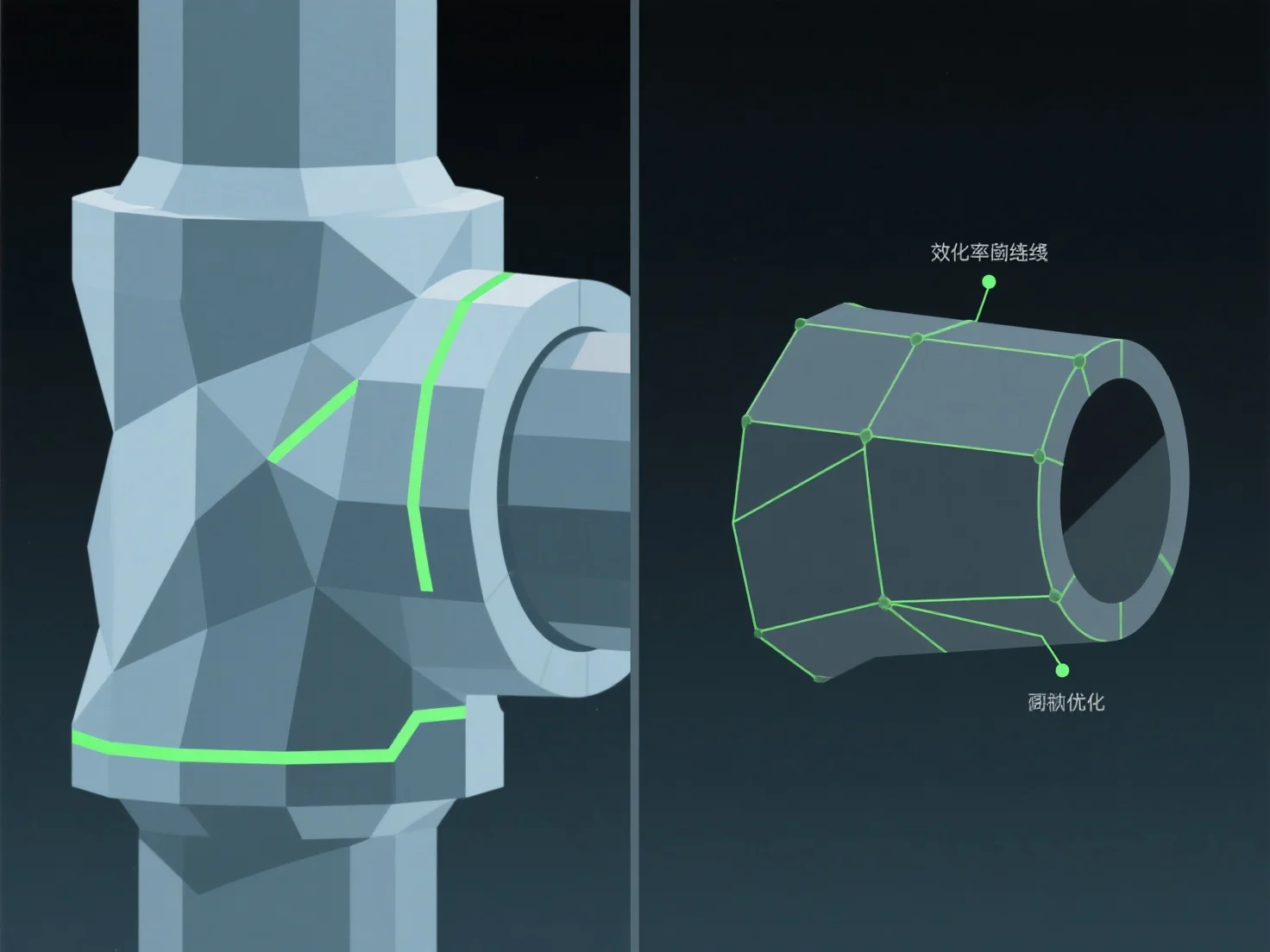
Para otimizar a topologia de um modelo 3D para animação, concentre-se no fluxo de arestas limpas alinhado com os caminhos de movimento naturais e utilize polígonos dominados por quads. Isto garante uma deformação suave durante a montagem e animação, evitando problemas como o alongamento ou apertamento de malhas nas articulações.
As práticas-chave incluem: - Alinhar os loops das arestas com os pontos de articulação (por exemplo, cotovelos, joelhos) para suportar a flexão e a torção naturais. - Manter uma densidade uniforme dos polígonos para distribuir o stress do movimento de forma equilibrada pela malha.
Para áreas complexas e de alto movimento, adicione loops de borda direcionados para melhorar a flexibilidade sem complicar demasiado a malha, tornando o rigging e a animação mais eficientes.