


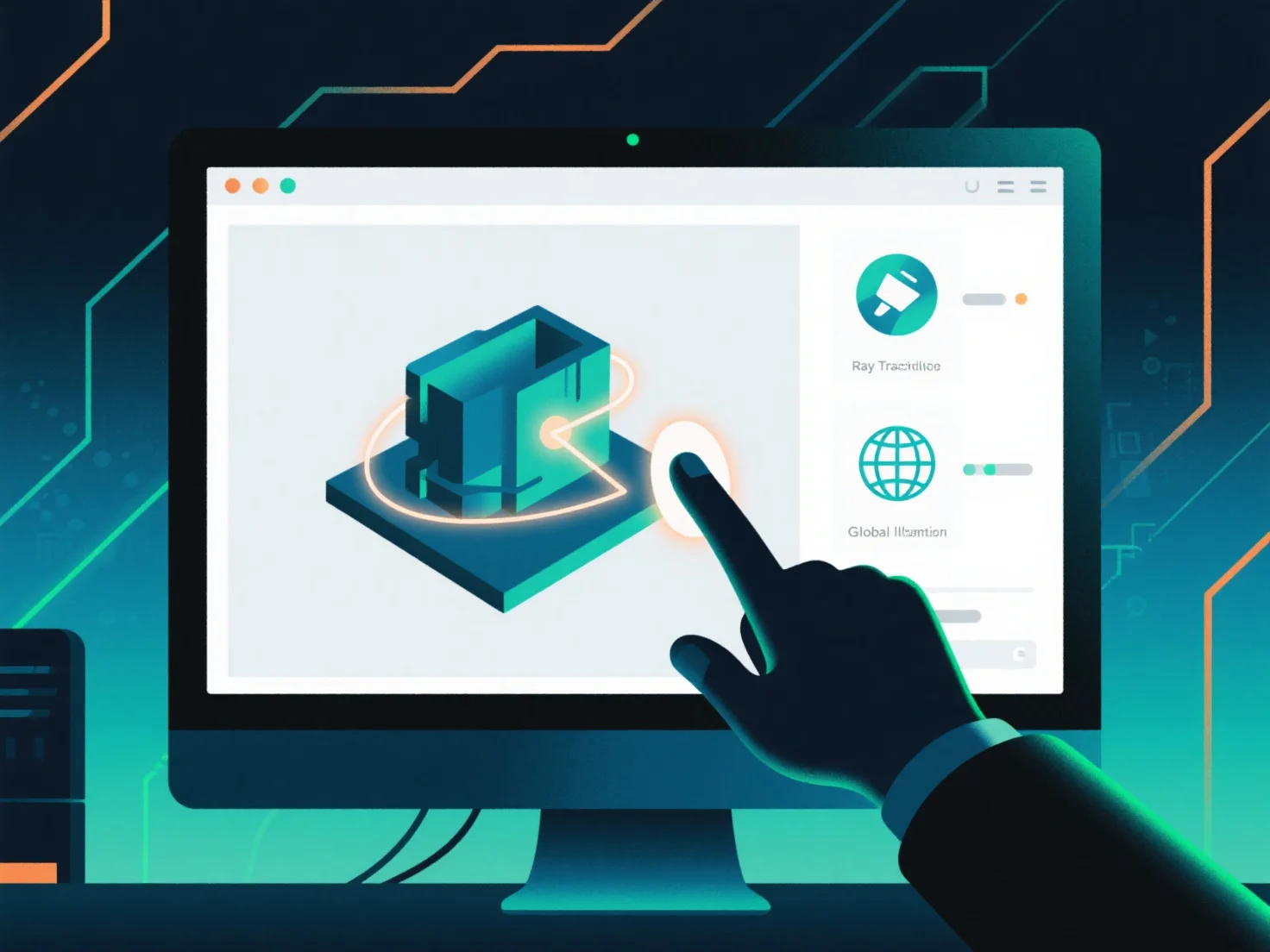
Integrar os mais recentes padrões de renderização num fluxo de trabalho de design 3D envolve atualizar ferramentas, alinhar pipelines de ativos e validar saídas para garantir compatibilidade e desempenho.
Primeiro, atualize o software de design e renderização 3D para versões que suportem novos padrões, como renderização baseada em física (PBR) ou rastreamento de raios em tempo real, garantindo que as ferramentas possam processar dados compatíveis com os padrões.
Em seguida, ajuste os pipelines de ativos para os requisitos padrão: otimize os formatos de textura.
Em seguida, valide com renderizações de teste. Gere saídas em pequena escala para verificar se os ativos e as configurações cumprem o padrão, garantindo a consistência entre as fases de design e renderização.
Para projetos complexos, use integração faseada: comece com uma pequena cena de teste para identificar lacunas no fluxo de trabalho desde o início, e depois aumente para a integração completa do projeto assim que validado.