


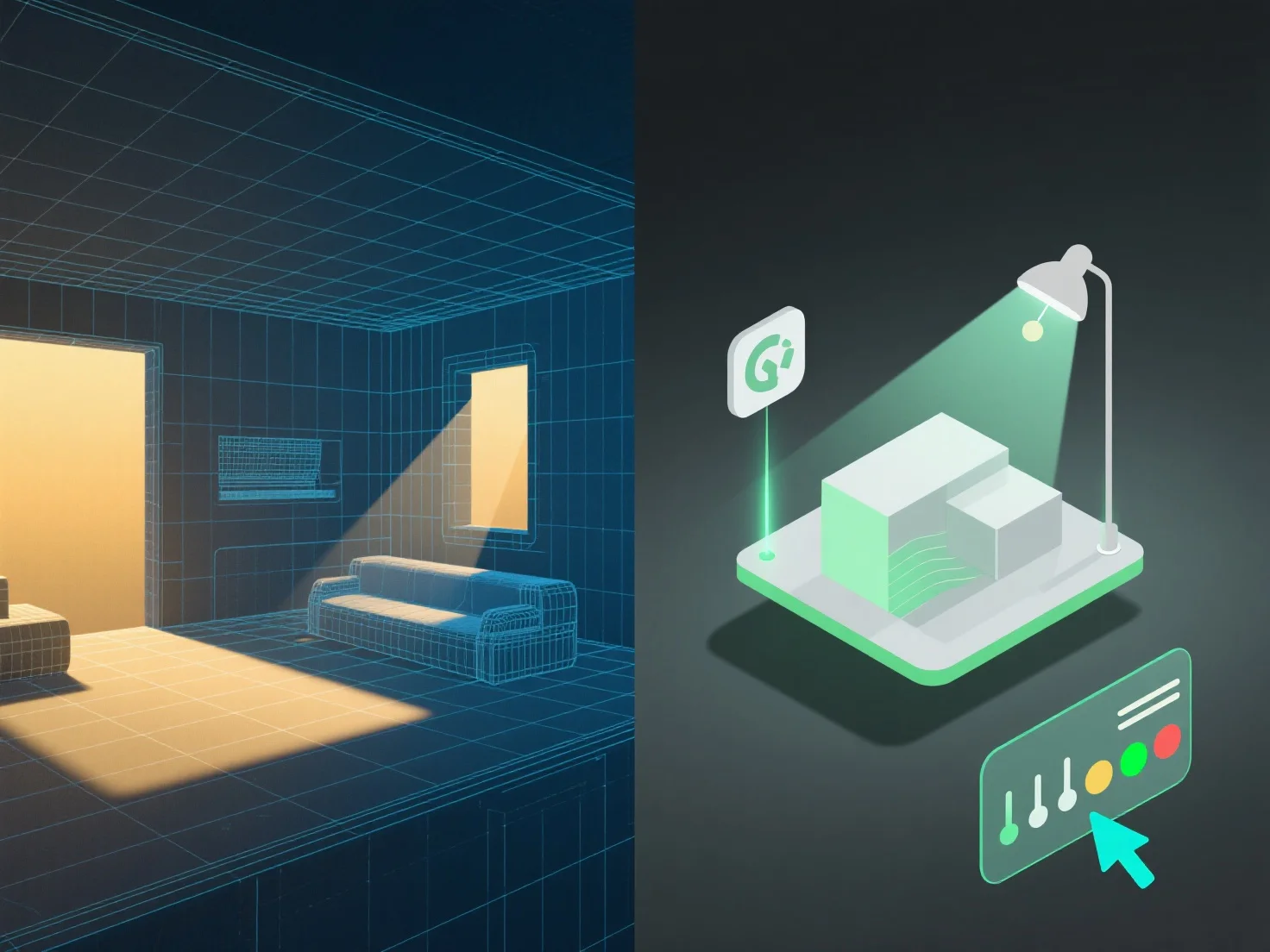
Integrar ferramentas de iluminação com modelagem 3D para uma melhor gestão de cenas requer alinhar os parâmetros de iluminação com a estrutura, materiais e contexto do modelo, a fim de melhorar o realismo e a eficiência do fluxo de trabalho.
Primeiro, ligue as fontes de luz (luzes direcionais, pontuais ou de área) à geometria e aos detalhes da textura do modelo. Isto garante interações de luz precisas, como projeção de sombras, reflexos e refrações, imitando o comportamento do mundo real.
Em segundo lugar, sincronize a iluminação com os casos de utilização da cena: Na visualização arquitetónica, alinhe com as dimensões do modelo para simular a luz natural.
Em terceiro lugar, utilize modelos de iluminação para alterações frequentes do modelo. Os modelos são atualizados automaticamente com ajustes ao modelo, mantendo uma iluminação consistente sem ajustes manuais, simplificando a gestão.
Ao combinar estes passos, a iluminação e os modelos 3D funcionam em harmonia, garantindo cenas realistas e geridas de forma eficiente.