


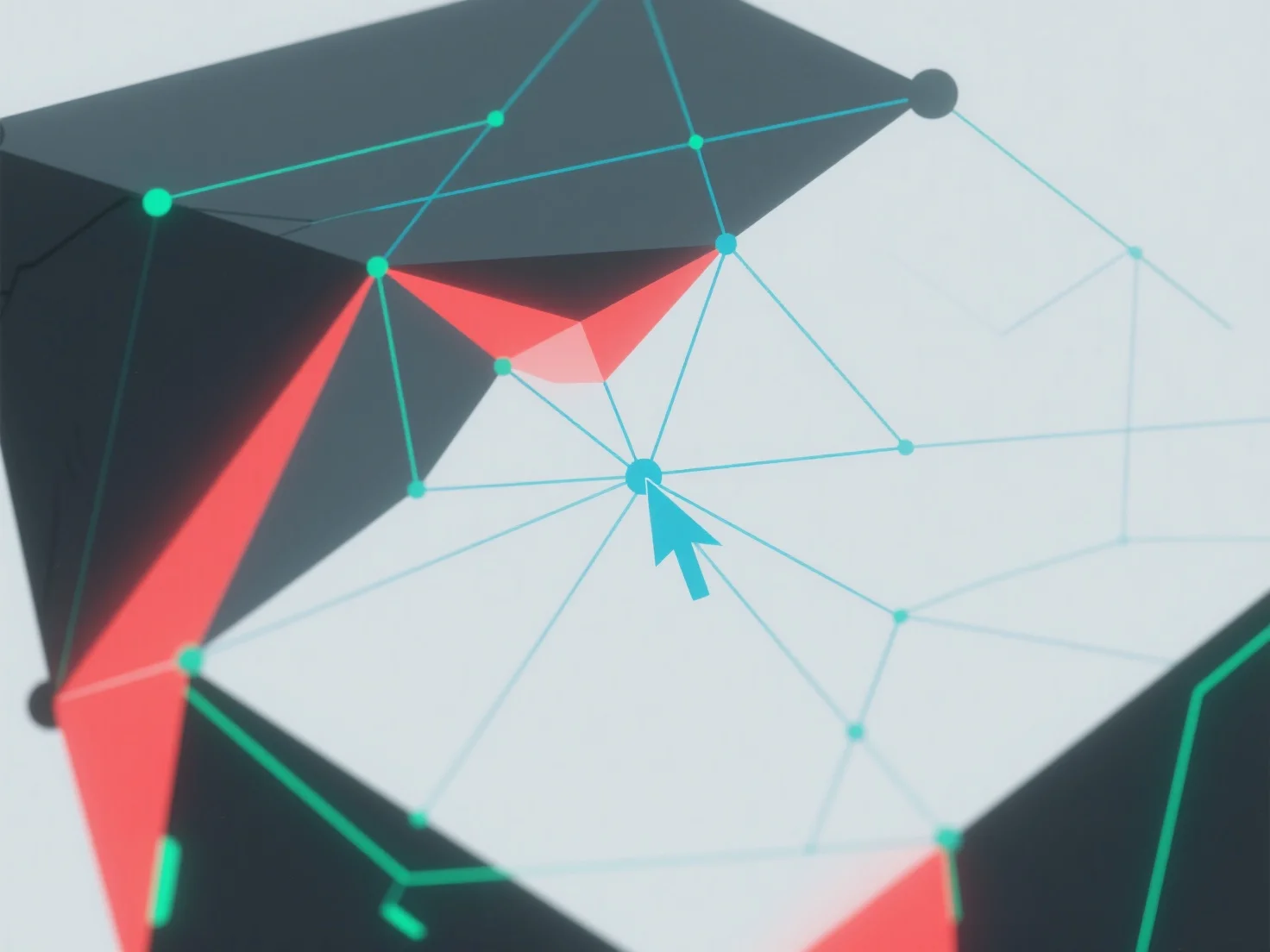
A geometria não-manifesta na modelagem 3D é tratada através da identificação e resolução de erros topológicos utilizando ferramentas de software 3D.
Primeiro, utilize funcionalidades integradas como "verificação de superfície" ou "reparação de malha" para detetar problemas: problemas comuns incluem faces que se intersectam, arestas duplicadas ou vértices com mais de duas faces adjacentes.
Em seguida, corrija os erros juntando vértices sobrepostos, eliminando geometria redundante ou ajustando as ligações das faces para garantir que cada aresta liga exatamente duas faces.
Se os problemas persistirem, simplifique o modelo reduzindo a complexidade ou utilize plugins de reparação automatizados para agilizar o processo.