


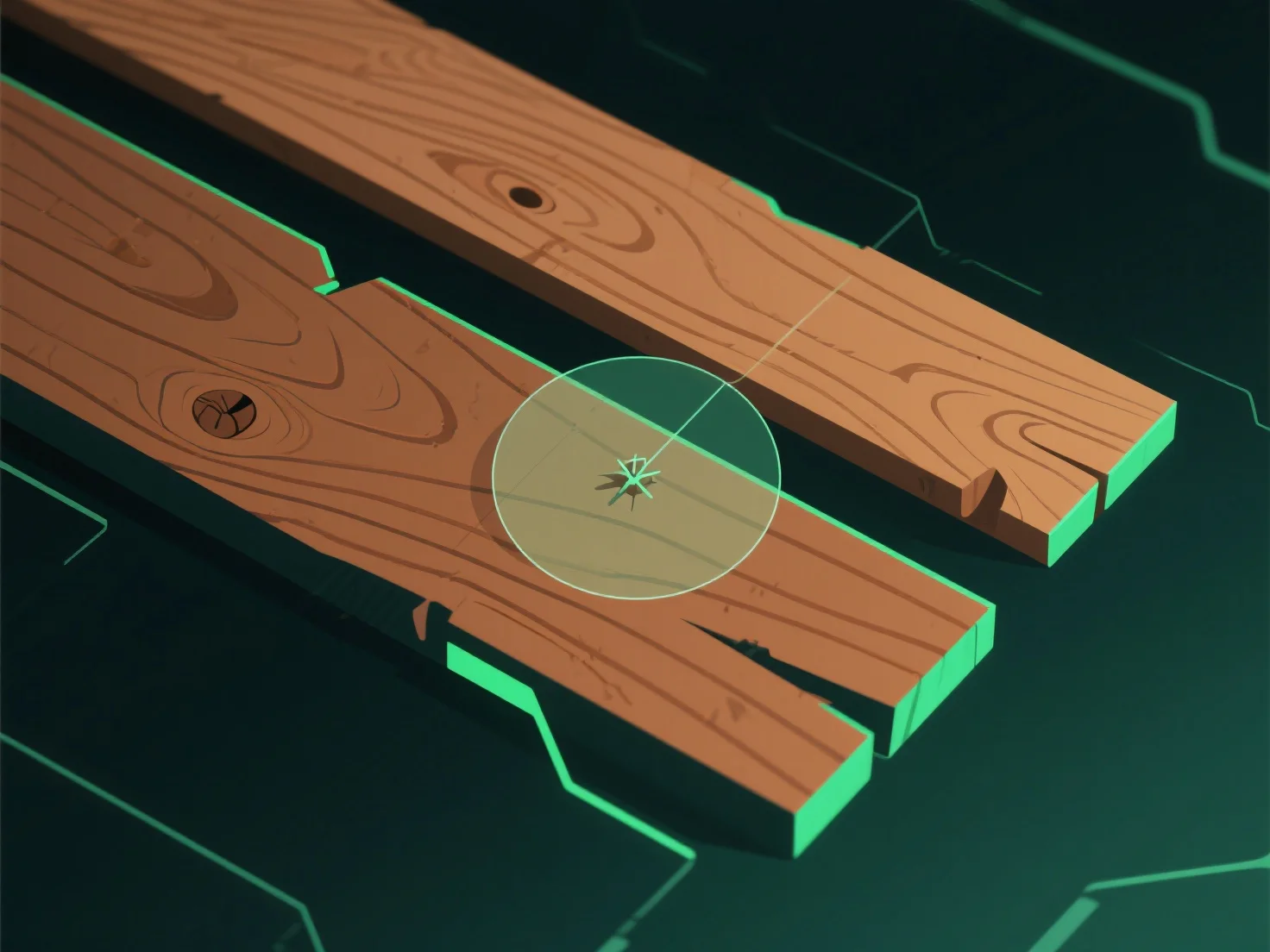
Para criar texturas realistas de madeira em modelagem 3D, comece por analisar amostras de madeira reais ou fotos de referência de alta resolução para capturar padrões de grãos, gradientes de cor e imperfeições naturais.
1. **Análise de referência**: Estude madeira real ou fotos para notar a direção do grão, variações de cor (cerne claro/madeira de núcleo escuro) e defeitos como nós ou fendas. 2. **Utilização de ferramentas de textura**: Utilize software (por exemplo, Substance Painter, Blender) para gerar mapas-chave. Difuso (cor), relevo/normal (profundidade do grão) e deslocamento (altura subtil). 3. **Refinamento de detalhes**: Ajuste o contraste de cor, adicione desgaste (arranhões) e alinhe o grão com os padrões de crescimento naturais para maior autenticidade.