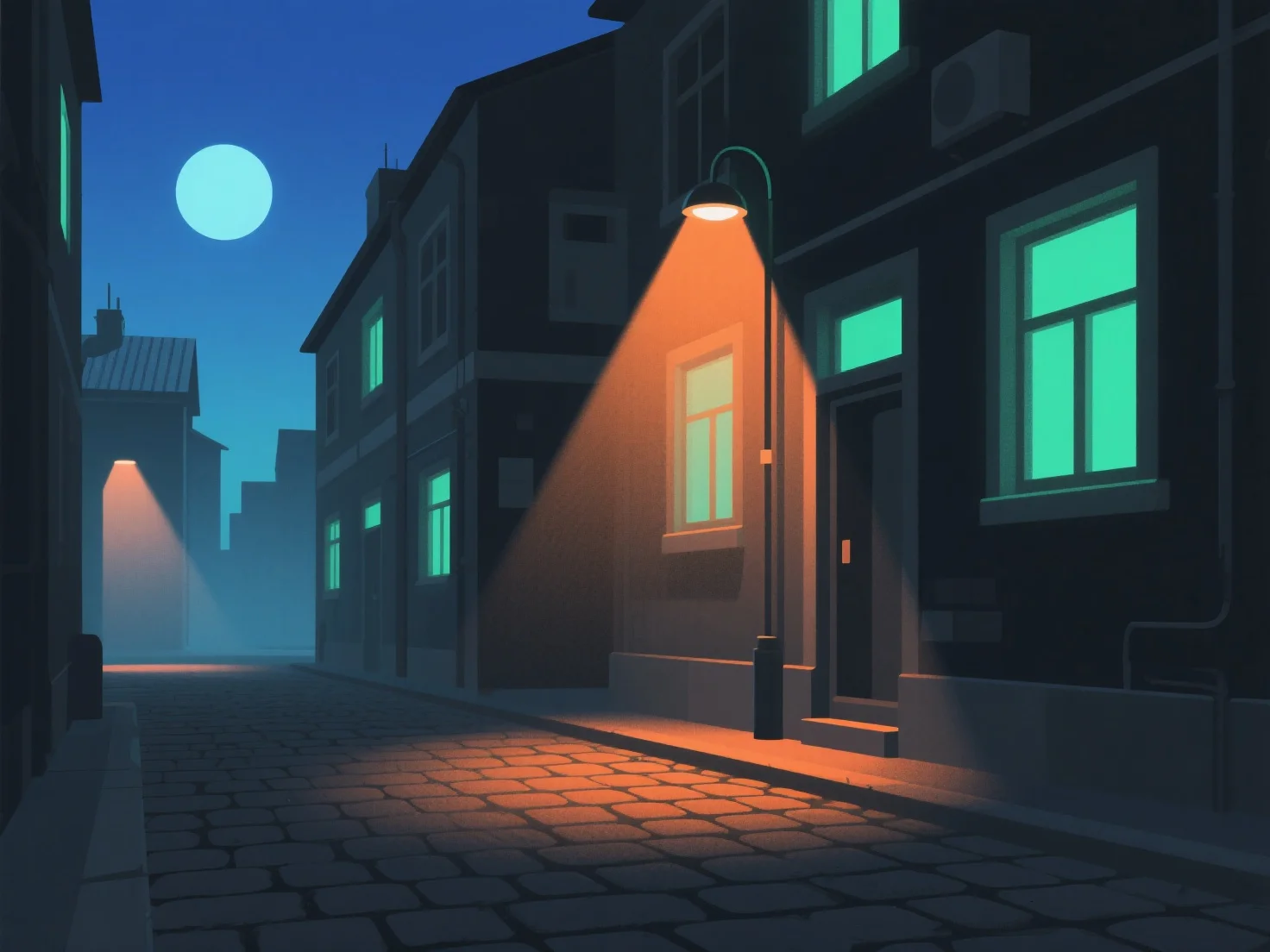
Para criar iluminação realista para cenas noturnas em modelos 3D, simule fontes de luz noturna naturais e artificiais ajustando a intensidade, a temperatura de cor e a suavidade das sombras, imitando o comportamento da luz no mundo real. Use luz ambiente de baixa intensidade para estabelecer a escuridão geral, evitando a monotonia. As luzes principais (por exemplo, luz da lua, luzes de rua) fornecem a iluminação principal. Escureça a luz da lua e aumente ligeiramente a intensidade das fontes artificiais. Adicione luzes de preenchimento subtis para evitar áreas demasiado escuras, mantendo a profundidade sem apagar as sombras. Ajuste as temperaturas de cor: azuis frios para a luz da lua, amarelos/laranjas quentes para lâmpadas interiores ou luzes de rua para melhorar o realismo. Certifique-se de que as sombras são suaves e difusas, evitando contrastes fortes que quebram a imersão. Consulte fotos reais da noite para observar a direção da luz e o decréscimo (como a luz diminui à medida que se afasta) e utilize a occlusão ambiente no software 3D para adicionar profundidade, tornando a cena autêntica.


Como você cria iluminação realista para cenas noturnas em modelos 3D?
Simule luz noturna natural/artificial com intensidade, temperatura de cor, suavidade de sombras, luz ambiente, luzes principais/de preenchimento e referências do mundo real para um realismo de cena noturna em 3D.