


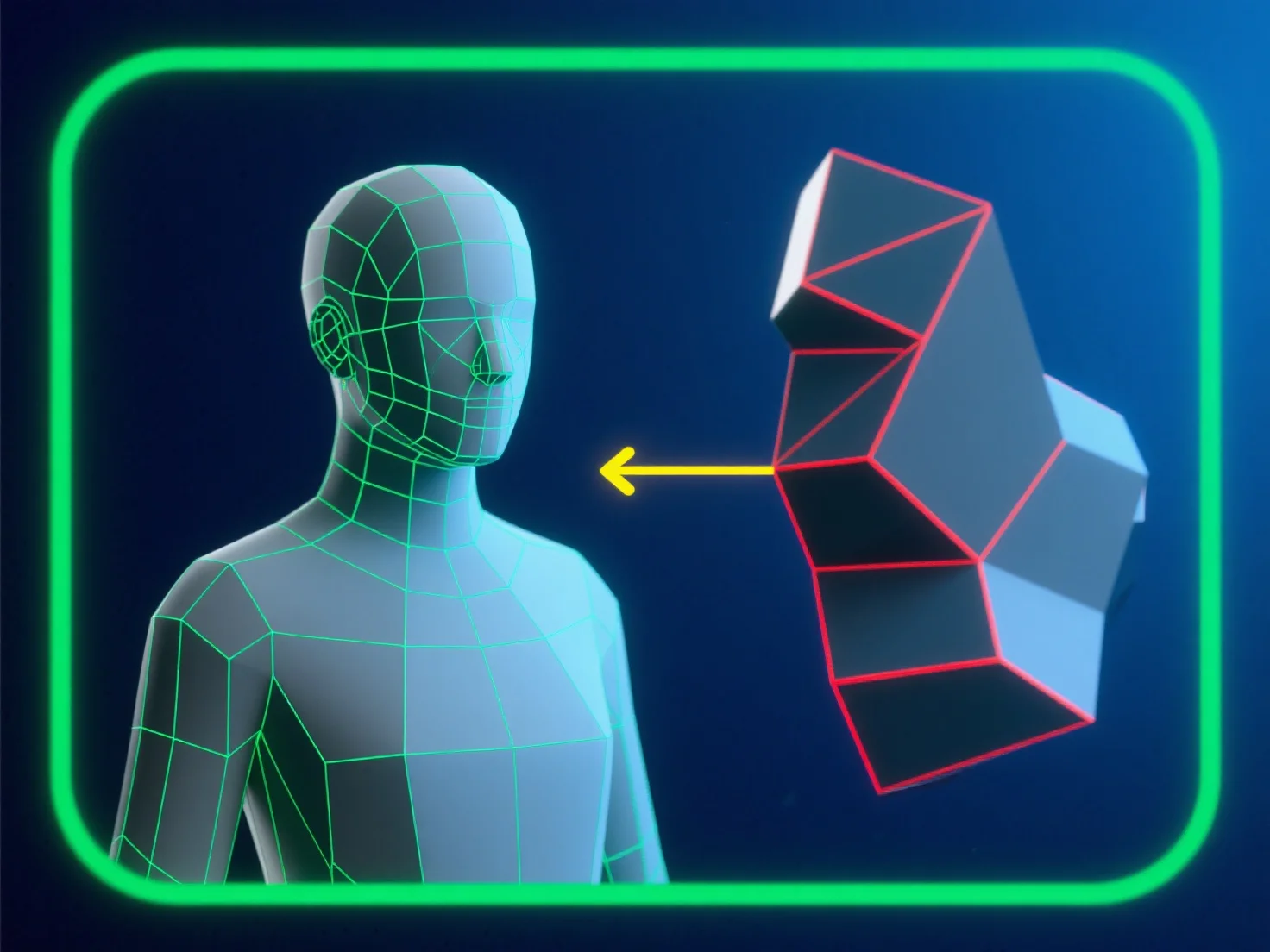
Para evitar erros de topologia ao modelar para animação, concentre-se num fluxo de malha limpo, dominado por quads, alinhado com os caminhos de movimento do personagem. Isto garante que as arestas se deformem de forma previsível, reduzindo o aperto ou o alongamento.
- **Evite polígonos problemáticos**: Evite triângulos e ngons em áreas de alta deformação (por exemplo, articulações, características faciais), pois eles interrompem o movimento suave. - **Otimize loops de arestas**: Coloque loops de arestas uniformemente espaçados em torno dos pontos de flexão (cotovelos, joelhos) para suportar uma deformação natural e sem distorções. - **Teste e valide**: Use regularmente ferramentas de integridade de malha.
Ao combinar estes passos, você mantém a qualidade da malha e garante um desempenho fiável durante a animação.