


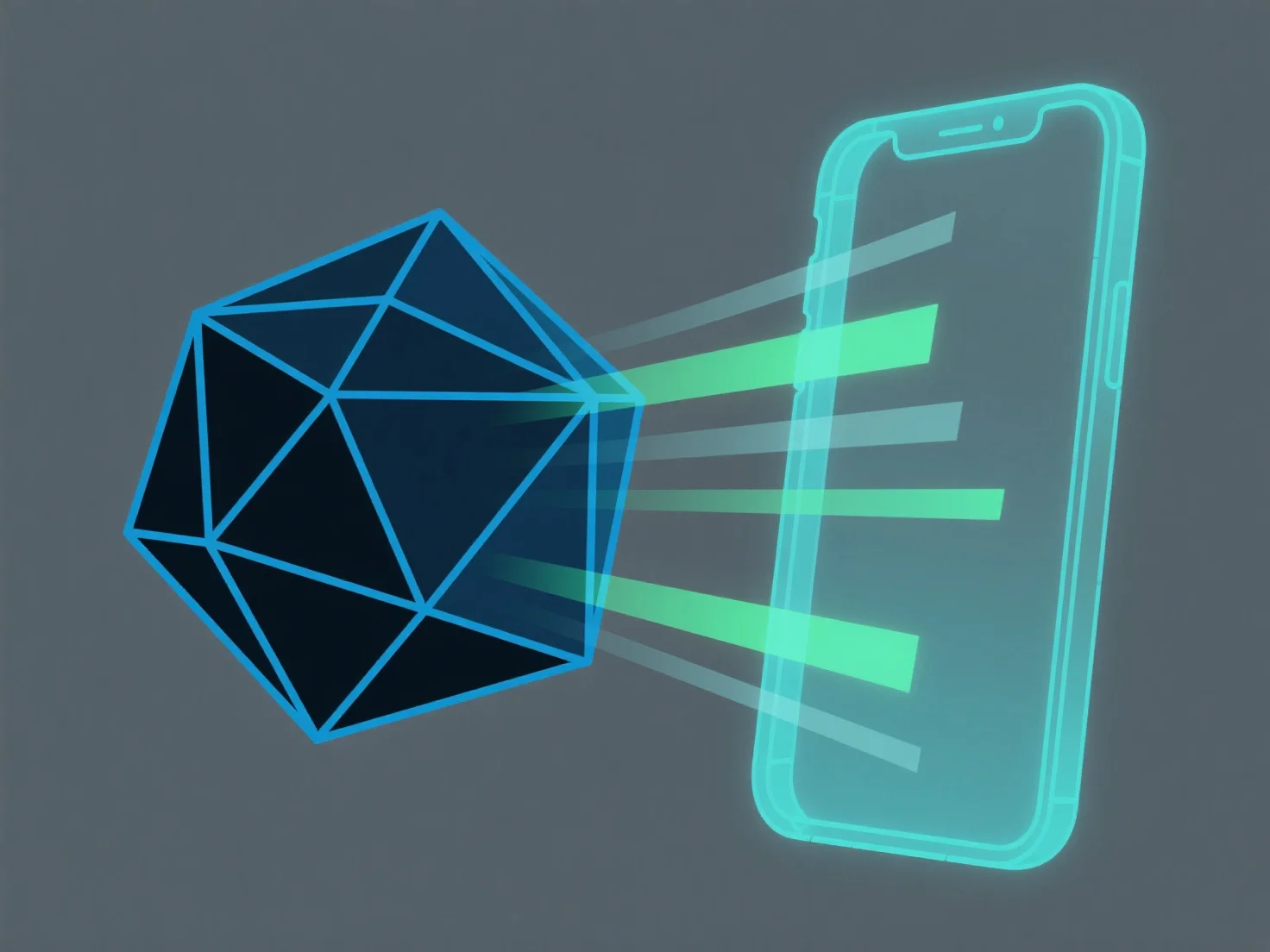
A adaptação de modelos 3D para sistemas de realidade aumentada envolve otimizar a complexidade do modelo, garantir a compatibilidade do formato de ficheiro e calibrar a escala do mundo real para permitir um carregamento eficiente e uma renderização estável em ambientes de RA com uma potência de processamento limitada.
Os principais passos incluem: - Simplificar a geometria: Reduzir o número de polígonos usando ferramentas como o modificador de decimação do Blender para diminuir as exigências de renderização. - Usar formatos nativos de RA: Converter modelos para GLB ou USDZ, amplamente suportados por plataformas de RA (por exemplo, ARKit, ARCore). - Calibrar a escala: Alinhar as dimensões do modelo com as medições do mundo real para garantir uma sobreposição precisa em RA.
Para iniciantes, comece por simplificar os modelos existentes e testá-los em ferramentas de RA para ajustar o formato e a escala conforme necessário.