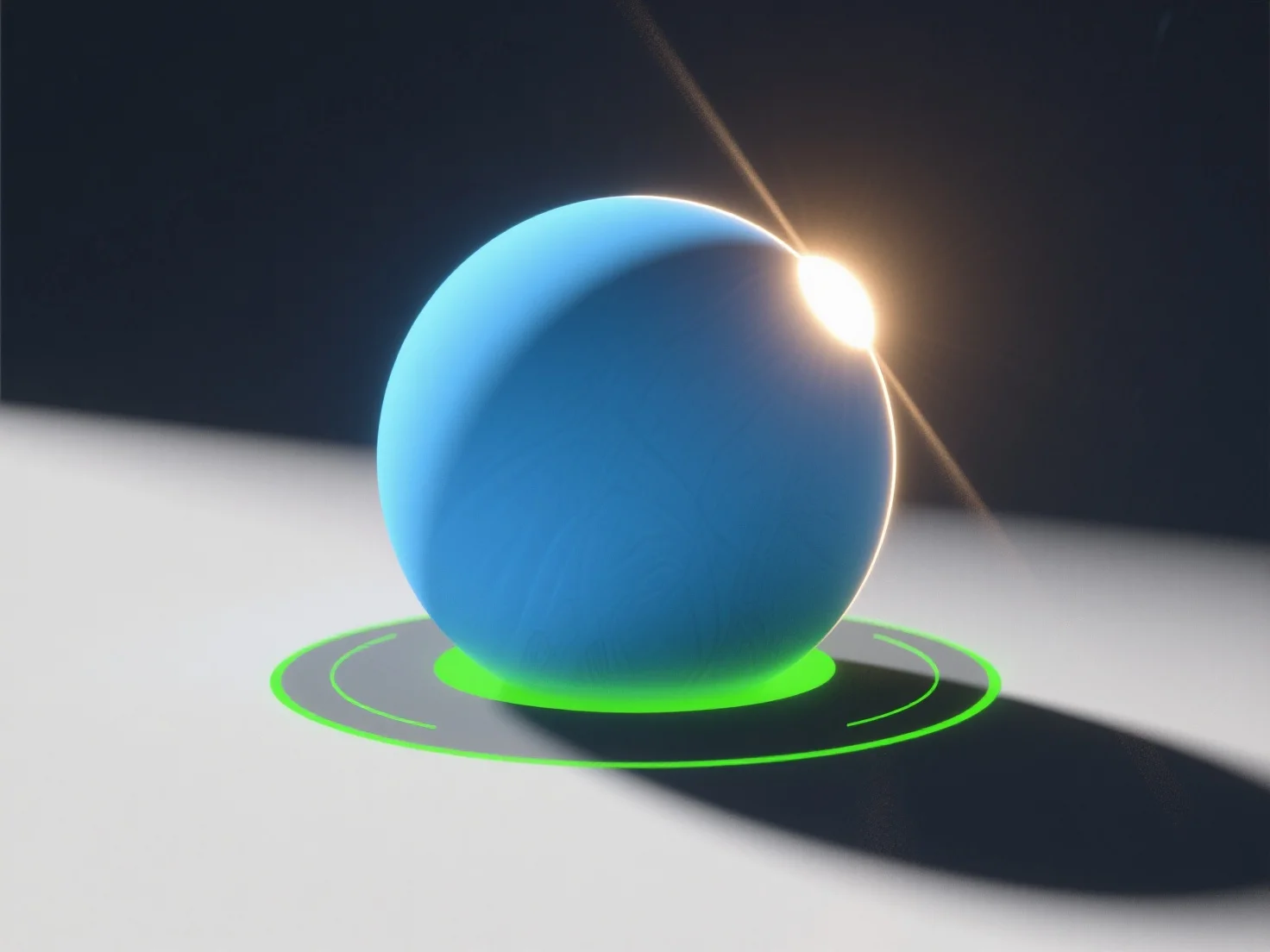
Para simular fontes de luz naturais numa cena 3D, utilize luzes direcionais para a luz solar, luzes de área para a luz difusa do céu e ajuste parâmetros como a intensidade, a temperatura de cor e a suavidade das sombras. - **Simulação de Luz Solar**: As luzes direcionais imitam os raios solares paralelos; defina o ângulo (baixo para o nascer/pôr do sol, alto para o meio do dia) e a temperatura de cor (amarelo/laranja quente para as horas douradas, branco neutro para o meio do dia). - **Luz do Céu/Difusa**: As luzes de área ou de cúpula replicam a iluminação difusa do céu, com sombras suaves e tons mais frios (por exemplo, azul para dias nublados). - **Melhorar o Realismo**: Integre mapas de ambiente HDRI para capturar a luz ambiente de cenas reais, adicionando reflexos subtis e iluminação global. Os iniciantes podem começar com estas ferramentas em software como o Blender, concentrando-se no equilíbrio da intensidade e da cor para obter resultados naturais.


Como você pode simular fontes de luz natural numa cena 3D?
Para simular luz 3D natural, use luzes direcionais/de área, ajuste os parâmetros e integre mapas HDRI para obter realismo.