


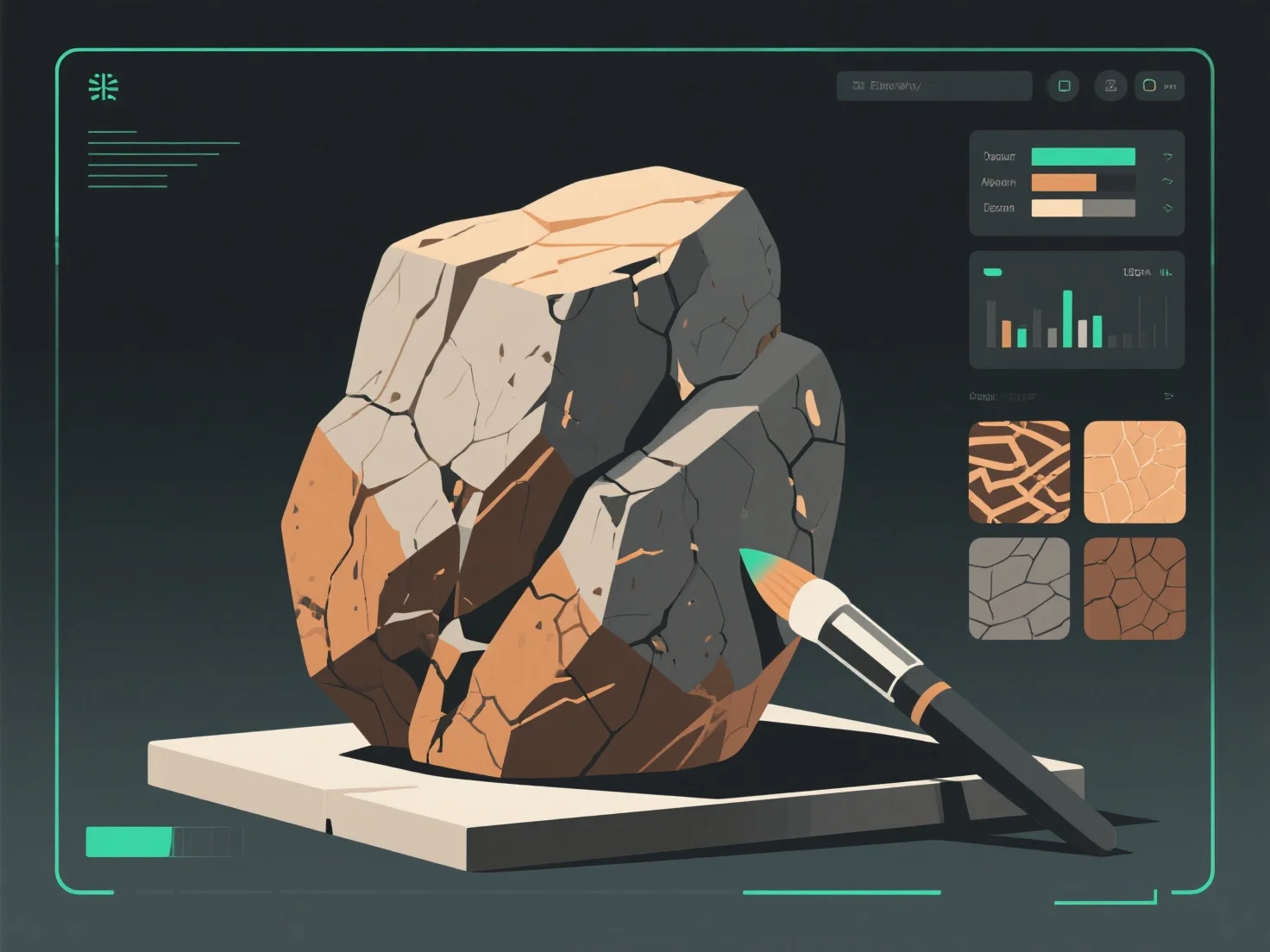
Para criar texturas realistas de pedra e rocha para modelos 3D, concentre-se em replicar características naturais como a rugosidade da superfície, variação de cor e intemperismo, utilizando mapas de textura e análise de referência.
Primeiro, estude amostras reais de rochas: observe detalhes como gradientes de cor (tons terrosos, veios minerais), irregularidades na superfície (rachas, buracos) e sinais de intemperismo (musgo, erosão) para orientar o design da textura.
Em segundo lugar, use mapas de textura chave: os mapas de albedo definem a cor base; os mapas de relevo/deslocamento adicionam profundidade.
Em terceiro lugar, adicione detalhes com software: Ferramentas como o Substance Painter ou o Blender permitem-lhe adicionar elementos finos, como manchas de musgo, manchas de água ou bordas lascadas, para melhorar o realismo, correspondendo à forma como as rochas aparecem na natureza.
Estes passos asseguram que as texturas se alinham com o comportamento real das rochas, aumentando a imersão em jogos, visualizações arquitetónicas ou simulações.