Home/Hitem3D FAQ/What are the best practices for optimizing 3D models for VR applications?

What are the best practices for optimizing 3D models for VR applications?

Optimizing 3D models for VR balances visual quality and performance via reducing polygons, optimizing textures, and streamlining geometry for 90fps+ to prevent motion sickness.

What are the best practices for optimizing 3D models for VR applications?

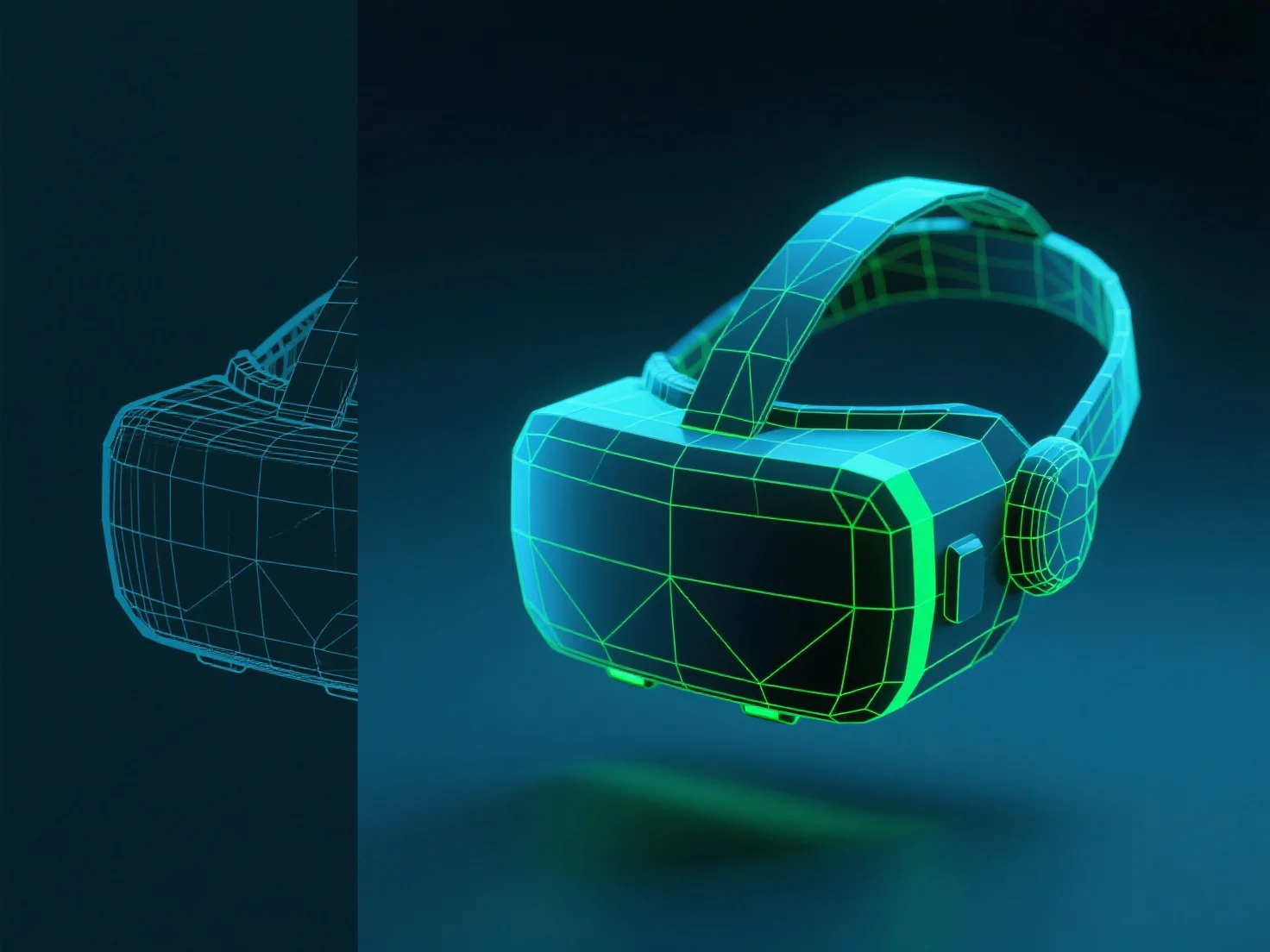
The best practices for optimizing 3D models for VR applications focus on balancing visual quality and performance, ensuring smooth frame rates (typically 90fps+) to prevent motion sickness and enhance immersion. Key steps include reducing polygon count, optimizing textures, and streamlining geometry.

1. Reduce polygon count: Use simplification tools to lower triangle counts, prioritizing essential details while removing redundant geometry to lighten hardware load. 2. Optimize textures: Compress textures to lower resolutions, apply mipmapping for distance-based clarity, and avoid oversized/uncompressed files. 3. Streamline geometry: Remove non-essential elements like hidden faces or overly complex details that don’t impact user perception.

Always align optimizations with the target VR platform’s hardware limits to ensure smooth performance without sacrificing critical immersion.

PreviousNext
제품
웹 스튜디오
API 플랫폼
기능
이미지를 3D로
멀티뷰를 3D로
릴리프
세그멘테이션
모델
일반 모델
인물 모델
리소스
블로그
FAQ
API 문서
회사 소개
가격