Home/Hitem3D FAQ/How do you simulate dirt, grime, and wear on materials in 3D models?

How do you simulate dirt, grime, and wear on materials in 3D models?

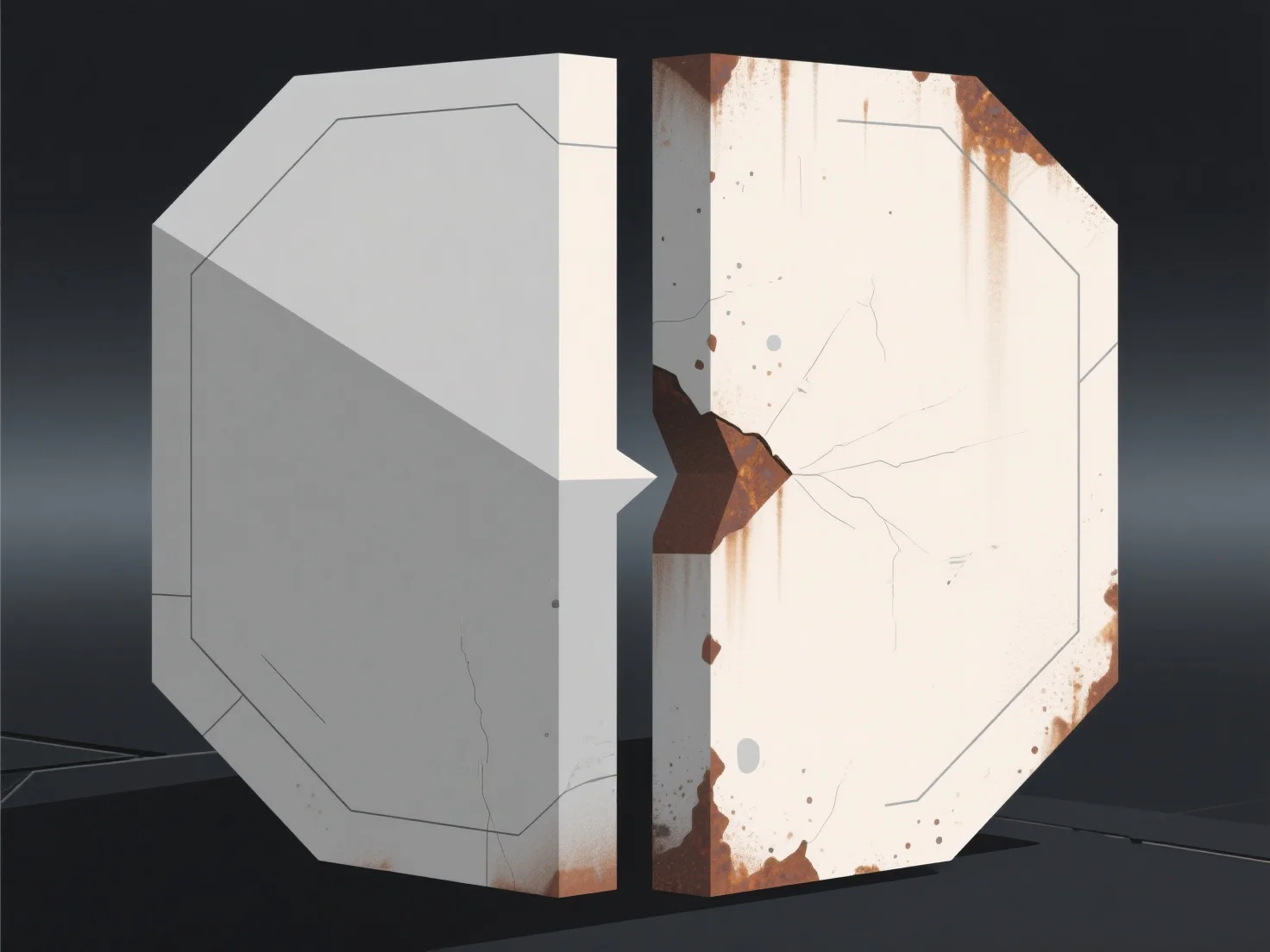
Simulating dirt, grime, and wear on 3D models uses texture maps, material adjustments, and procedural effects for realistic aging.

How do you simulate dirt, grime, and wear on materials in 3D models?

Simulating dirt, grime, and wear on 3D model materials primarily relies on texture maps, material adjustments, and procedural effects to achieve realistic aging.

Texture maps (e.g., dirt masks, roughness maps, or wear stamps) add visual details—such as grime in crevices or faded edges—by overlaying pre-made or custom patterns. Adjusting material properties, like reducing reflectivity for worn areas or increasing roughness for matte, dirty surfaces, enhances depth. Procedural tools in software (e.g., Blender, Substance Painter) generate random, natural wear (e.g., uneven scratches or fading) for organic, non-uniform effects.

Layering these methods—combining texture maps, material tweaks, and procedural noise—best mimics real-world aging.

PreviousNext
제품
웹 스튜디오
API 플랫폼
기능
이미지를 3D로
멀티뷰를 3D로
릴리프
세그멘테이션
모델
일반 모델
인물 모델
리소스
블로그
FAQ
API 문서
회사 소개
가격