Home/Hitem3D FAQ/How do you create realistic textures for wood in 3D modeling?

How do you create realistic textures for wood in 3D modeling?

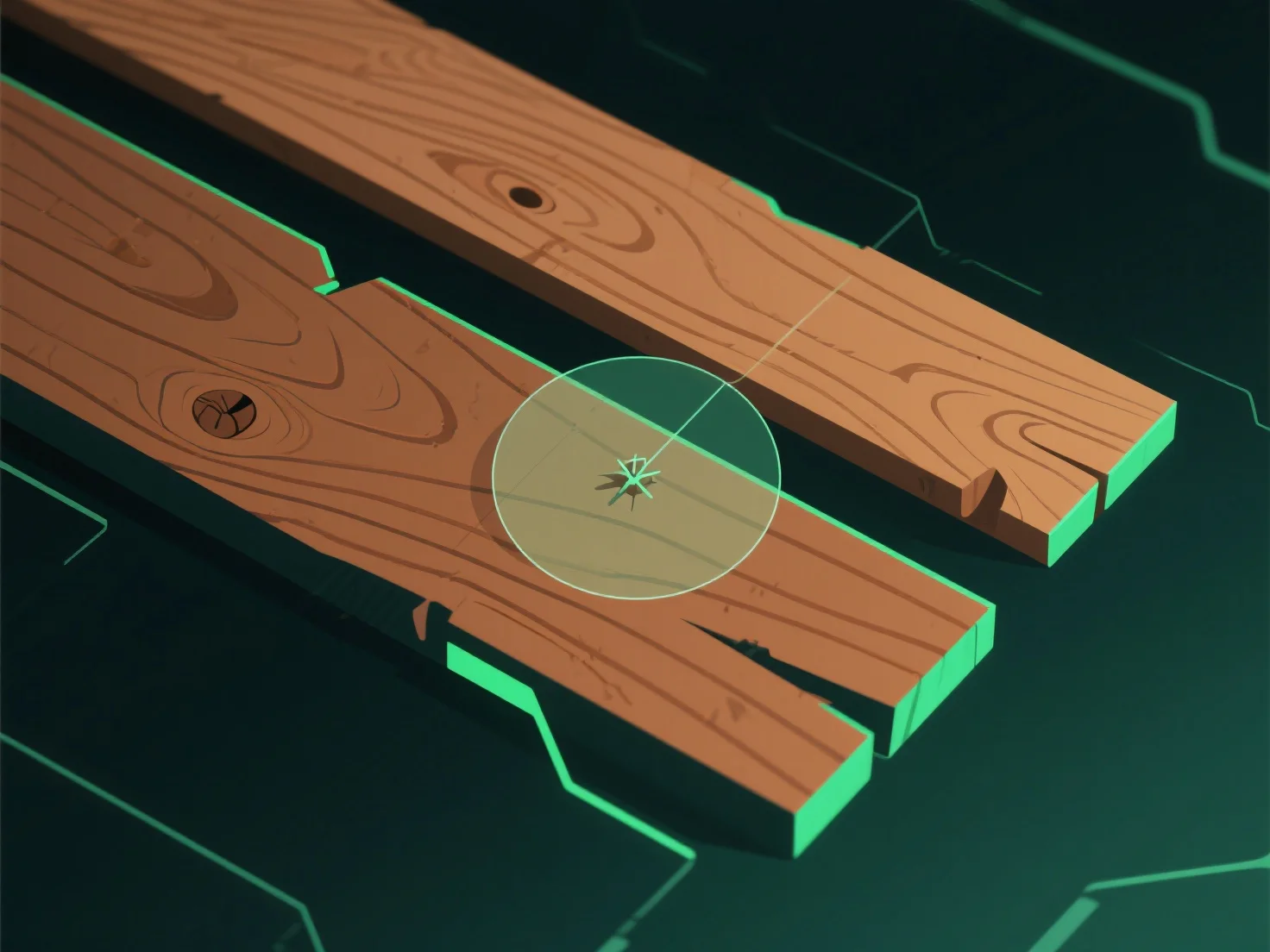
To create realistic 3D wood textures, analyze real wood/photos, use tools for maps, and refine details like grain and flaws.

How do you create realistic textures for wood in 3D modeling?

To create realistic wood textures in 3D modeling, start by analyzing real wood samples or high-resolution reference photos to capture grain patterns, color gradients, and natural imperfections (e.g., knots, cracks), then use texture tools to replicate these details with precise maps and adjustments.

1. **Reference analysis**: Study real wood or photos to note grain direction, color variations (light sapwood/dark heartwood), and flaws like knots or splits. 2. **Texture tool use**: Utilize software (e.g., Substance Painter, Blender) to generate key maps—diffuse (color), bump/normal (grain depth), and displacement (subtle height). 3. **Detail refinement**: Adjust color contrast, add wear (scratches), and align grain with natural growth patterns for authenticity.

PreviousNext
제품
웹 스튜디오
API 플랫폼
기능
이미지를 3D로
멀티뷰를 3D로
릴리프
세그멘테이션
모델
일반 모델
인물 모델
리소스
블로그
FAQ
API 문서
회사 소개
가격