Home/Hitem3D FAQ/How do you adapt 3D assets for performance optimization across different platforms?

How do you adapt 3D assets for performance optimization across different platforms?

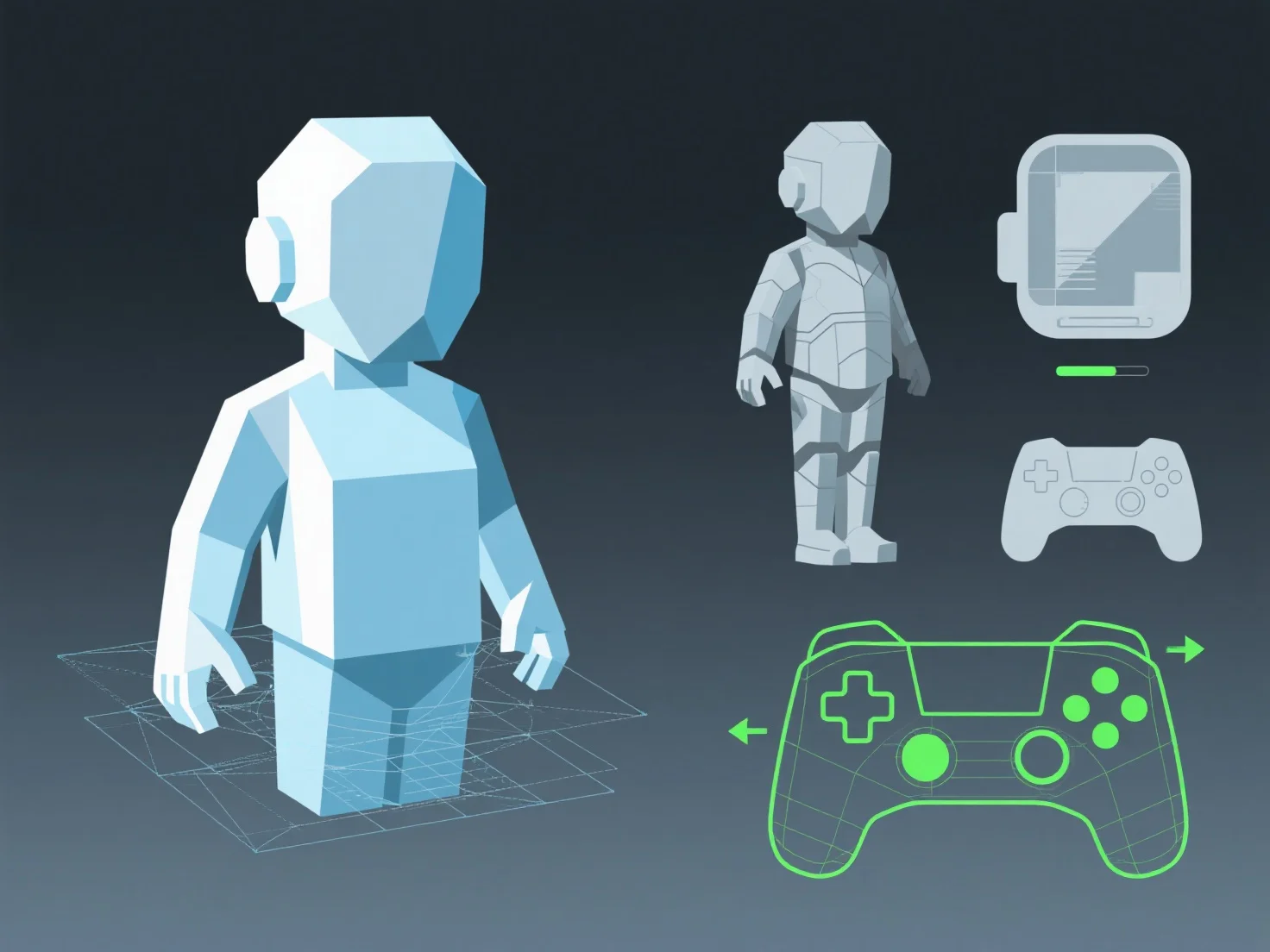
Adapting 3D assets for cross-platform optimization balances quality via geometry, texture, and animation adjustments, automated by LOD systems.

How do you adapt 3D assets for performance optimization across different platforms?

Adapting 3D assets for performance optimization across different platforms involves balancing visual quality with target hardware’s processing and memory limits, achieved through tailored adjustments to geometry, textures, and animations.

- **Simplify geometry**: Reduce polygon counts by simplifying mesh details (e.g., removing non-essential vertices) to lower GPU load, critical for mobile devices with limited processing power. - **Optimize textures**: Downscale resolutions and use compressed formats (e.g., ASTC for mobile, BC for desktops) to reduce memory usage without significant quality loss. - **Streamline animations**: Lower keyframe density or use baked animations to decrease CPU/GPU overhead, ensuring smooth playback on lower-end platforms.

Tools like LOD (Level of Detail) systems automate these adjustments, ensuring assets run efficiently across devices while maintaining acceptable visual standards.

PreviousNext
제품
웹 스튜디오
API 플랫폼
기능
이미지를 3D로
멀티뷰를 3D로
릴리프
세그멘테이션
모델
일반 모델
인물 모델
리소스
블로그
FAQ
API 문서
회사 소개
가격