Home/Hitem3D FAQ/How do lights and cameras interact with 3D components in a scene?

How do lights and cameras interact with 3D components in a scene?

Lights illuminate 3D components for realism, cameras capture from viewpoints, their synergy brings 3D to life.

How do lights and cameras interact with 3D components in a scene?

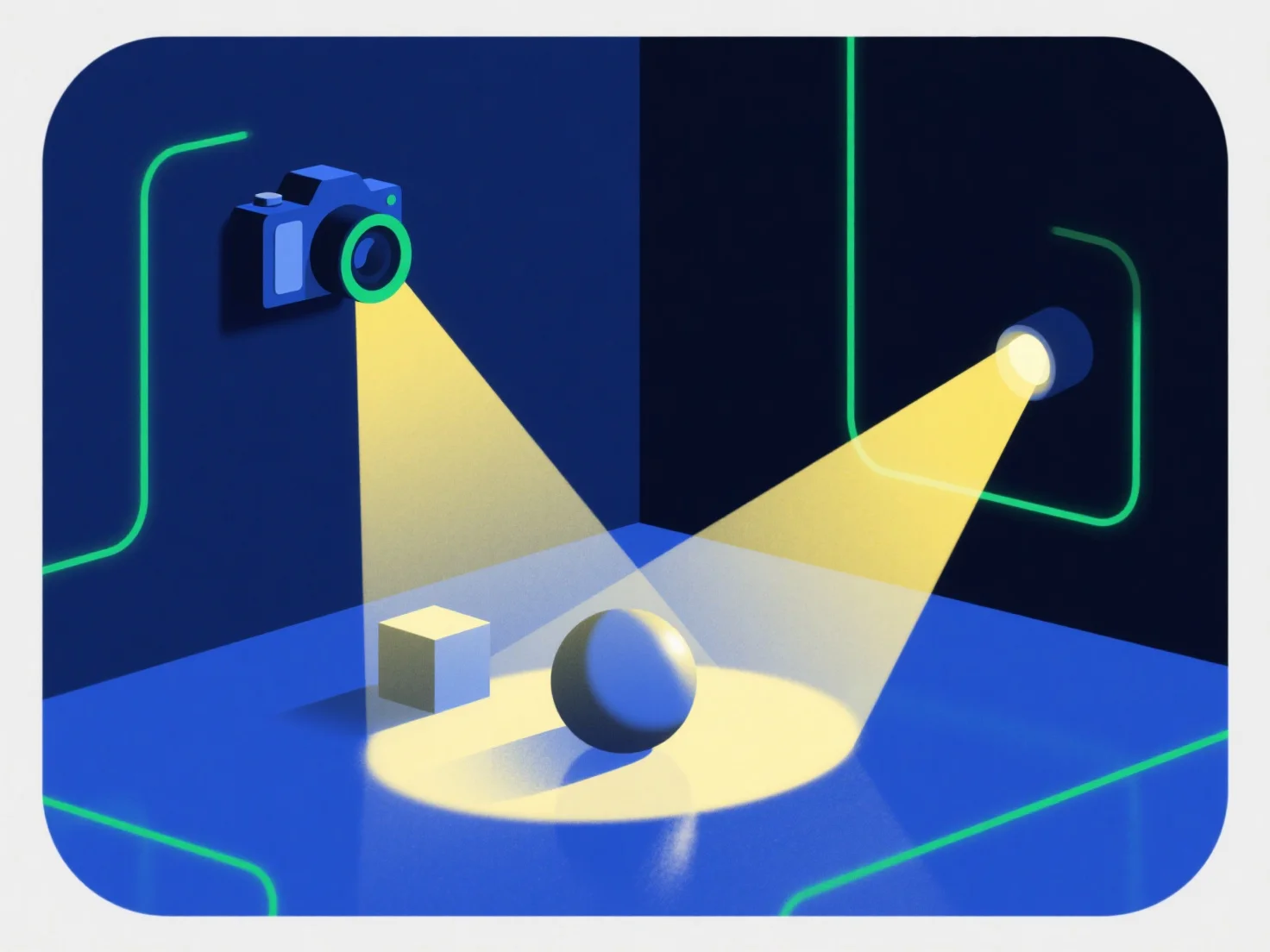
Lights and cameras interact with 3D components by collaborating to generate realistic visuals: lights illuminate components to define their brightness, color, and texture, while cameras capture the illuminated scene from a specific viewpoint to produce the final rendered image.

Lights simulate real-world effects like shadows, highlights, and texture enhancement, making 3D components appear tangible—without proper lighting, components may look flat or unrealistic.

Cameras control visibility by adjusting position, angle, and field of view, determining which parts of the 3D components are shown and their perspective. A poorly positioned camera might obscure key details.

This synergy is critical for realism: balanced lighting and strategic camera framing bring 3D components to life. For beginners, starting with basic point lights and a fixed camera angle helps easily observe how changes affect the component’s appearance.

PreviousNext
제품
웹 스튜디오
API 플랫폼
기능
이미지를 3D로
멀티뷰를 3D로
릴리프
세그멘테이션
모델
일반 모델
인물 모델
리소스
블로그
FAQ
API 문서
회사 소개
가격