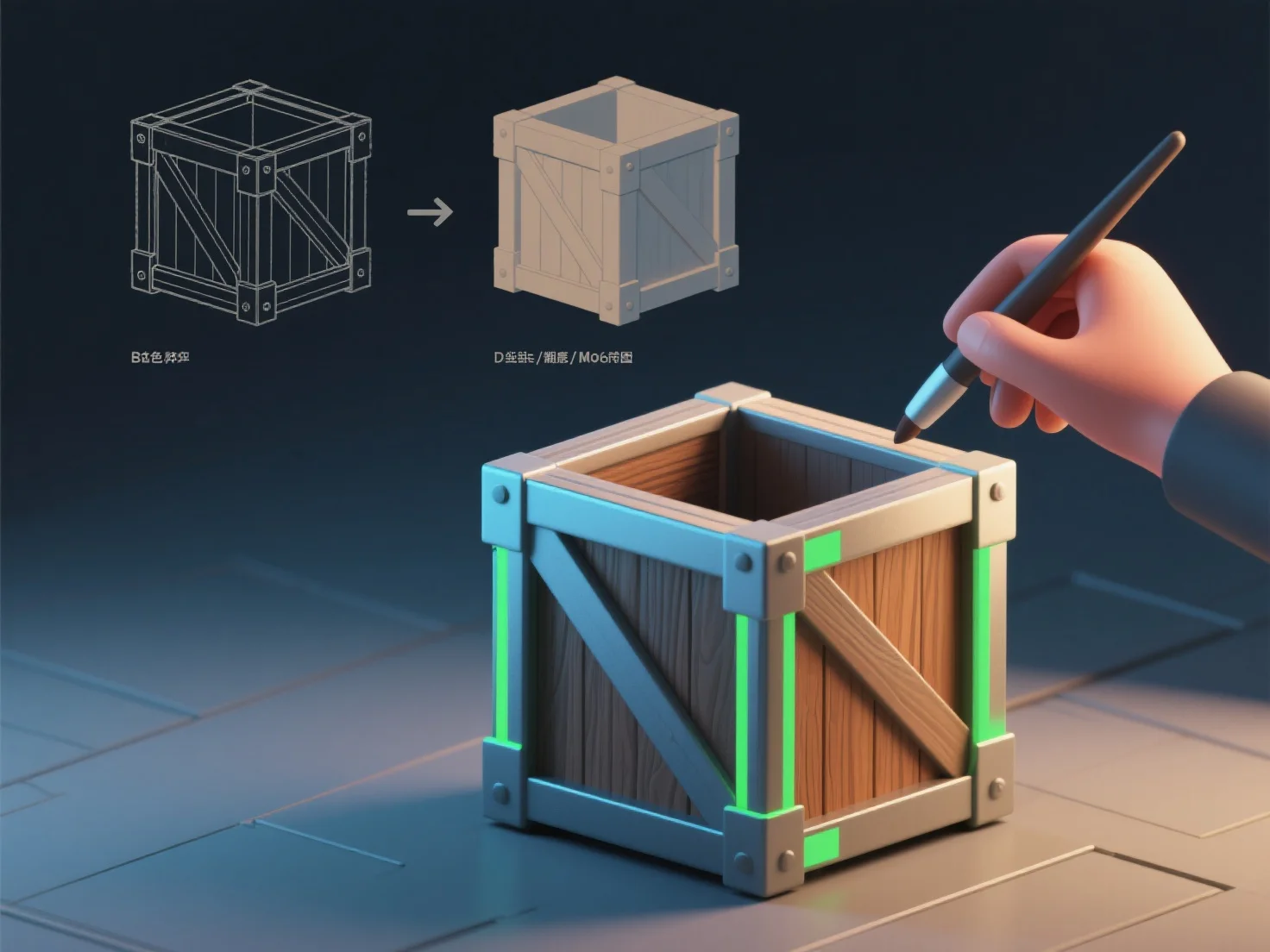
立体モデリングのテクスチャリングプロセスは、通常、4つの主要なステップで構成されます。UVアンラッピング、テクスチャの作成/インポート、テクスチャの適用、そして詳細調整です。 UVアンラッピングは、3Dモデルの表面を2Dレイアウトに変換し、テクスチャが歪みなく配置されるようにします。 テクスチャの作成/インポートでは、カスタムテクスチャを作成するか(Substance Painterなどのソフトウェアを使用)、テクスチャライブラリから既製のテクスチャをインポートすることができます。 テクスチャの適用は、これらの2D画像をモデルの表面にマッピングし、2Dテクスチャを3Dジオメトリにリンクするものです。 詳細調整では、色、ラフネス、ノーマルマップなどのプロパティを微調整し、現実感を高め、自然な結果を得ることができます。 初心者の方は、ユーザーフレンドリーなツールを使用することをお勧めします。


3Dモデリングのテクスチャリングプロセスにはどのようなステップが関わってくるのでしょうか?
3Dモデリングとテクスチャリングには、UVのアンラッピング、テクスチャの作成/インポート、適用、そして詳細な調整という4つの基本ステップがあります。初心者向けのツールがこれらのステップを簡単に処理してくれます。