Home/Hitem3D FAQ/How do you optimize the topology of a 3D model for animation?

How do you optimize the topology of a 3D model for animation?

Optimize 3D model topology with clean, movement-aligned edge flow and quad polygons for smooth animation deformation.

How do you optimize the topology of a 3D model for animation?

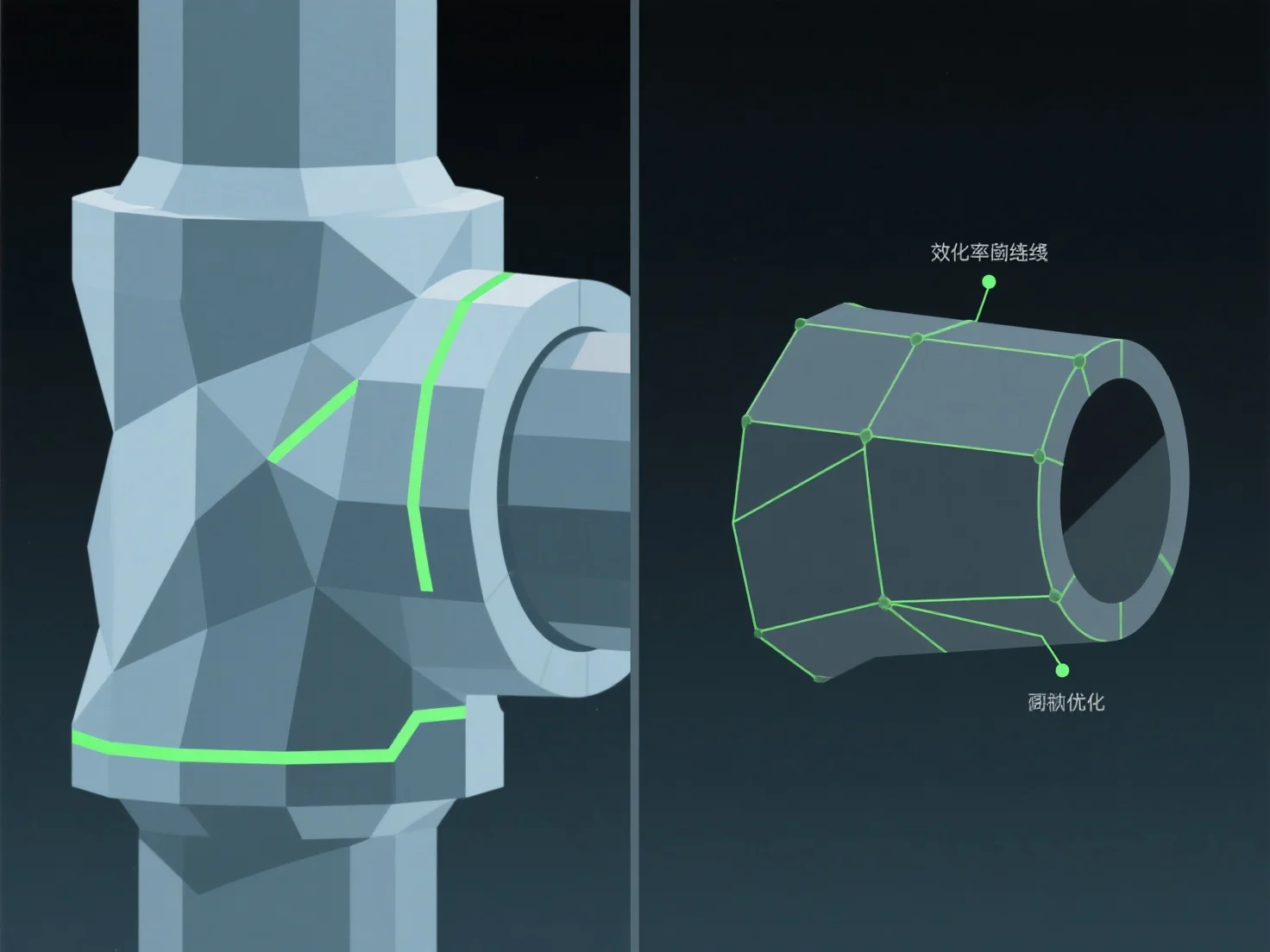
To optimize the topology of a 3D model for animation, focus on clean edge flow aligned with natural movement paths and use quad-dominant polygons. This ensures smooth deformation during rigging and animation, avoiding issues like mesh stretching or pinching at joints.

Key practices include: - Aligning edge loops with articulation points (e.g., elbows, knees) to support natural bending and twisting. - Maintaining even polygon density to distribute movement stress evenly across the mesh.

For complex, high-movement areas, add targeted edge loops to enhance flexibility without overcomplicating the mesh, making rigging and animation more efficient.

PreviousNext
製品
Webスタジオ
APIプラットフォーム
機能
画像から3Dへ
マルチビューから3Dへ
リリーフ
セグメンテーション
モデル
汎用モデル
ポートレートモデル
リソース
ブログ
よくある質問
APIドキュメント
私たちについて
料金