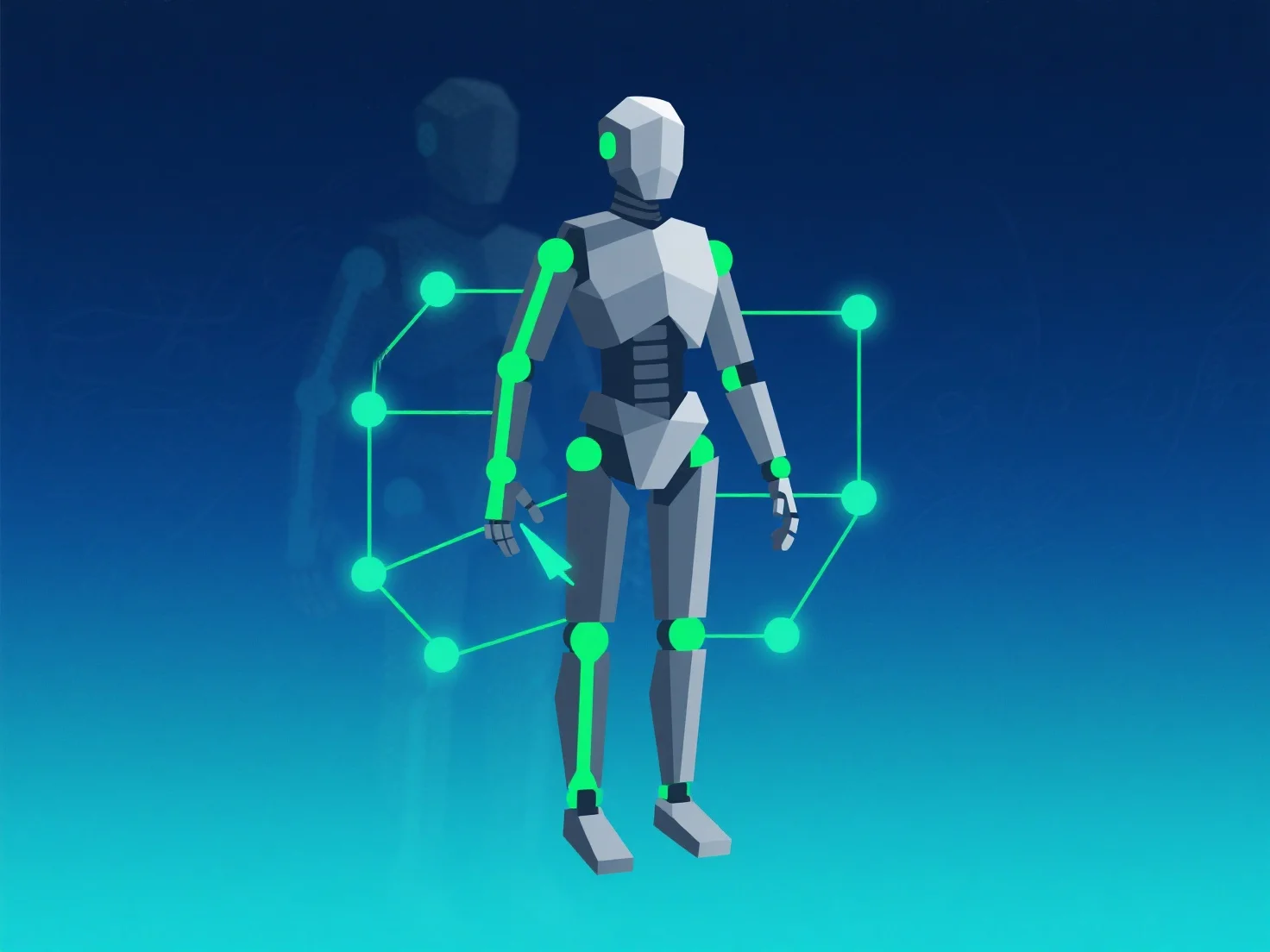
To optimize rigging and animation for better performance, focus on reducing computational load through streamlined bone setups, LOD (Level of Detail) usage, and animation data optimization.
First, simplify bone count and controller setups: Limit bones to essential ones and avoid overly complex controllers, as fewer moving components reduce processing demands.
Second, implement LOD for animations: Apply simpler rigs or lower-detail animations to objects at a distance, minimizing per-frame calculations.
Third, bake and compress animations: Pre-calculate complex animations into baked data and use compression tools to reduce file size and runtime load.
These steps balance quality and efficiency, ensuring smooth performance across devices.