Home/Hitem3D FAQ/How do you integrate lighting tools with 3D modeling for better scene management?

How do you integrate lighting tools with 3D modeling for better scene management?

Integrating lighting tools with 3D modeling involves aligning parameters, syncing with use cases, and using templates for realism and efficiency.

How do you integrate lighting tools with 3D modeling for better scene management?

Integrating lighting tools with 3D modeling for better scene management requires aligning lighting parameters with the model’s structure, materials, and context to enhance realism and workflow efficiency.

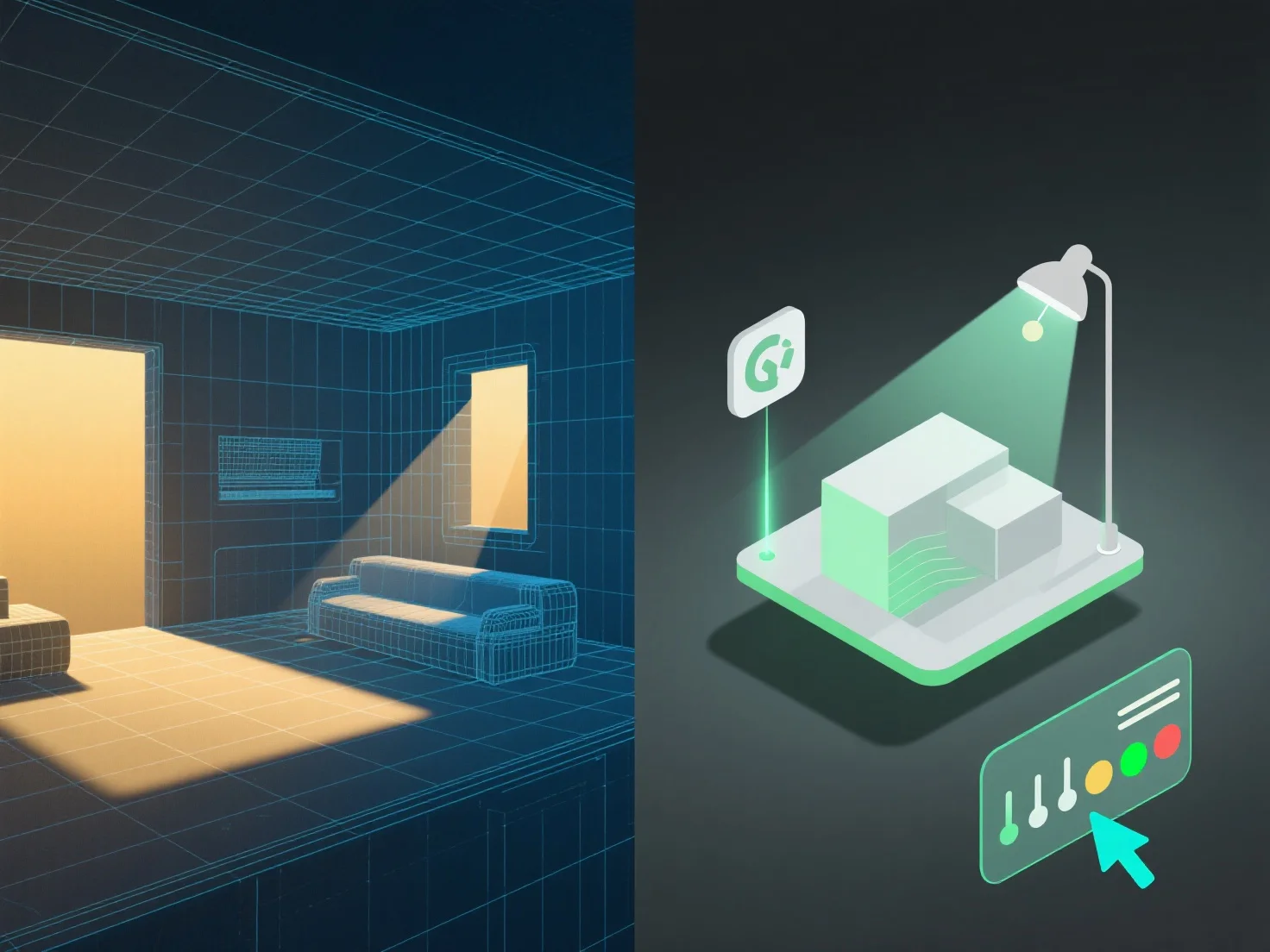
First, link light sources (directional, point, or area lights) to the model’s geometry and texture details. This ensures accurate light interactions like shadow casting, reflections, and refractions, mimicking real-world behavior.

Second, sync lighting with scene use cases: In architectural visualization, align with model dimensions to simulate natural light (e.g., sunlight through windows). In game development, tie dynamic lighting to model animations for consistent scene states (e.g., moving objects affecting shadows).

Third, use lighting templates for frequent model changes. Templates auto-update with adjustments to the model, maintaining consistent lighting without manual tweaks, streamlining management.

By combining these steps, lighting and 3D models work in harmony, ensuring realistic, efficiently managed scenes.

PreviousNext
製品
Webスタジオ
APIプラットフォーム
機能
画像から3Dへ
マルチビューから3Dへ
リリーフ
セグメンテーション
モデル
汎用モデル
ポートレートモデル
リソース
ブログ
よくある質問
APIドキュメント
私たちについて
料金