Home/Hitem3D FAQ/How do you convert a high-poly model to a low-poly one while maintaining detail?

How do you convert a high-poly model to a low-poly one while maintaining detail?

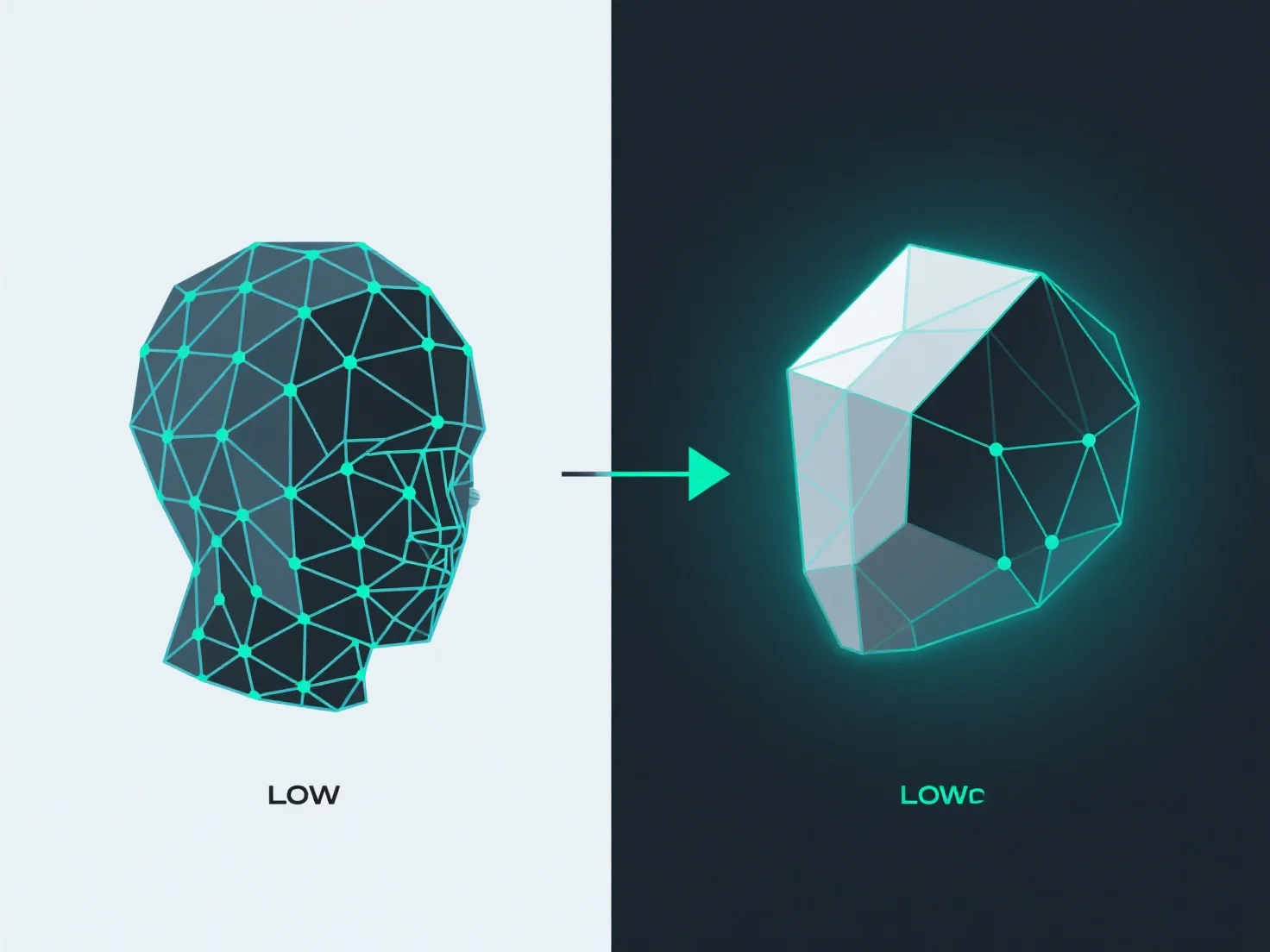
High-poly to low-poly conversion maintains detail via retopology (simplified geometry) and texture baking (detail transfer).

How do you convert a high-poly model to a low-poly one while maintaining detail?

To convert a high-poly model to a low-poly one while maintaining detail, the key is combining simplified geometry (retopology) with detail transfer via texture baking.

Retopology creates a lower-polygon mesh with clean, optimized edge flow—reducing vertex/face count while preserving the model’s core shape. Tools like Blender’s Retopoflow or Maya’s Quad Draw simplify this by letting users rebuild meshes manually or semi-automatically, ensuring efficient topology.

Baking transfers high-poly surface details (e.g., wrinkles, bumps, patterns) to texture maps (normal, displacement, ambient occlusion). Software such as Substance Painter or Marmoset Toolbag projects these details from the high-poly to the low-poly model, storing them in textures that mimic the original complexity visually.

Together, retopology and baking balance polygon reduction with detail retention: the low-poly mesh stays efficient, while baked textures maintain the illusion of high detail.

PreviousNext
製品
Webスタジオ
APIプラットフォーム
機能
画像から3Dへ
マルチビューから3Dへ
リリーフ
セグメンテーション
モデル
汎用モデル
ポートレートモデル
リソース
ブログ
よくある質問
APIドキュメント
私たちについて
料金