Home/Hitem3D FAQ/How do 3D modelers create realistic animations for product demonstrations?

How do 3D modelers create realistic animations for product demonstrations?

3D modelers make realistic product demo animations via 3D modeling, rigging, keyframe animation, and material/texture simulation.

How do 3D modelers create realistic animations for product demonstrations?

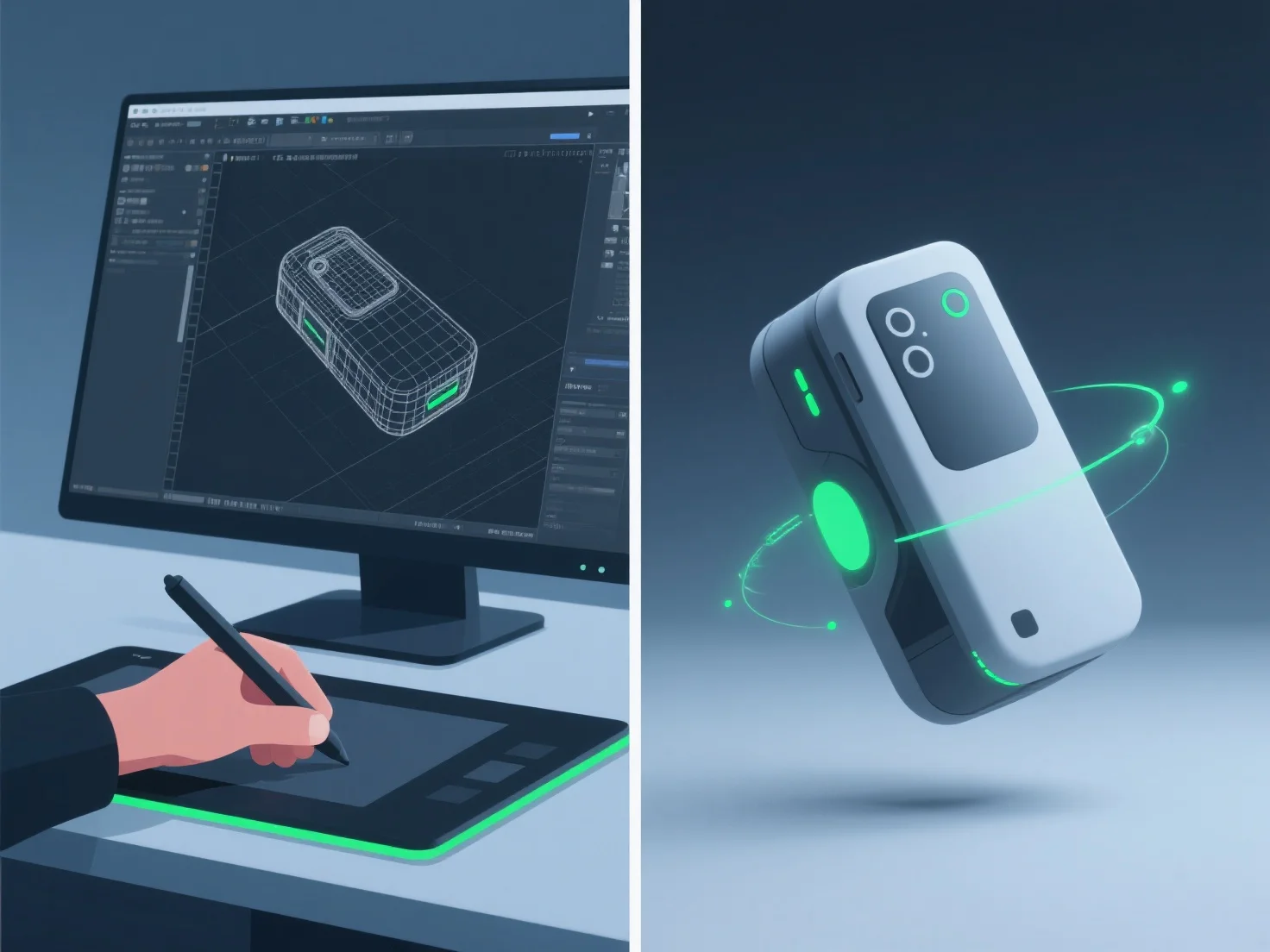
3D modelers create realistic product demonstration animations by integrating detailed 3D modeling, precise rigging, keyframe animation, and material/texture simulation, ensuring accurate product form, movement, and surface details.

- **3D Modeling**: Build detailed digital replicas, capturing exact dimensions and features to mirror the real product. - **Rigging**: Add skeletal structures to enable natural movement, like lid hinges or button presses, mimicking real-world mechanics. - **Keyframe Animation**: Set key poses to define motion sequences, aligning timing with how the product functions in reality (e.g., smooth lid opening). - **Material/Texture Simulation**: Apply realistic surface properties—such as metal reflectivity or plastic matte finish—to enhance visual authenticity.

This combination ensures animations reflect the product’s actual usage, making demonstrations both realistic and engaging.

PreviousNext
製品
Webスタジオ
APIプラットフォーム
機能
画像から3Dへ
マルチビューから3Dへ
リリーフ
セグメンテーション
モデル
汎用モデル
ポートレートモデル
リソース
ブログ
よくある質問
APIドキュメント
私たちについて
料金