Home/Hitem3D FAQ/How can you create realistic fabric textures in 3D models?

How can you create realistic fabric textures in 3D models?

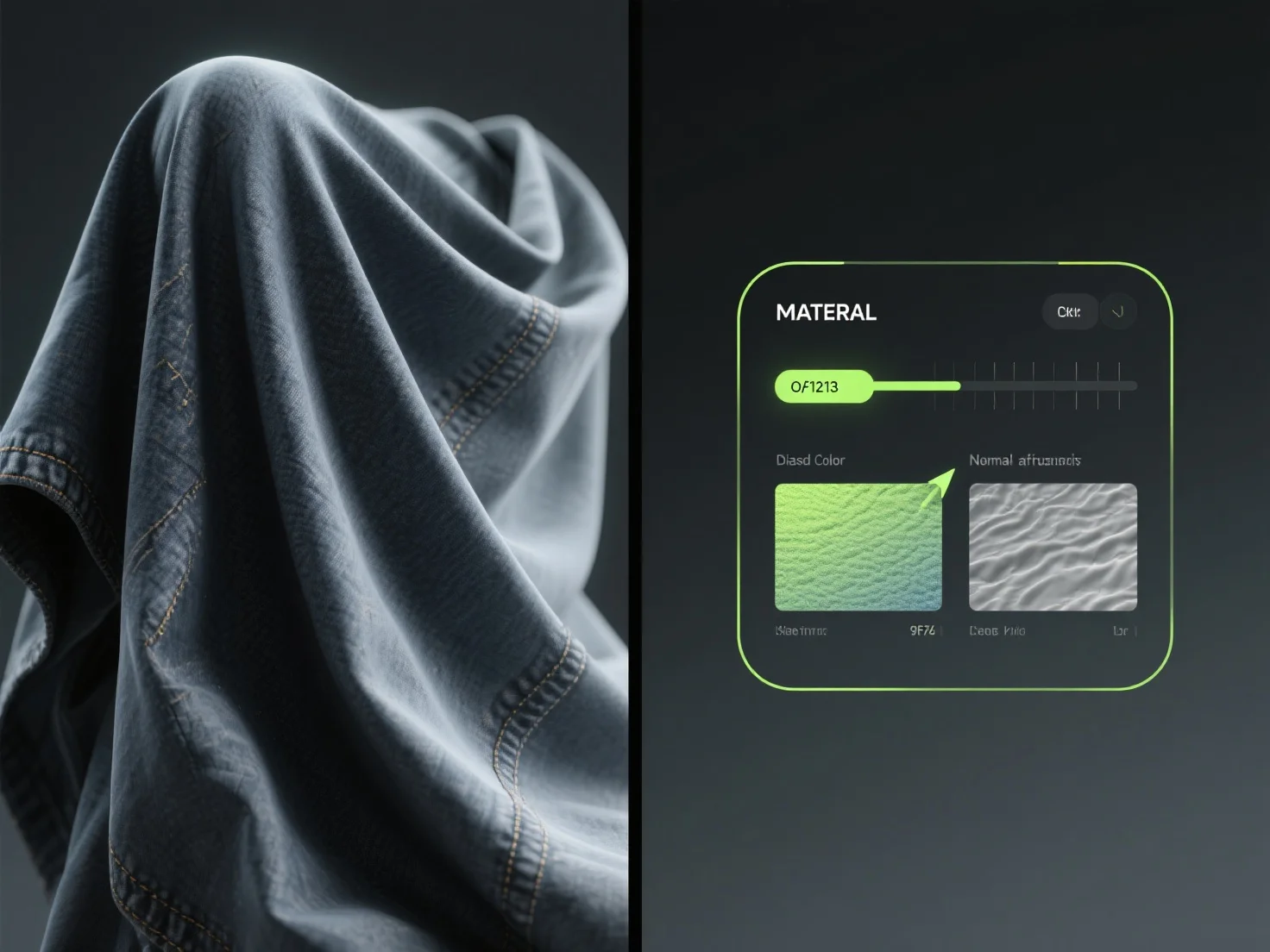
To create realistic 3D fabric textures, use texture maps, adjust materials, apply simulations, and start with simple fabrics.

How can you create realistic fabric textures in 3D models?

To create realistic fabric textures in 3D models, combine texture maps, material adjustments, and simulation tools.

Use high-resolution texture maps (e.g., bump, displacement) to replicate surface details like weave patterns or stitching. Adjust material parameters—such as roughness and specularity—to simulate light interaction, mimicking how fabric reflects or absorbs light. Apply cloth simulation tools to capture natural wrinkles, drape, or tension, enhancing realism.

For better results, start with simple fabrics (e.g., cotton) using basic albedo and bump maps to build foundational skills before moving to complex materials like velvet or satin.

PreviousNext
製品
Webスタジオ
APIプラットフォーム
機能
画像から3Dへ
マルチビューから3Dへ
リリーフ
セグメンテーション
モデル
汎用モデル
ポートレートモデル
リソース
ブログ
よくある質問
APIドキュメント
私たちについて
料金