


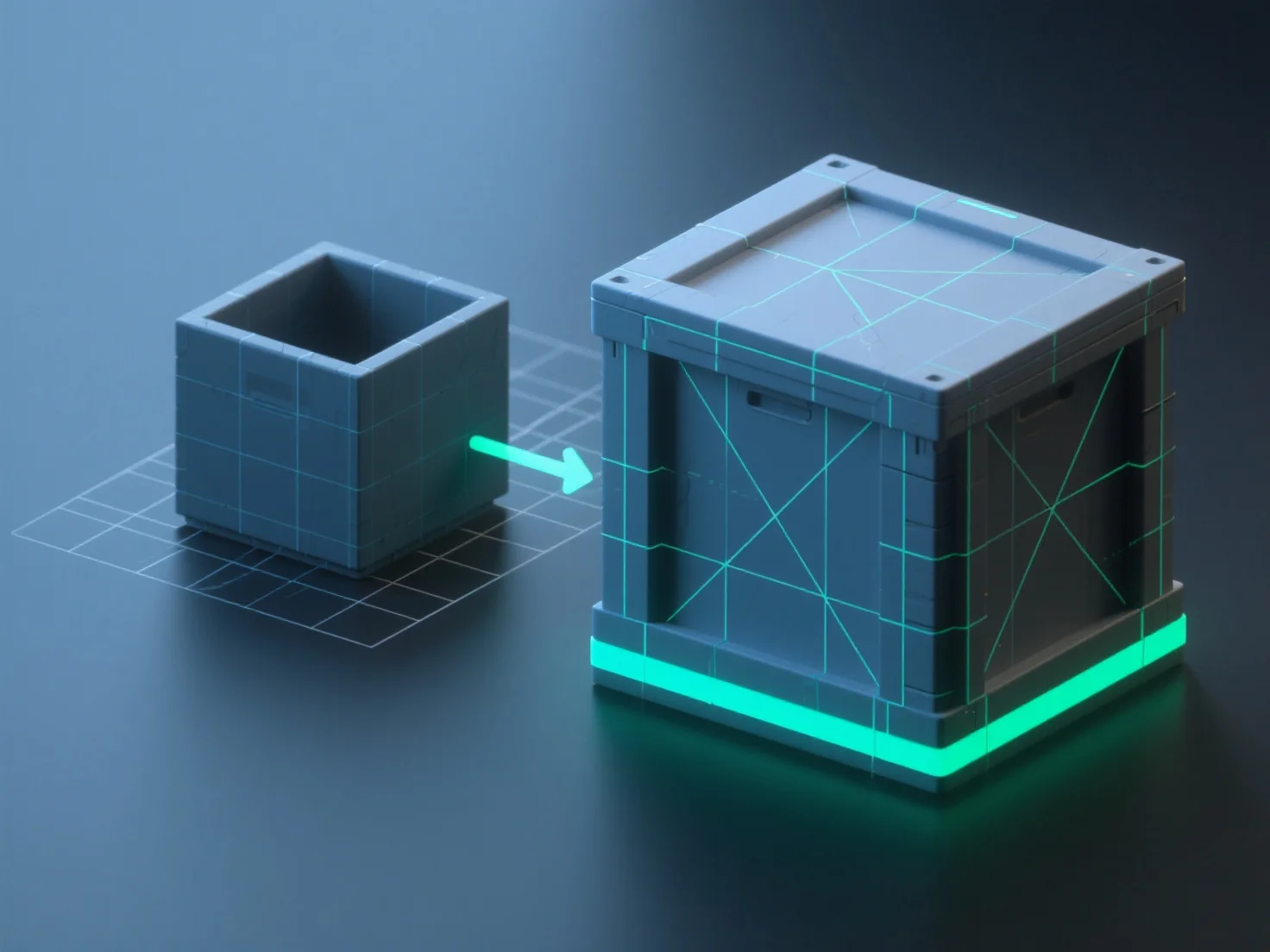
Alat umum untuk pemetaan UV dan baking tekstur dalam pemodelan 3D termasuk Blender, Substance Painter, Marmoset Toolbag, dan Maya, yang mempermudah membongkar model 3D menjadi tata letak UV 2D dan mentransfer detailnya.
- **Blender**: Opsi gratis dan open-source yang mengintegrasikan pengeditan UV dan baking, cocok untuk alur kerja dasar hingga menengah. - **Substance Painter**: Sering dipasangkan dengan Substance Designer, ini mengkhususkan diri dalam baking dengan dukungan material cerdas, ideal untuk pembuatan tekstur terperinci. - **Marmoset Toolbag**: Disukai untuk hasil baking berkualitas tinggi dan pratinjau rendering waktu nyata, bagus untuk pemeriksaan tekstur terakhir. - **Maya**: Perangkat lunak 3D profesional dengan alat UV canggih untuk unwrapping model kompleks, dipasangkan dengan fitur baking untuk alur kerja industri.
Untuk pemula, Blender sangat praktis (gratis, terintegrasi); untuk hasil yang lebih baik, pertimbangkan Substance Painter yang dikombinasikan dengan Marmoset Toolbag.