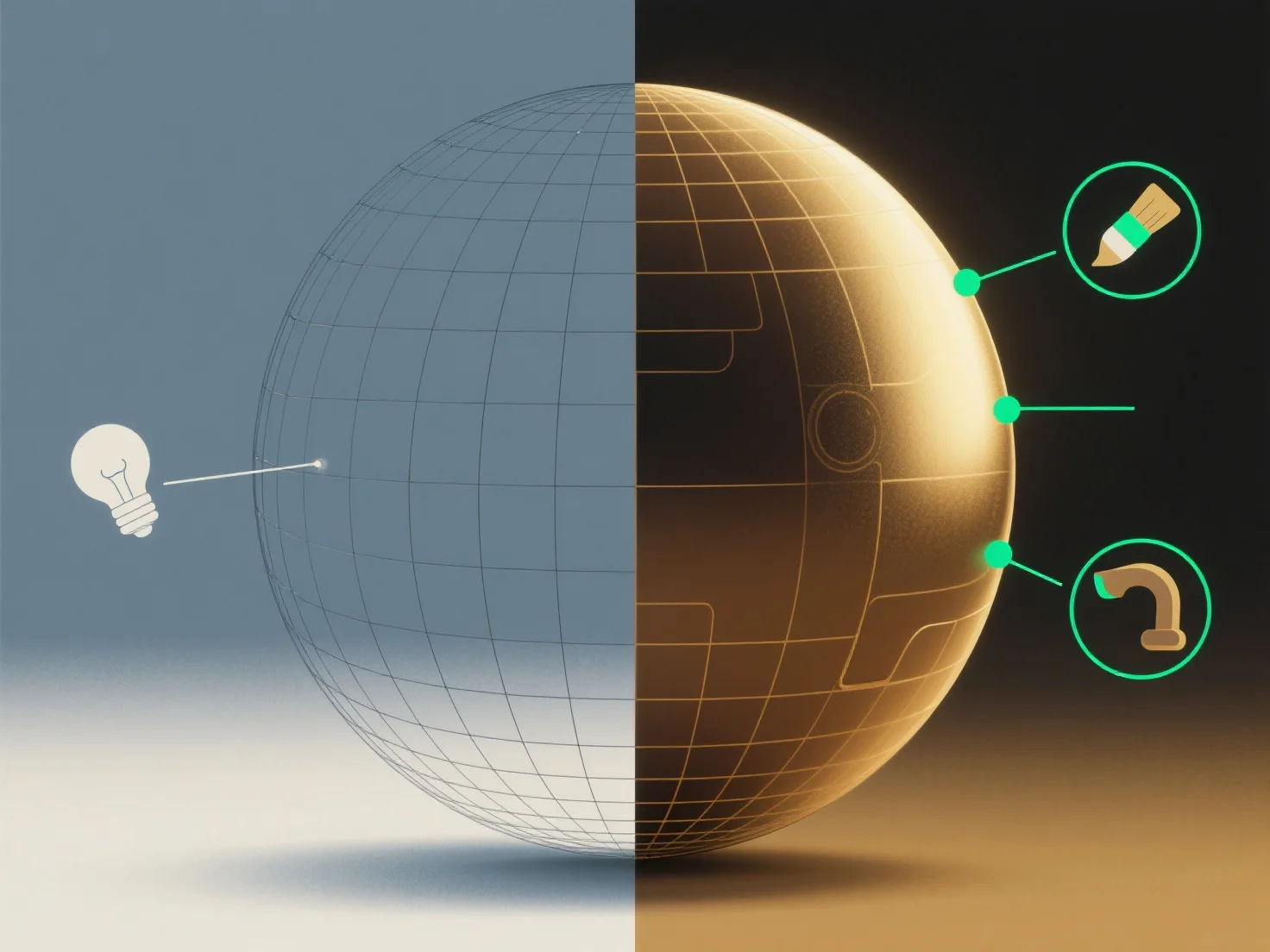
Rendering tools directly influence a 3D model’s realism by simulating real-world visual elements—light, materials, and textures—to generate lifelike 2D images or animations.
Key ways they enhance realism include: - **Light simulation**: Techniques like global illumination and ray tracing mimic how light bounces, scatters, or is absorbed, adding depth and natural shadow details. - **Material/texture rendering**: Shaders replicate surface properties (e.g., gloss, roughness, fabric weave), making materials like metal or wood look authentic. - **Advanced features**: Physically Based Rendering (PBR) uses real-world physics to simulate light-material interactions, ensuring accurate reflections and refractions, critical for high realism.
By integrating these elements, rendering tools bridge the gap between 3D models and real-world visuals, directly boosting their perceived realism.