


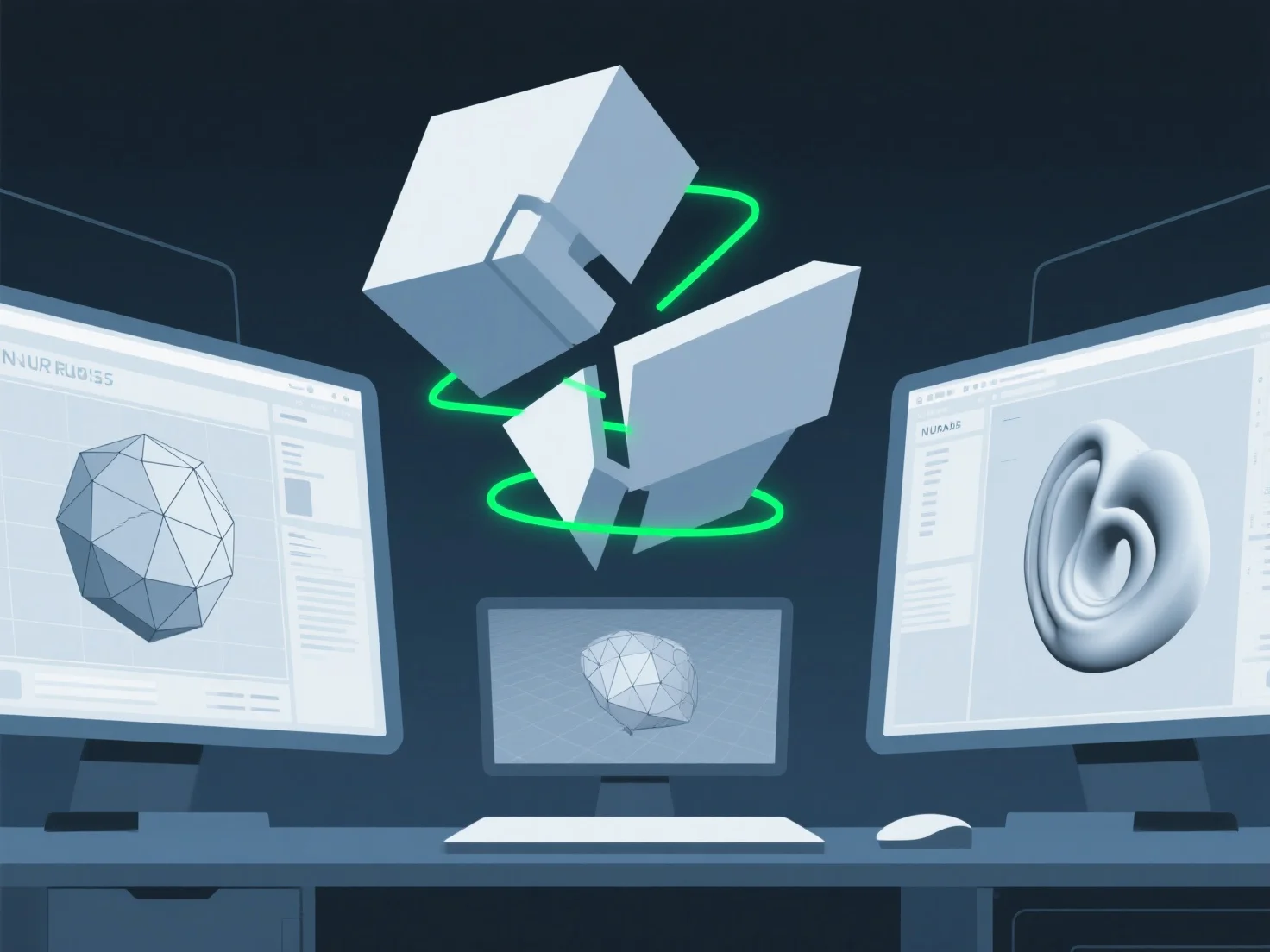
Saat berkolaborasi dengan berbagai alat 3D dalam sebuah tim, tantangan utamanya adalah ketidakcocokan format file, yang mengakibatkan gangguan transfer data dan inefisiensi alur kerja.
Tantangan utama termasuk: - **Kehilangan atau kerusakan data**: Mentransfer model antar alat (misalnya, Blender, Maya, CAD) sering kali mengakibatkan hilangnya detail seperti shader kustom, rigging, atau data animasi karena keterbatasan format proprietary. - **Ketidakcocokan tekstur/geometri**: Tekstur mungkin kehilangan resolusi atau gagal ditampilkan, sedangkan geometri dapat terdistorsi karena alat tersebut menggunakan standar mesh yang berbeda, menyebabkan kesalahan penyelarasan. - **Kesenjangan spesialisasi alat**: Tim yang menggunakan perangkat lunak khusus.
Untuk mengurangi hal tersebut, adopsi format universal (OBJ, FBX) atau gunakan plugin konversi untuk menyederhanakan aliran data dan mengurangi hambatan kolaborasi.