


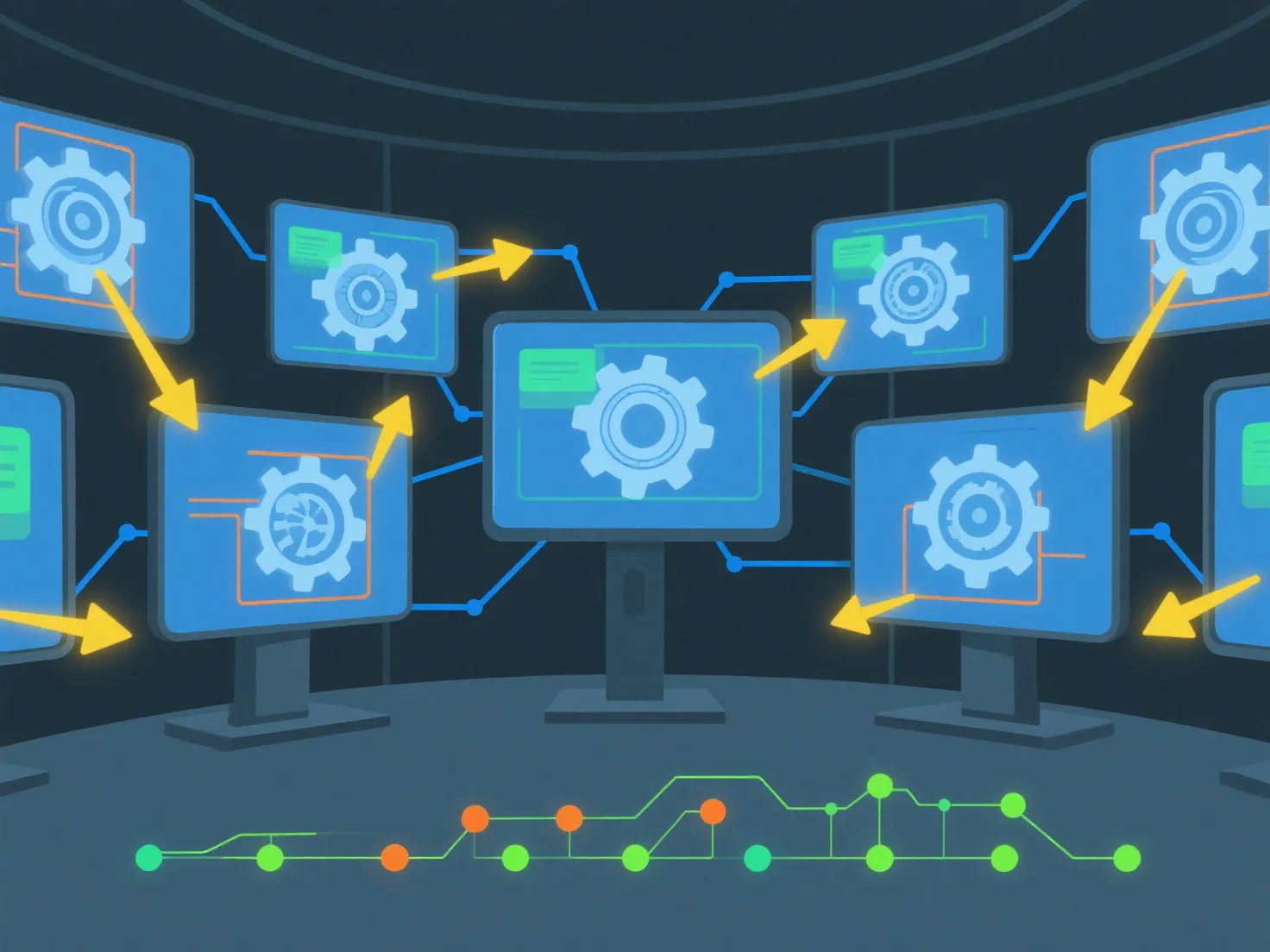
Untuk membagikan aset 3D dan melacak perubahan secara real-time menggunakan perangkat lunak kolaboratif, mulailah dengan mengunggah file 3D ke ruang kerja cloud bersama dan mengonfigurasi izin akses tim. Pengaturan ini memungkinkan tampilan/penyuntingan secara simultan dan secara otomatis mencatat riwayat perubahan untuk transparansi.
Pertama, unggah dan atur akses: Tambahkan file 3D.
Selanjutnya, aktifkan kolaborasi real-time: Gunakan alat dengan sinkronisasi langsung untuk memungkinkan beberapa pengguna bekerja pada aset yang sama secara bersamaan, menghindari konflik versi.
Akhirnya, lacak perubahan secara otomatis: Perangkat lunak ini mencatat pengeditan dengan pengguna, stempel waktu, dan detail modifikasi, sehingga tim dapat meninjau riwayat atau mengembalikan versi dengan mudah.
Ini memastikan berbagi yang mulus, pembaruan waktu nyata, dan keterlacakan perubahan yang jelas untuk kerja sama tim aset 3D yang efisien.