Home/Hitem3D FAQ/What are the main differences between .tif and .png textures in 3D modeling?

What are the main differences between .tif and .png textures in 3D modeling?

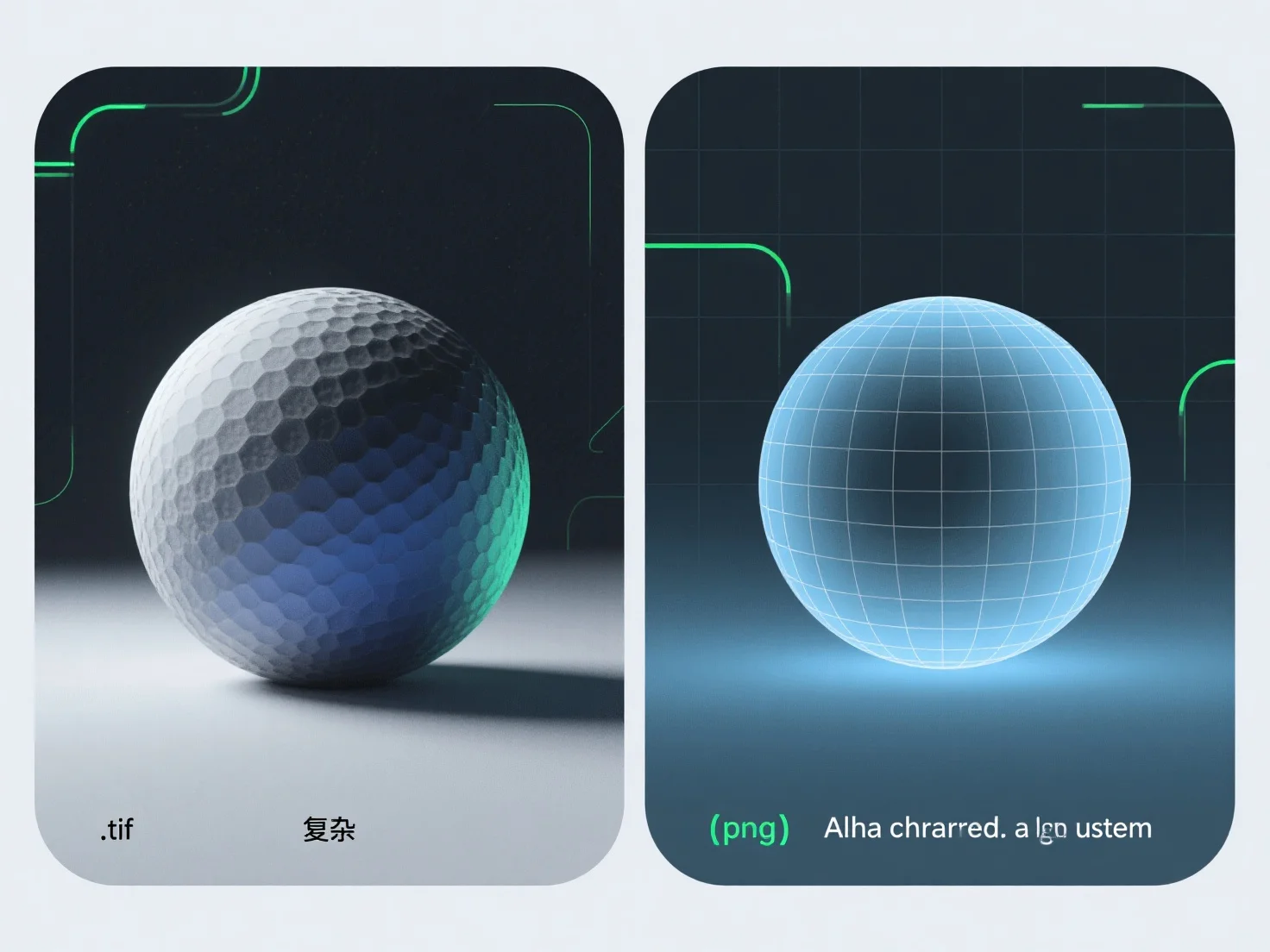
In 3D modeling, .tif and .png textures differ in compression, transparency, color depth, and use cases.

What are the main differences between .tif and .png textures in 3D modeling?

In 3D modeling, the main differences between .tif and .png textures lie in compression, transparency support, and color depth.

TIF (Tagged Image File Format) uses lossless compression and supports higher color depths (e.g., 16-bit, 32-bit), making it ideal for high-quality source textures like detailed color maps or height maps. PNG (Portable Network Graphics), also lossless, features built-in alpha channel support for transparency, often used for textures needing see-through elements such as decals or UI overlays in 3D scenes.

For textures requiring precise color data (e.g., PBR albedo maps), TIF is preferred; for transparency with smaller file sizes, PNG is a better choice.

PreviousNext
Produk
Web Studio
Platform API
Fitur
Gambar ke 3D
Multi-view ke 3D
Relief
Segmentasi
Model
Model Umum
Model Potret
Sumber Daya
Blog
FAQ
Dokumentasi API
Tentang Kami
Harga