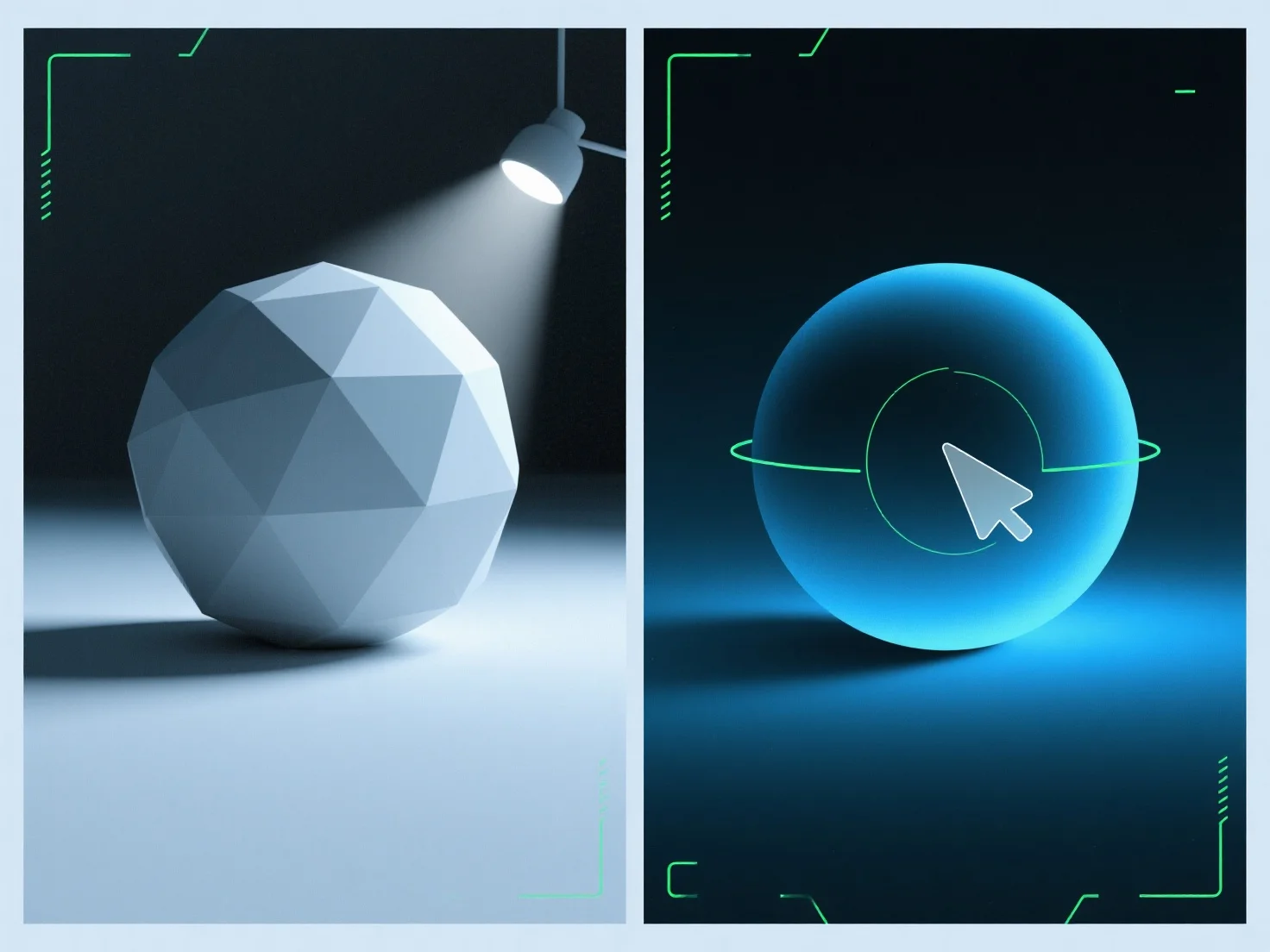
Cahaya ambien mengisi bayangan dalam render 3D dengan menambahkan pencahayaan yang seragam dan tidak terarah untuk melembutkan tepi bayangan dan mengurangi kedalamannya, menyeimbangkan pencahayaan keseluruhan adegan. Sebagai sumber cahaya yang tersebar dan tidak terarah, ini mencerahkan area bayangan yang mungkin tampak terlalu gelap atau datar, menghindari bayangan baru tidak seperti lampu terarah (misalnya, matahari, lampu sorot). Sesuaikan intensitasnya untuk menyempurnakan: nilai yang lebih rendah mempertahankan kedalaman bayangan untuk drama, sedangkan nilai yang lebih tinggi menciptakan adegan yang lebih lembut dan terang secara merata. Ini memastikan bayangan tetap alami namun seimbang, meningkatkan realisme render.


Bagaimana cahaya ambien digunakan untuk mengisi bayangan dalam render 3D?
Cahaya ambien melembutkan bayangan render 3D dengan pencahayaan yang seragam dan tidak terarah, serta menyeimbangkan pencahayaan melalui intensitas yang dapat disesuaikan.