


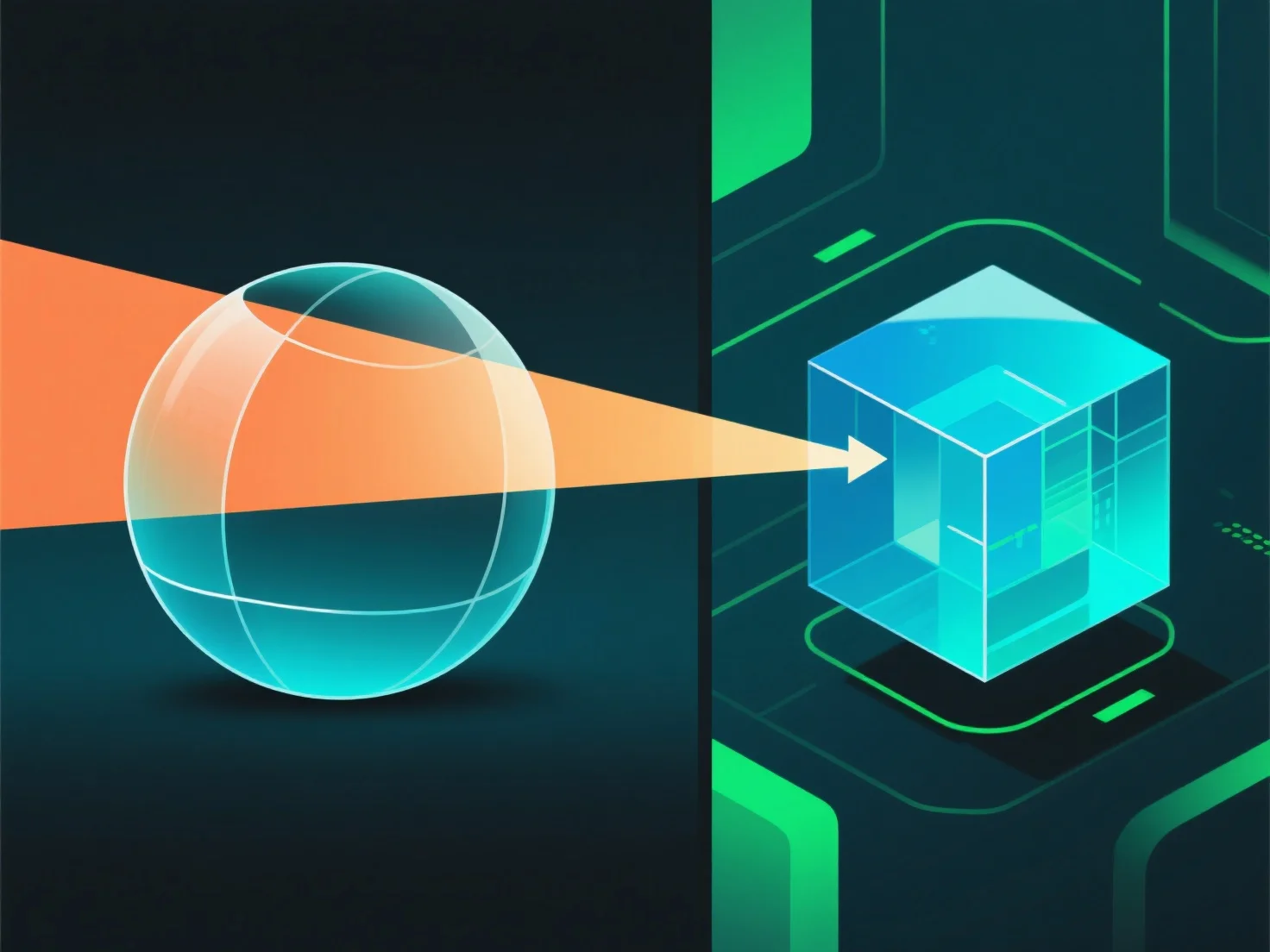
Dalam rendering 3D, transparansi dalam bahan bekerja dengan mensimulasikan interaksi cahaya. termasuk transmisi, penyerapan, dan refleksi. untuk mereplikasi efek visual dunia nyata.
- **Opacity**: Mengontrol transmisi cahaya. Opacity tinggi menghalangi sebagian besar cahaya (misalnya, plastik buram), sedangkan opacity rendah memungkinkan cahaya melewatinya (misalnya, kaca bening). - **Refraksi**: Membelokkan cahaya saat memasuki material, mendistorsi objek di belakangnya (misalnya, sedotan yang tampak bengkok di dalam air). - **Refleksi permukaan**: Sebagian cahaya memantul dari permukaan. Bahkan material transparan pun memiliki refleksi yang halus.
Parameter-parameter ini digabungkan untuk meniru bagaimana cahaya berperilaku, menciptakan efek transparan yang meyakinkan.