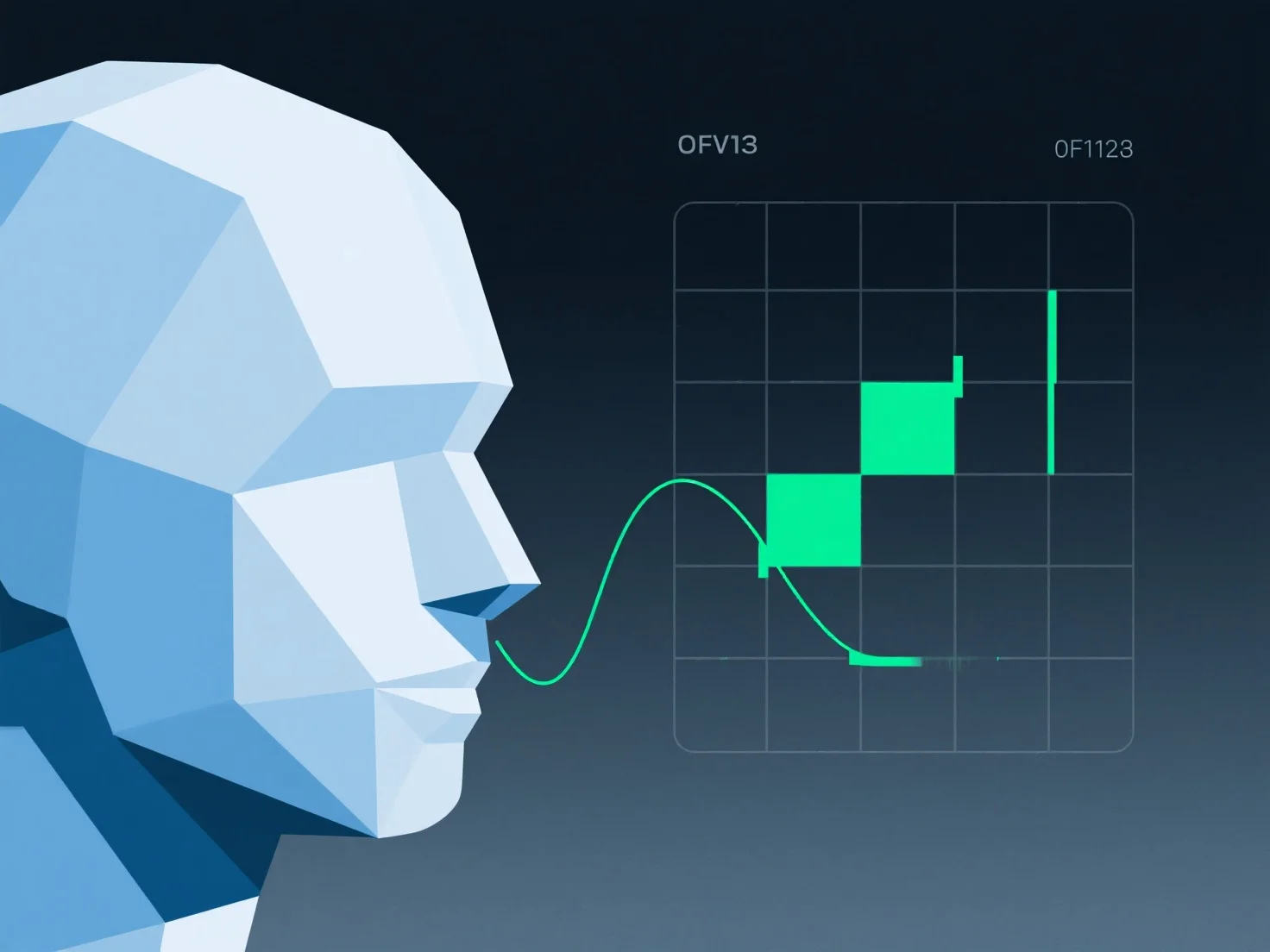
Koordinat tekstur (UV) secara langsung menentukan bagaimana gambar tekstur 2D dipetakan ke permukaan model 3D, memengaruhi keselarasan, kejelasan, dan distorsi selama aplikasi tekstur. Mereka bertindak sebagai panduan pemetaan, menghubungkan area spesifik dari tekstur 2D ke simpul atau wajah pada model 3D. Tata letak UV yang buruk sering menyebabkan masalah seperti tekstur yang terbentang (misalnya, tekstur persegi yang tampak memanjang pada permukaan yang melengkung) atau kabur karena distribusi texel (piksel tekstur) yang tidak merata. Namun, UV yang dioptimalkan dengan baik memastikan texel tersebar secara merata, menjaga detail dan keselarasan tekstur. Seperti mencocokkan pola kain dengan jahitan model. Singkatnya, UV sangat penting untuk aplikasi tekstur yang tepat dan berkualitas tinggi; tanpa pemetaan UV yang tepat, tekstur mungkin tidak sejajar atau terlihat tidak profesional.


Bagaimana koordinat tekstur (UV) memengaruhi penerapan tekstur dalam desain 3D?
Koordinat tekstur (UV) memetakan tekstur 2D ke model 3D, memengaruhi keselarasan, kejelasan, dan distorsi, dengan tata letak yang buruk menyebabkan masalah dan tata letak yang dioptimalkan memastikan kualitas.