


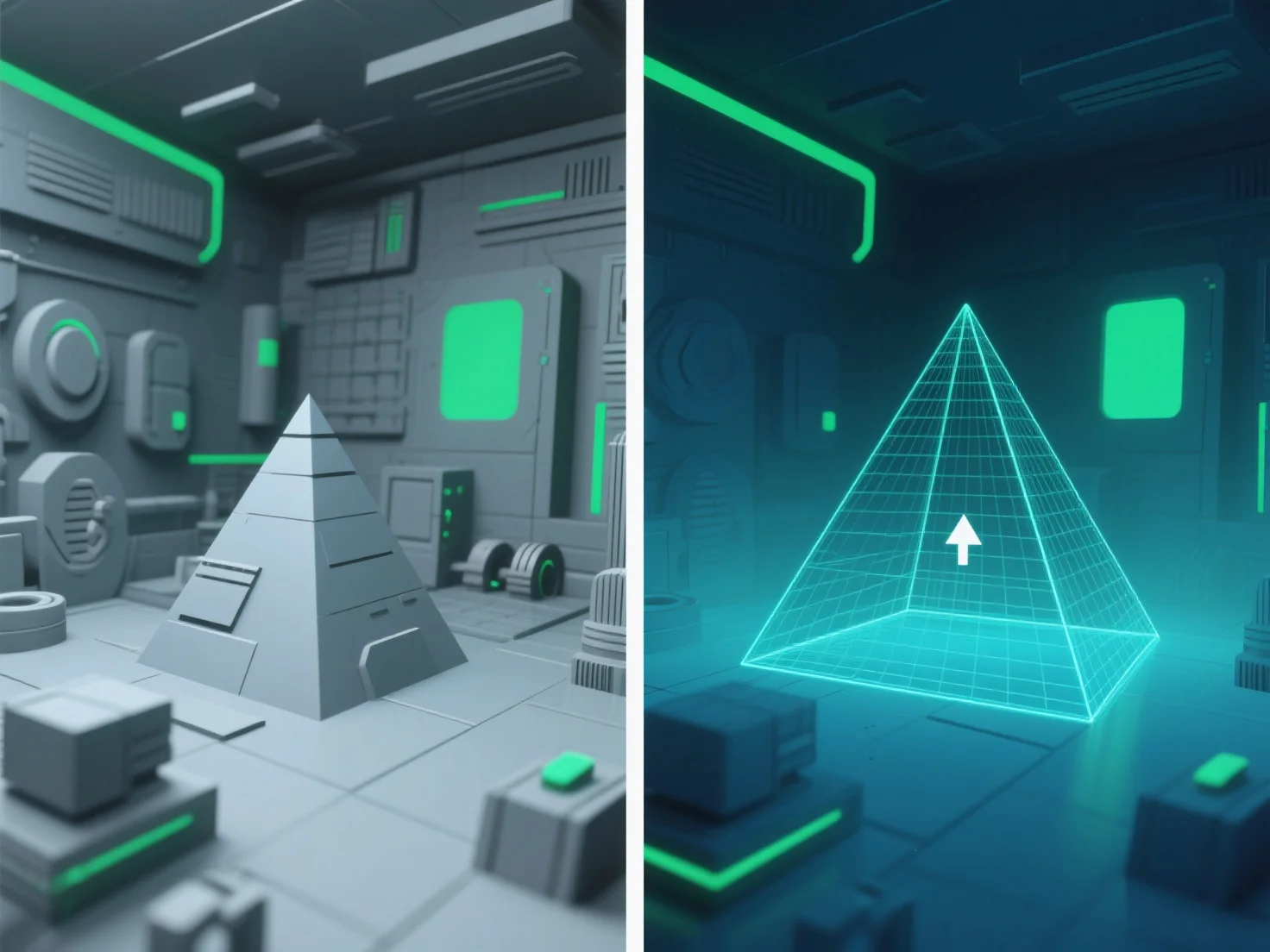
Pengurangan jumlah objek membantu meningkatkan kinerja di lingkungan 3D yang besar dengan mengurangi jumlah objek yang diproses dan dirender, secara langsung mengurangi beban GPU/CPU dan meningkatkan frame rate.
Teknik-teknik kunci meliputi: - **Pemangkasan frustum tampilan**: Mengecualikan objek di luar area yang terlihat oleh kamera, memastikan hanya item yang terlihat yang dirender. - **Pemangkasan oklusi**: Menyembunyikan objek yang terhalang oleh objek lain (misalnya, dinding yang menghalangi bangunan di kejauhan), menghindari pemrosesan yang tidak perlu. - **Pemangkasan LOD (Level of Detail)**: Menyederhanakan objek yang berada di kejauhan.
Dengan memprioritaskan metode-metode ini, para pengembang secara efisien memfokuskan sumber daya pada konten yang terlihat, sehingga menjaga kinerja yang lancar dalam adegan 3D yang besar.