


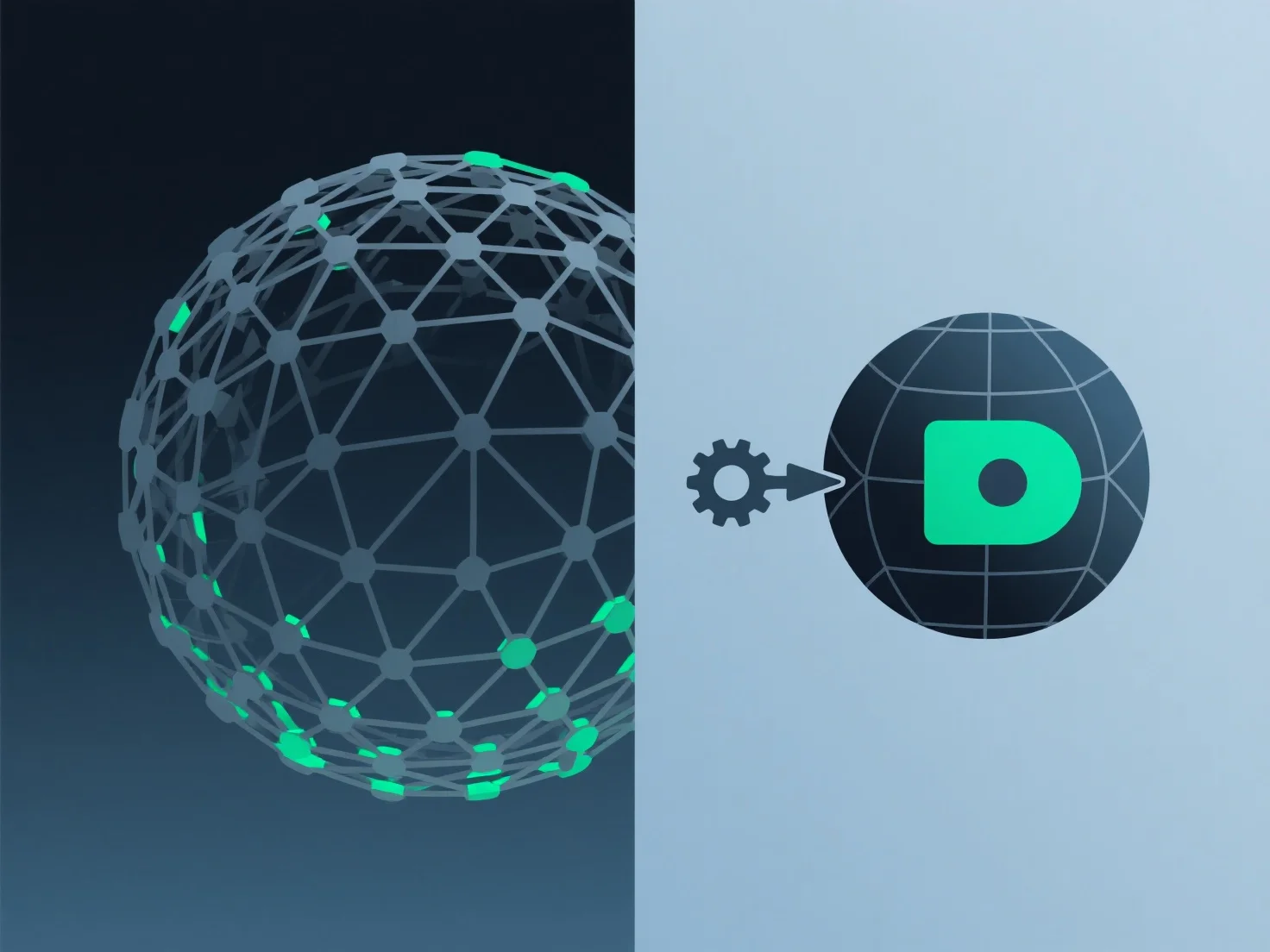
Untuk mengurangi penggunaan memori saat bekerja dengan model 3D, fokuslah pada mengoptimalkan geometri, tekstur, dan kompleksitas adegan.
Pertama, sederhanakan geometri: Gunakan alat dekumulasi atau retopologi untuk mengurangi jumlah poligon dengan menghapus simpul yang berlebihan, terutama di area yang tidak terlihat.
Kedua, kompres tekstur: Adopsi format efisien seperti JPEG, BCn, atau WebP untuk mengurangi ukuran file sambil mempertahankan detail penting; hindari format yang tidak terkompresi kecuali jika diperlukan.
Ketiga, sederhanakan adegan: Hapus aset yang tidak digunakan, sembunyikan objek di luar kamera, atau terapkan teknik LOD (level-of-detail) untuk memuat model poli yang lebih rendah saat tidak dalam fokus.
Langkah-langkah ini meminimalkan beban memori dengan menargetkan elemen-elemen kunci yang membutuhkan sumber daya yang besar.