


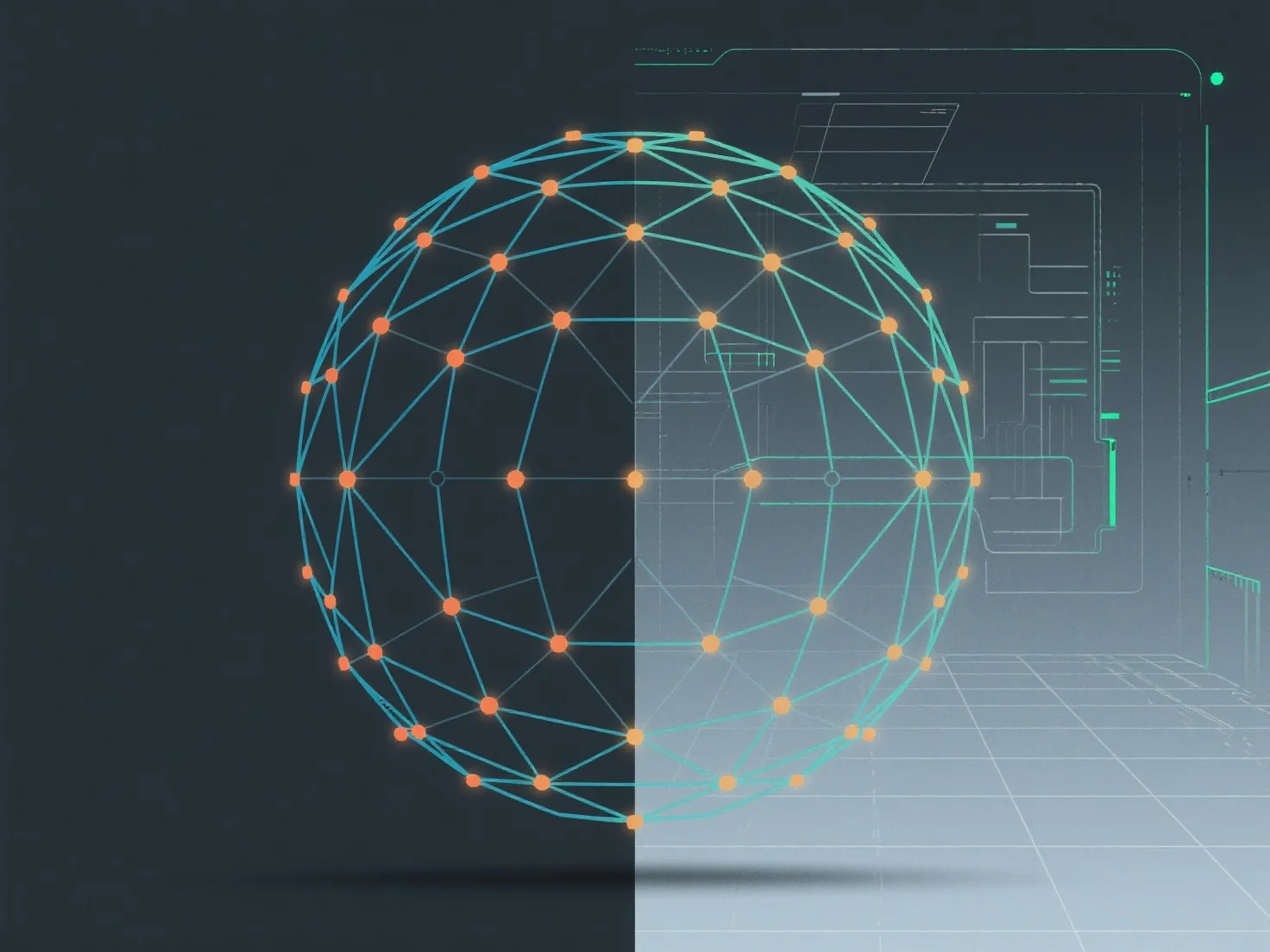
Untuk mempertahankan topologi simetris dalam pemodelan, menggunakan alat-alat pencerminan dan mengaktifkan mode pengeditan simetris adalah metode inti, memastikan geometri yang konsisten di sepanjang sumbu yang ditentukan.
- **Alat pencerminan**: Duplikasi geometri di sepanjang sumbu X, Y, atau Z, membuat sisi kiri/kanan, depan/belakang, atau atas/bawah yang identik secara otomatis. - **Mode pengeditan simetris**: Mengunci pengeditan ke satu sisi (misalnya, setengah kiri), sehingga perubahan langsung tercermin di sisi yang berlawanan, menghindari kesalahan simetri manual. - **Sumbu referensi tengah**: Mulai dengan sumbu tengah yang jelas sebagai panduan; pratinjau simetri secara real-time selama pemodelan untuk menangkap inkonsistensi sejak dini.
Pendekatan-pendekatan ini menyederhanakan pemeliharaan simetri, menjaga topologi tetap seimbang, dan memodelkan secara efisien.