


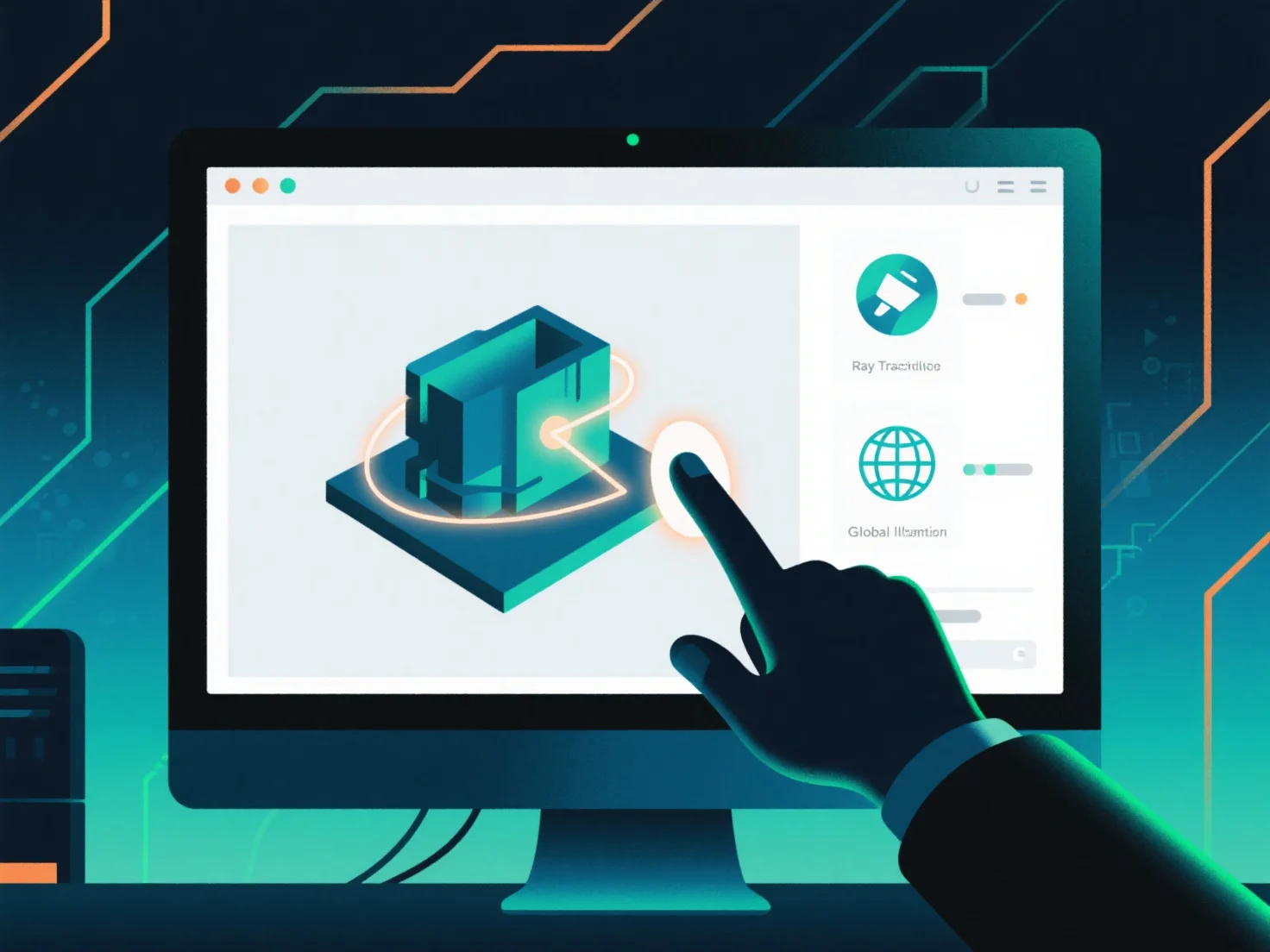
Mengintegrasikan standar rendering terbaru ke dalam alur kerja desain 3D melibatkan pembaruan alat, menyelaraskan pipa aset, dan memvalidasi output untuk memastikan kompatibilitas dan kinerja.
Pertama, perbarui perangkat lunak desain dan rendering 3D ke versi yang mendukung standar baru, seperti rendering berbasis fisika (PBR) atau pelacakan sinar secara real-time, memastikan alat-alat tersebut dapat memproses data yang sesuai dengan standar.
Selanjutnya, sesuaikan pipa aset untuk persyaratan standar: optimalkan format tekstur.
Kemudian, validasi dengan test renders. Hasilkan output skala kecil untuk memeriksa apakah aset dan pengaturan memenuhi standar, memastikan konsistensi antara tahap desain dan rendering.
Untuk proyek yang kompleks, gunakan integrasi bertahap: mulai dengan adegan uji kecil untuk mengidentifikasi kesenjangan alur kerja sejak dini, lalu tingkatkan hingga integrasi proyek penuh setelah divalidasi.