


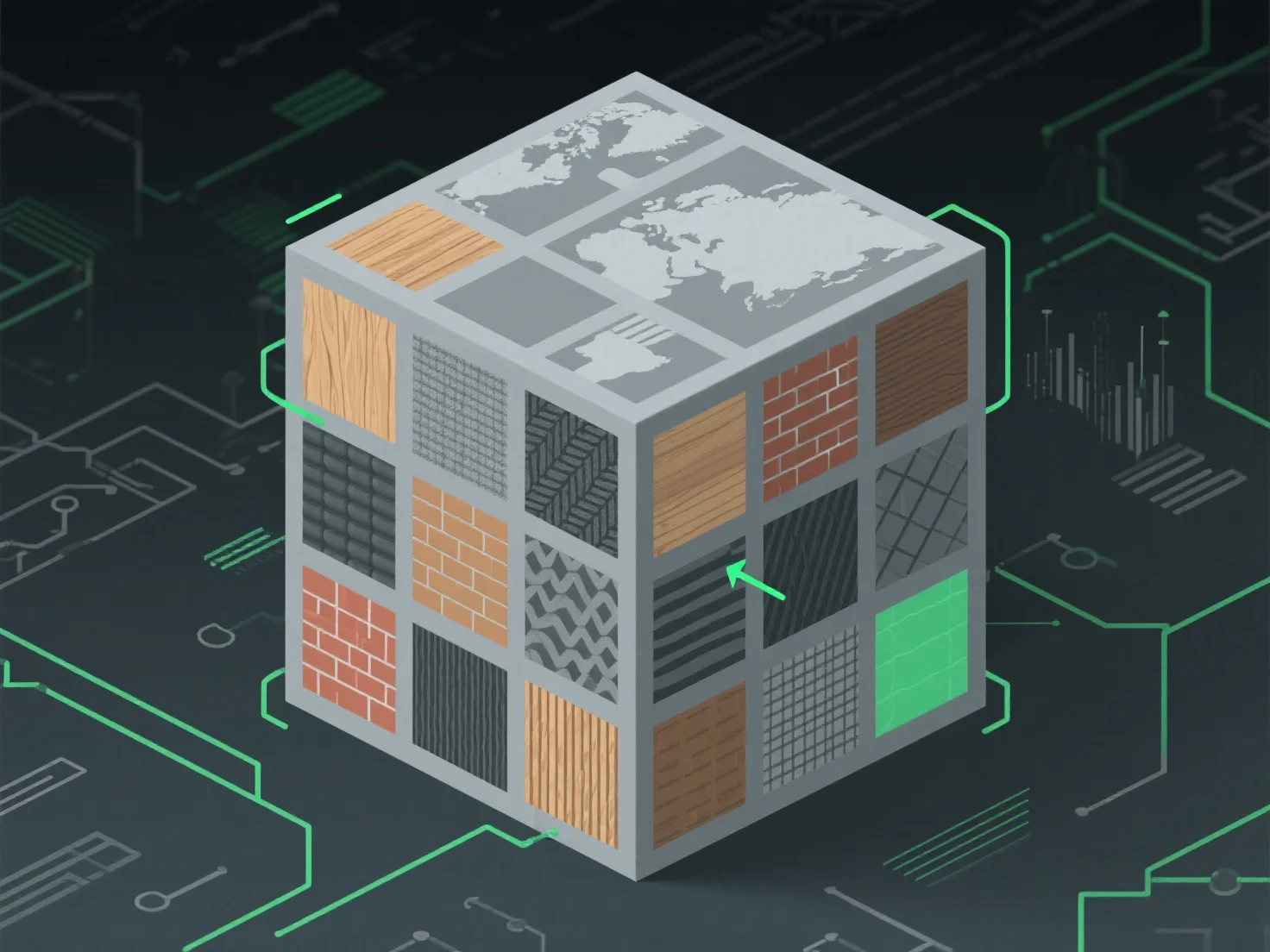
Untuk menangani atlas tekstur untuk pemetaan tekstur yang dioptimalkan, fokus pada pengepakan yang efisien untuk meminimalkan ruang yang tidak terpakai dan mengurangi panggilan gambar, yang dicapai dengan menggabungkan tekstur kecil menjadi satu atlas, menyelaraskan koordinat UV untuk pemetaan permukaan model yang akurat, dan memastikan transisi yang mulus antar wilayah untuk menghindari artefak visual.
Aplikasi utama di berbagai industri: - Pengembangan Game: Mengurangi beban kerja GPU dengan mengurangi pertukaran tekstur selama rendering. - 3D Real-Time (AR/VR): Meningkatkan kinerja dengan merampingkan akses data tekstur.
Untuk berbagai ukuran tekstur, gunakan alat kemasan otomatis dengan bantalan untuk mencegah pendarahan dan menjaga kualitas visual.