


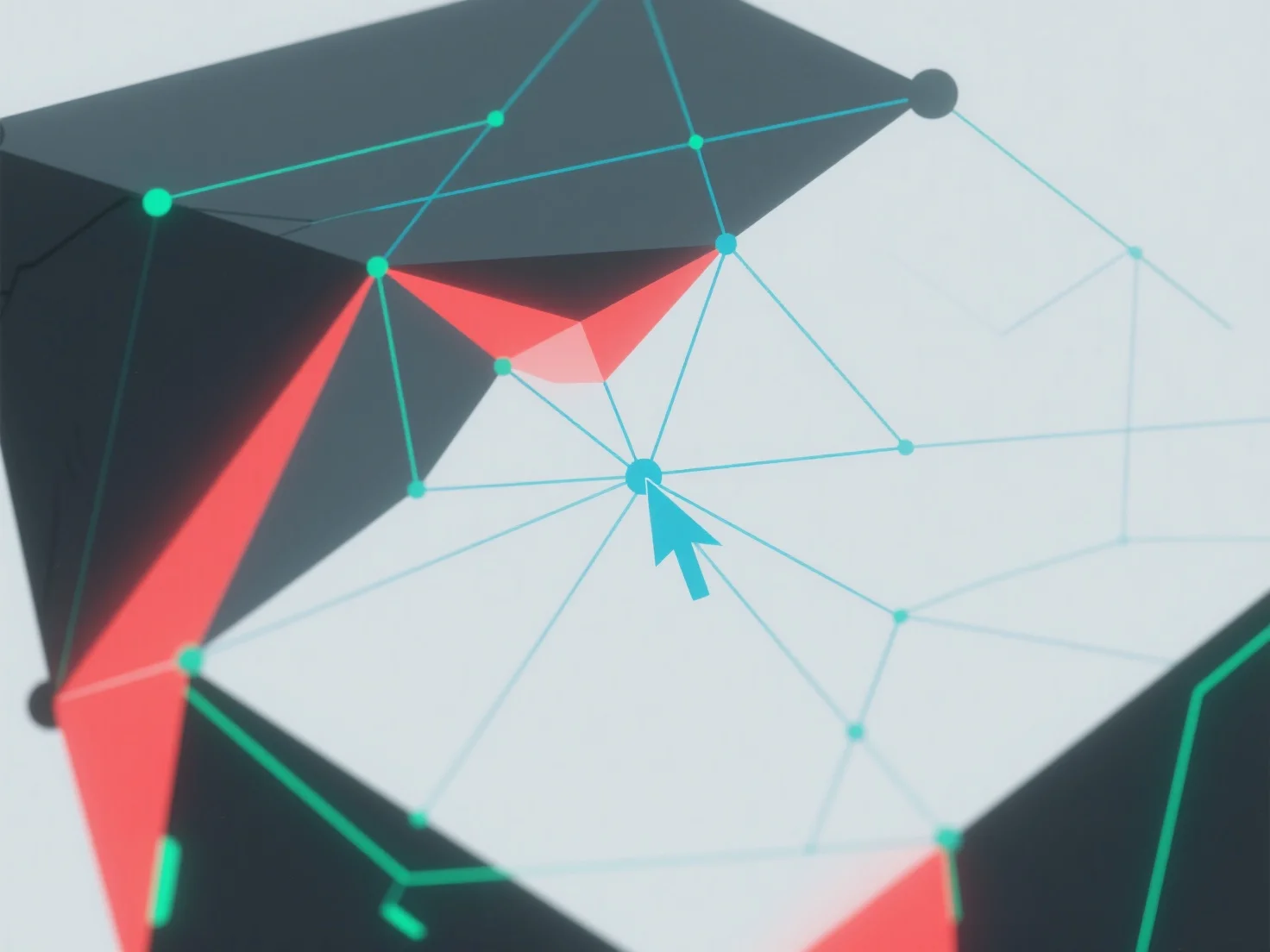
Geometri non-manifold dalam pemodelan 3D ditangani dengan mengidentifikasi dan menyelesaikan kesalahan topologi menggunakan alat perangkat lunak 3D.
Pertama, gunakan fitur bawaan seperti "pemeriksaan manifold" atau "perbaikan mesh" untuk mendeteksi masalah: masalah umum termasuk wajah yang saling bersinggungan, tepi duplikat, atau simpul dengan lebih dari dua wajah yang bersebelahan.
Selanjutnya, perbaiki kesalahan dengan menggabungkan simpul yang tumpang tindih, menghapus geometri yang berlebihan, atau menyesuaikan koneksi wajah untuk memastikan setiap tepi menghubungkan tepat dua wajah.
Jika masalah berlanjut, sederhanakan model dengan mengurangi kompleksitas atau gunakan plugin perbaikan otomatis untuk menyederhanakan prosesnya.