


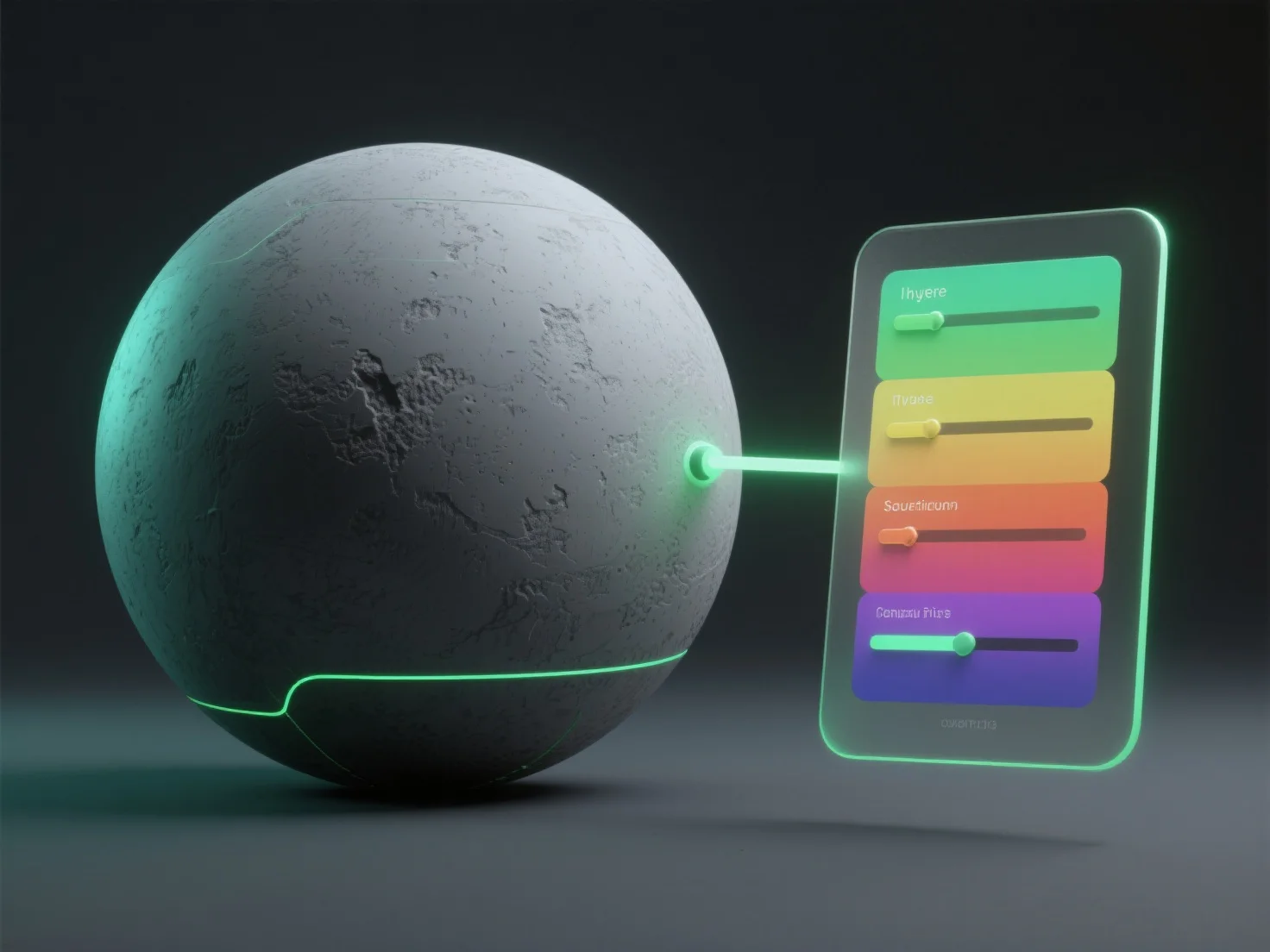
Menerapkan koreksi warna pada tekstur dalam rendering 3D melibatkan penggunaan alat pasca-pemrosesan atau perangkat lunak pengeditan tekstur untuk menyesuaikan parameter seperti rona, saturasi, dan kecerahan, serta meningkatkan realisme dengan menyelaraskan warna dengan pencahayaan adegan atau maksud artistik.
Langkah-langkah kunci meliputi: - **Pemilihan alat**: Gunakan perangkat lunak seperti Photoshop untuk mengedit tekstur, node shader Blender, mesin pasca-pemrosesan (misalnya, Unity's Post-Processing Stack), atau alat grading warna khusus. - **Penyesuaian inti**: Ubah rona (nada warna), saturasi (intensitas), kecerahan/kontras (keseimbangan cahaya), dan perbaiki warna yang tidak sesuai agar sesuai dengan suasana lingkungan 3D. - **Fokus integrasi**: Pastikan tekstur menyatu secara alami dengan pencahayaan, meningkatkan koherensi visual dalam pengembangan game, VFX film, atau rendering arsitektur.
Untuk pemula, mulailah dengan penyesuaian dasar di alat-alat yang mudah digunakan untuk membiasakan diri dengan alur kerja sebelum melakukan grading warna tingkat lanjut.