


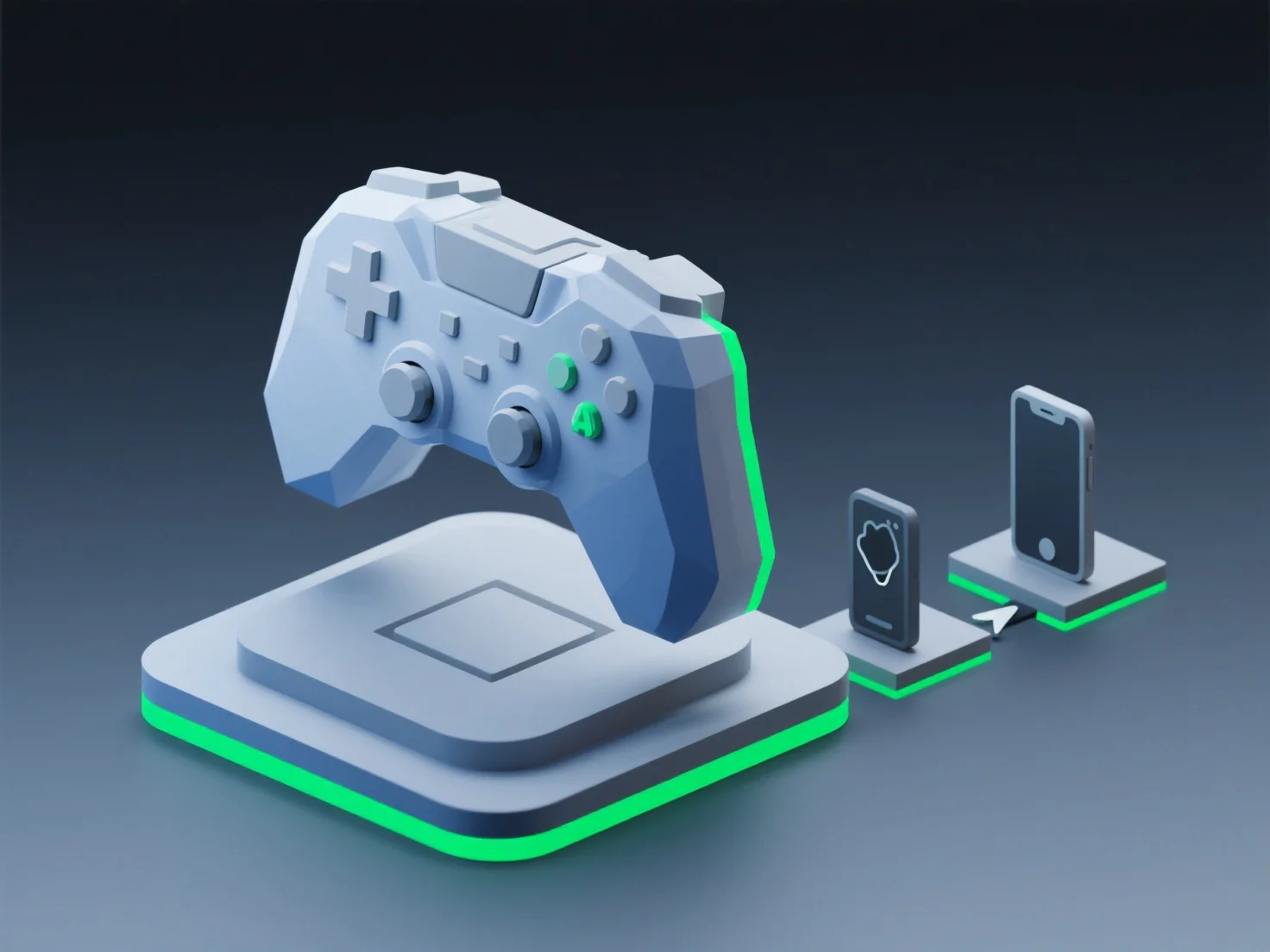
Menyesuaikan model 3D untuk kinerja optimal berdasarkan standar platform melibatkan mengoptimalkan jumlah poligon, resolusi tekstur, dan ukuran aset agar sesuai dengan batasan perangkat keras platform target, memastikan operasi yang lancar tanpa lag, baik untuk seluler, konsol, maupun web.
Penyesuaian spesifik platform utama meliputi: - Seluler: Kurangi jumlah poligon (seringkali di bawah 10k) dan kompres tekstur menjadi 2K atau lebih kecil untuk menghemat memori. - Konsol: Seimbangkan detail dengan frame rate menggunakan poligon kelas menengah (50k-100k) dan shader yang dioptimalkan. - Web: Minimalkan ukuran file melalui format glTF/GLB dan geometri yang disederhanakan untuk rendering browser.
Untuk proyek lintas platform, alat optimasi otomatis mempermudah adaptasi model terhadap standar platform yang berbeda.