


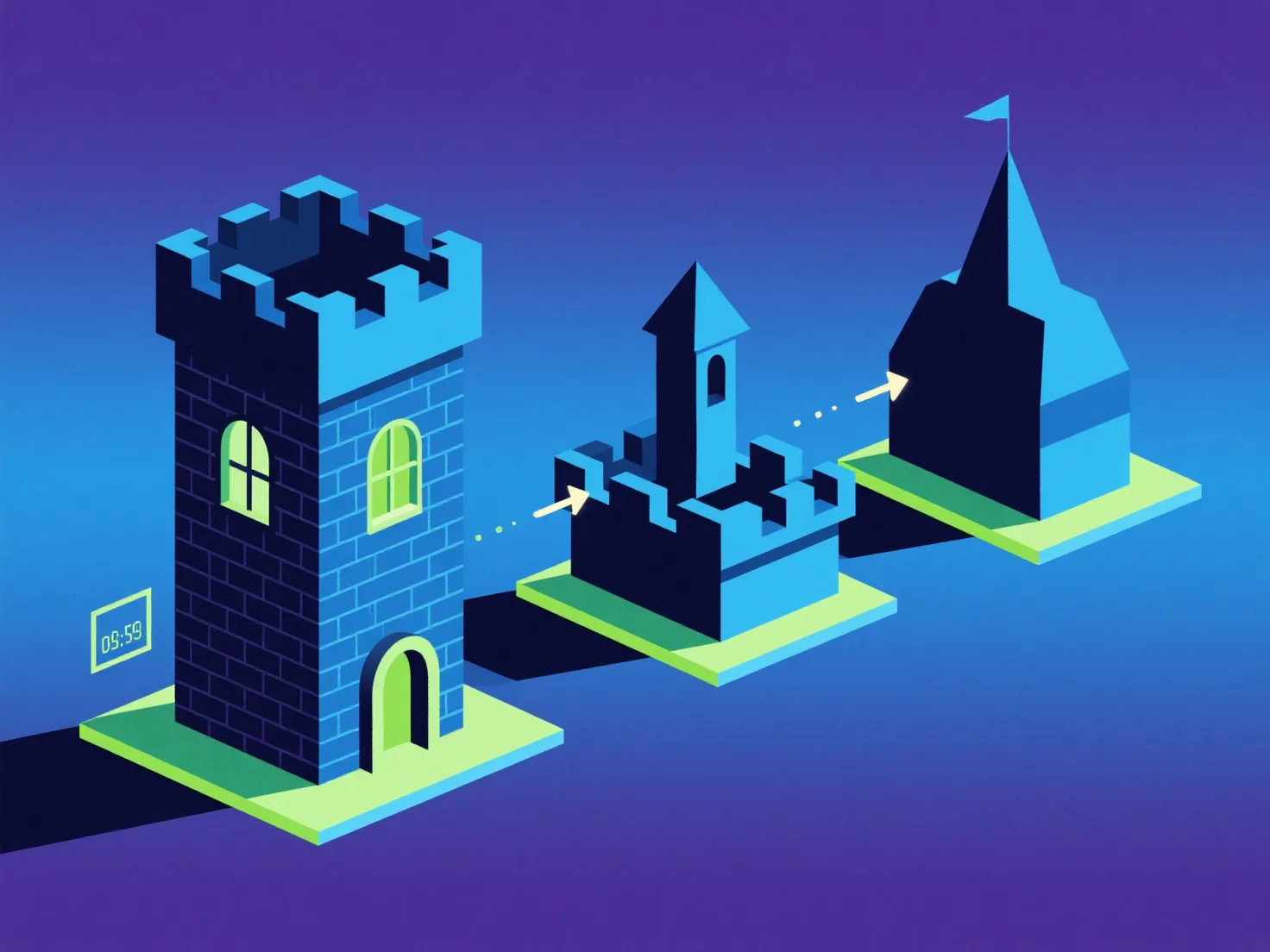
LODs (Level of Detail) mengoptimalkan komponen-komponen kunci dalam adegan 3D dengan menyesuaikan kompleksitas model secara dinamis berdasarkan jarak pandang, menyeimbangkan kualitas visual dan performa.
- **Kontrol kompleksitas berbasis jarak**: Komponen yang lebih dekat menggunakan model dengan detail tinggi dan banyak poligon untuk kesetiaan visual, sedangkan yang jauh beralih ke versi yang disederhanakan dan rendah poligon, mengurangi beban rendering yang tidak perlu. - **Efisiensi kinerja**: Mengurangi jumlah poligon untuk objek jauh mengurangi penggunaan GPU/CPU, yang sangat penting untuk aplikasi real-time (game, VR) yang membutuhkan frame rate yang mulus. - **Optimasi yang ditargetkan**: Memprioritaskan LOD untuk komponen besar/yang sering terlihat.
Ini memastikan komponen-komponen kunci meningkatkan kinerja sekaligus mempertahankan detail penting.