


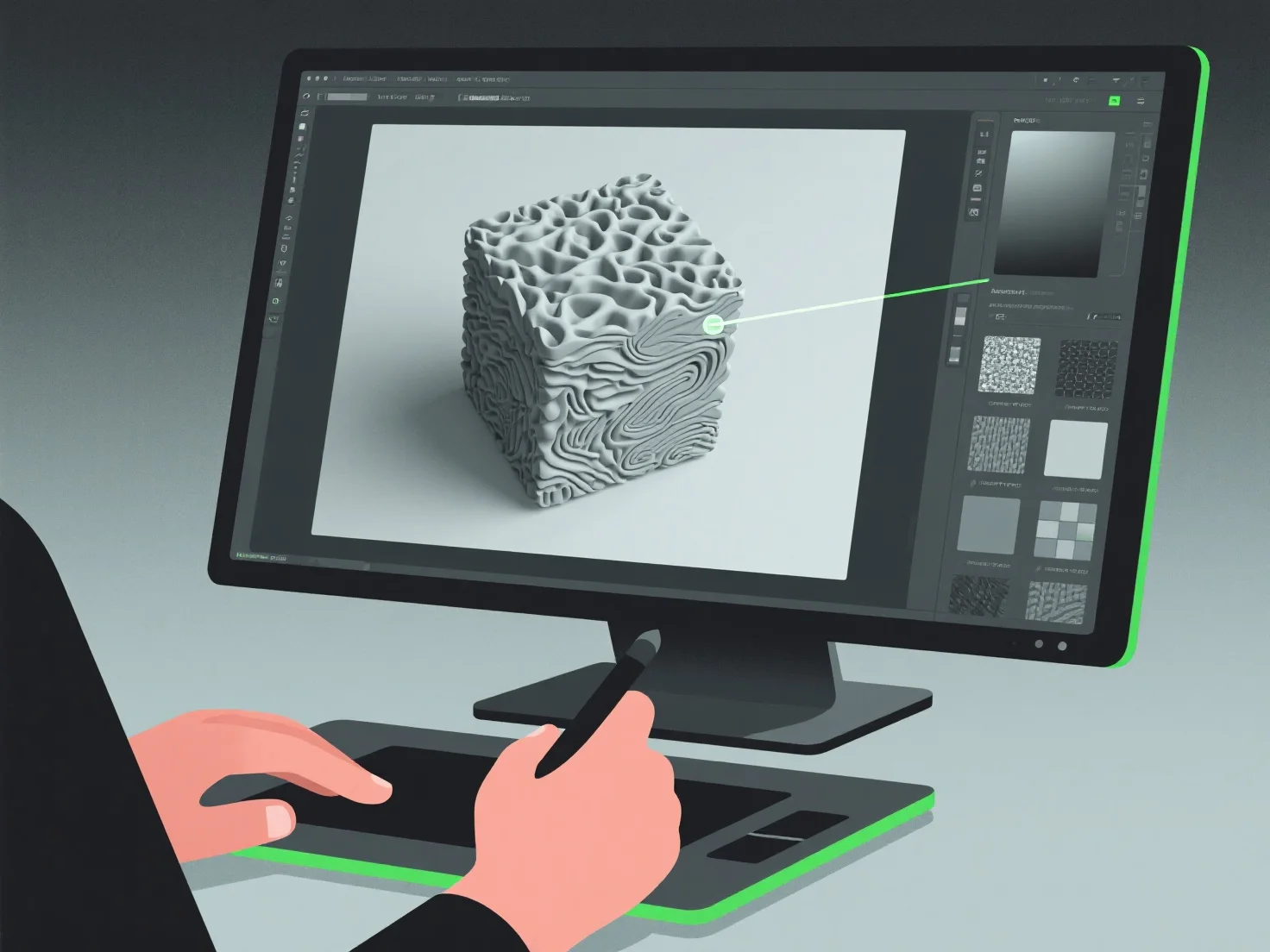
Modeler 3D menciptakan tekstur realistis dengan mengintegrasikan lukisan digital, pemetaan tekstur, dan simulasi material, dengan fokus pada mereplikasi detail permukaan seperti warna, kasar, dan reflektifitas untuk meniru material di dunia nyata.
Mereka sering menggunakan alur kerja Physically Based Rendering (PBR), yang mensimulasikan interaksi cahaya-material untuk meningkatkan realisme. Mereka mengacu pada foto atau scan dunia nyata untuk menangkap tekstur spesifik, seperti serat kayu, goresan logam, atau tenunan kain. Mereka menerapkan ini melalui pemetaan UV, sebuah proses yang "membungkus" gambar tekstur 2D ke permukaan 3D untuk keselarasan detail yang tepat.
Untuk efisiensi, pemula dapat mulai dengan perpustakaan tekstur, lalu menyempurnakannya dengan menyesuaikan parameter seperti albedo (warna dasar) atau peta normal (kedalaman permukaan) untuk membangun keterampilan dasar dalam pembuatan tekstur yang realistis.