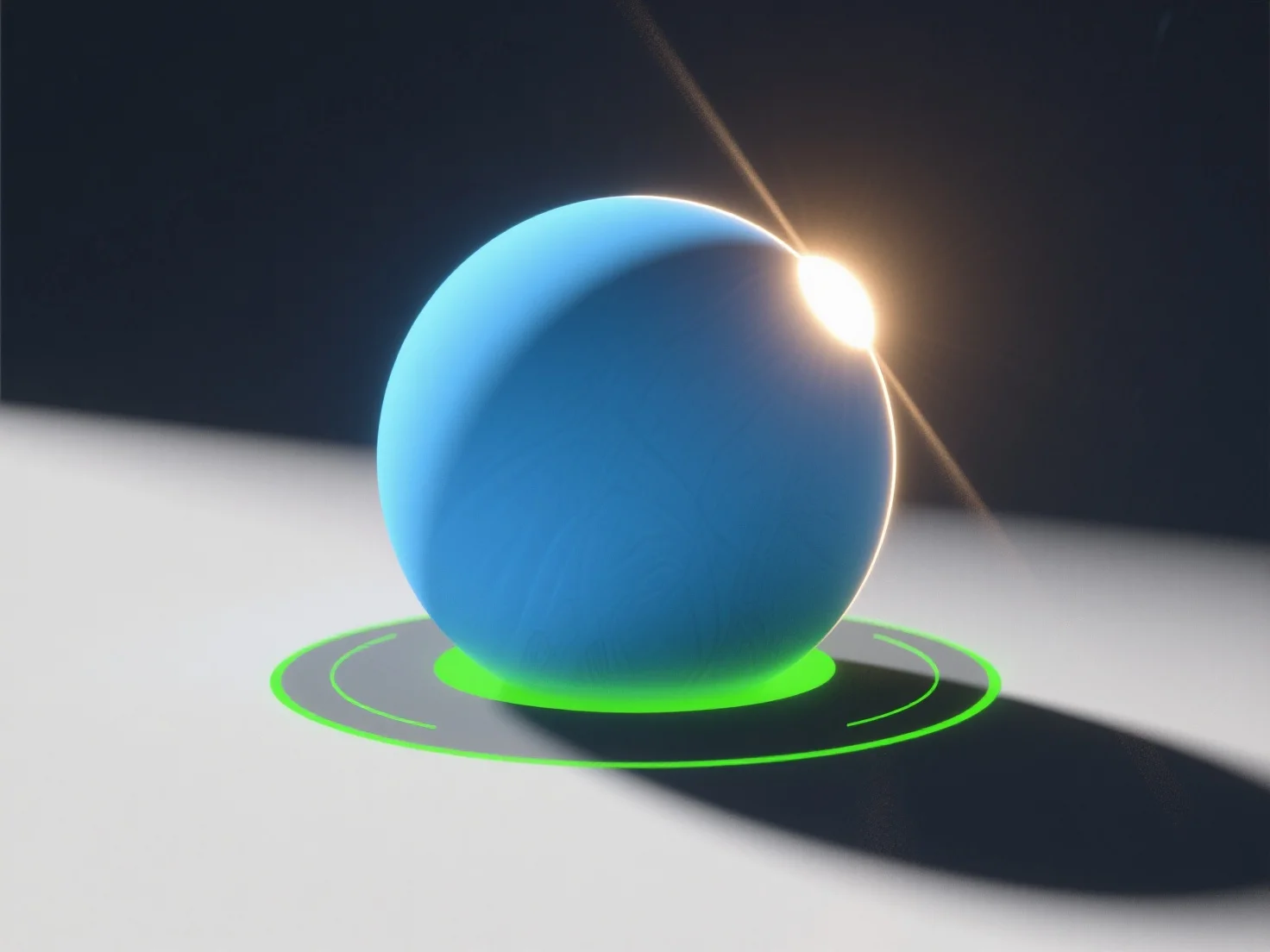
Untuk mensimulasikan sumber cahaya alami dalam adegan 3D, gunakan lampu terarah untuk sinar matahari, lampu area untuk cahaya langit yang tersebar, dan sesuaikan parameter seperti intensitas, suhu warna, dan kelembutan bayangan. - **Simulasi Sinar Matahari**: Lampu terarah meniru sinar matahari paralel; atur sudut (rendah untuk matahari terbit/terbenam, tinggi untuk tengah hari) dan suhu warna (kuning/oranye hangat untuk jam emas, putih netral untuk siang hari). - **Cahaya Langit/Teredar**: Lampu area atau kubah mereplikasi pencahayaan langit yang tersebar, dengan bayangan lembut dan nada yang lebih dingin (misalnya, biru untuk hari mendung). - **Meningkatkan Realisme**: Integrasikan peta lingkungan HDRI untuk menangkap cahaya ambien dari adegan nyata, menambahkan refleksi halus dan pencahayaan global. Pemula dapat memulai dengan alat-alat ini di perangkat lunak seperti Blender, dengan fokus pada keseimbangan intensitas dan warna untuk hasil yang alami.


Bagaimana kamu bisa mensimulasikan sumber cahaya alami dalam adegan 3D?
Untuk mensimulasikan cahaya 3D alami, gunakan lampu arah/area, sesuaikan parameter, dan integrasikan peta HDRI untuk realisme.