


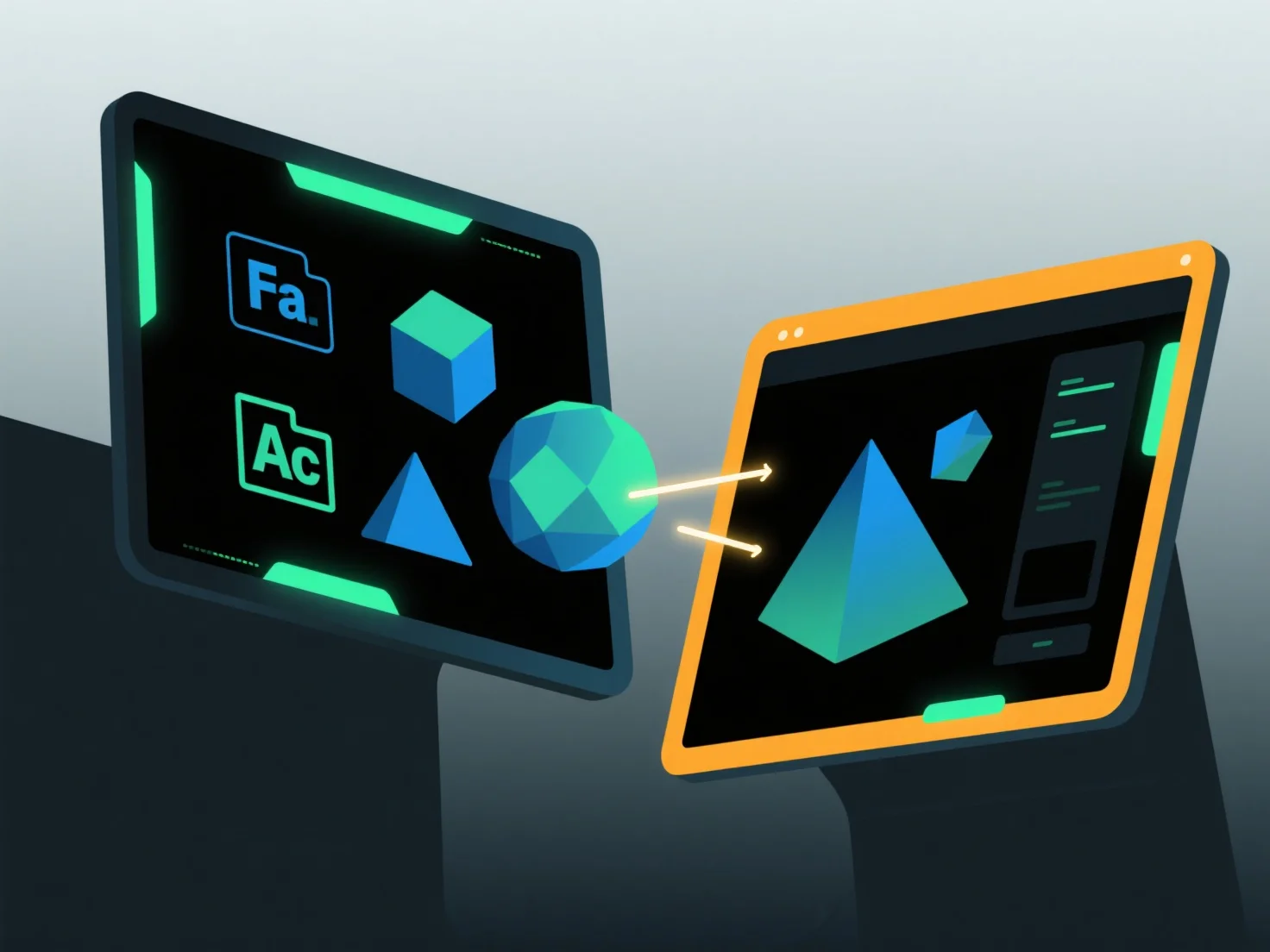
Untuk mengimpor dan mengekspor model antar aplikasi perangkat lunak, gunakan format pertukaran umum yang didukung oleh kedua alat tersebut, dipasangkan dengan fungsi impor/ekspor bawaan dan penyesuaian kompatibilitas.
Pertama, pilih format yang dapat dibagikan: Pilih tipe yang didukung secara luas seperti OBJ (menyimpan geometri/tekstur), FBX (menangani animasi), atau STL (ideal untuk pencetakan 3D), karena ini menjaga data kunci di seluruh aplikasi.
Selanjutnya, gunakan alat perangkat lunak: Akses fitur "Impor" atau "Ekspor" di menu aplikasi, pilih format target, dan ikuti petunjuk untuk memuat atau menyimpan file.
Akhirnya, sesuaikan pengaturan: Pastikan embedding tekstur, penskalaan unit, atau penyelarasan koordinat cocok untuk kedua perangkat lunak agar mencegah hilangnya data.
Metode ini memastikan transfer model yang lancar di berbagai aplikasi.