


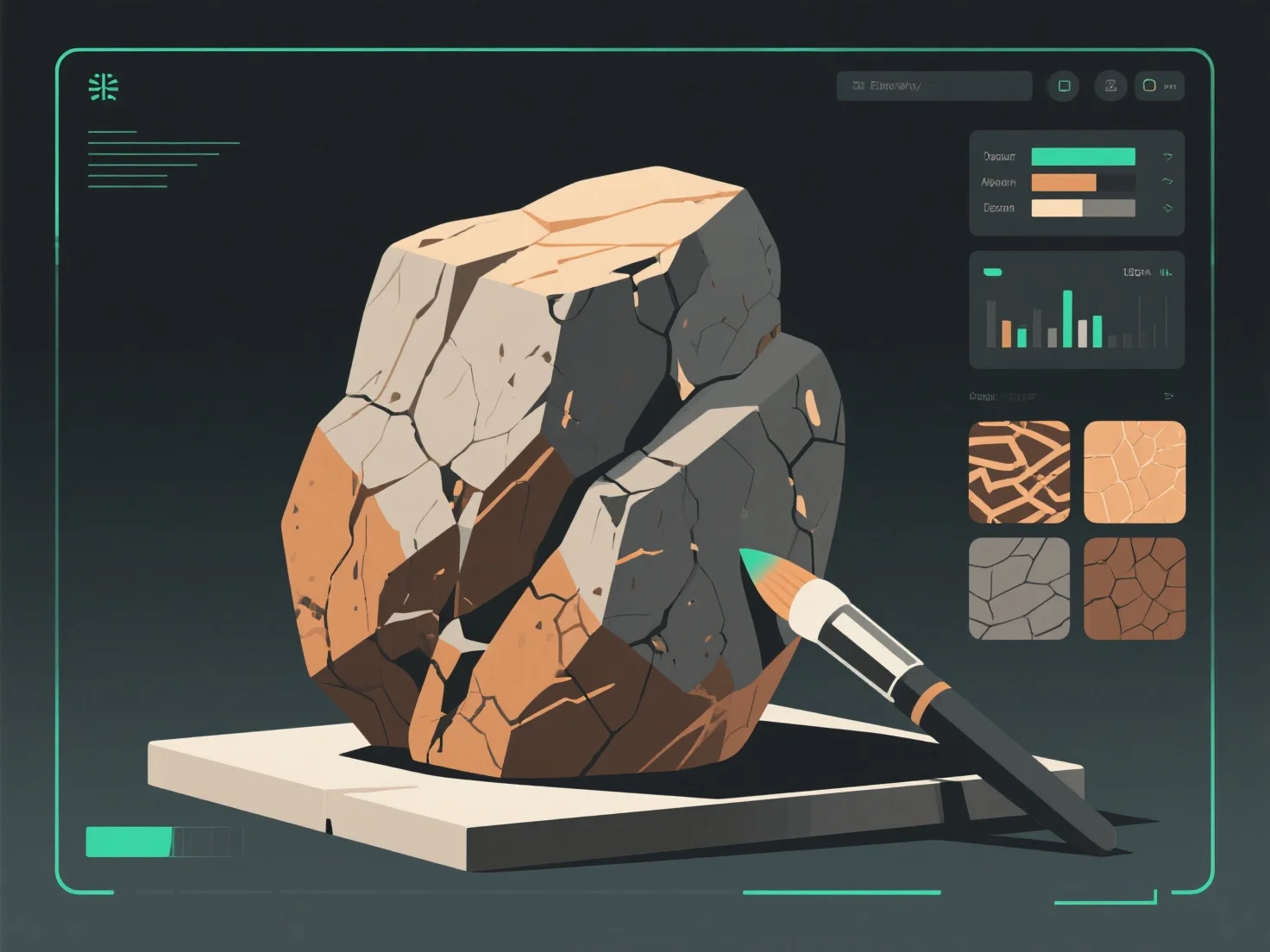
Untuk menciptakan tekstur batu dan bebatuan yang realistis untuk model 3D, fokuslah pada mereplikasi fitur alam seperti kekasaran permukaan, variasi warna, dan pelapukan menggunakan peta tekstur dan analisis referensi.
Pertama, pelajari sampel batuan asli: Amati detail seperti gradien warna (nada tanah, urat mineral), ketidakrataan permukaan (retak, lubang), dan tanda pelapukan (lumut, erosi) untuk memandu desain tekstur.
Kedua, gunakan peta tekstur kunci: Peta Albedo mengatur warna dasar; peta bump/displacement menambahkan kedalaman.
Ketiga, tambahkan detail dengan perangkat lunak: Alat seperti Substance Painter atau Blender memungkinkan Anda menambahkan elemen-elemen halus, seperti bercak lumut, noda air, atau tepi yang terkelupas, untuk meningkatkan realisme, yang sesuai dengan tampilan batu di alam.
Langkah-langkah ini memastikan tekstur selaras dengan perilaku batu di dunia nyata, meningkatkan imersi dalam game, visualisasi arsitektur, atau simulasi.