


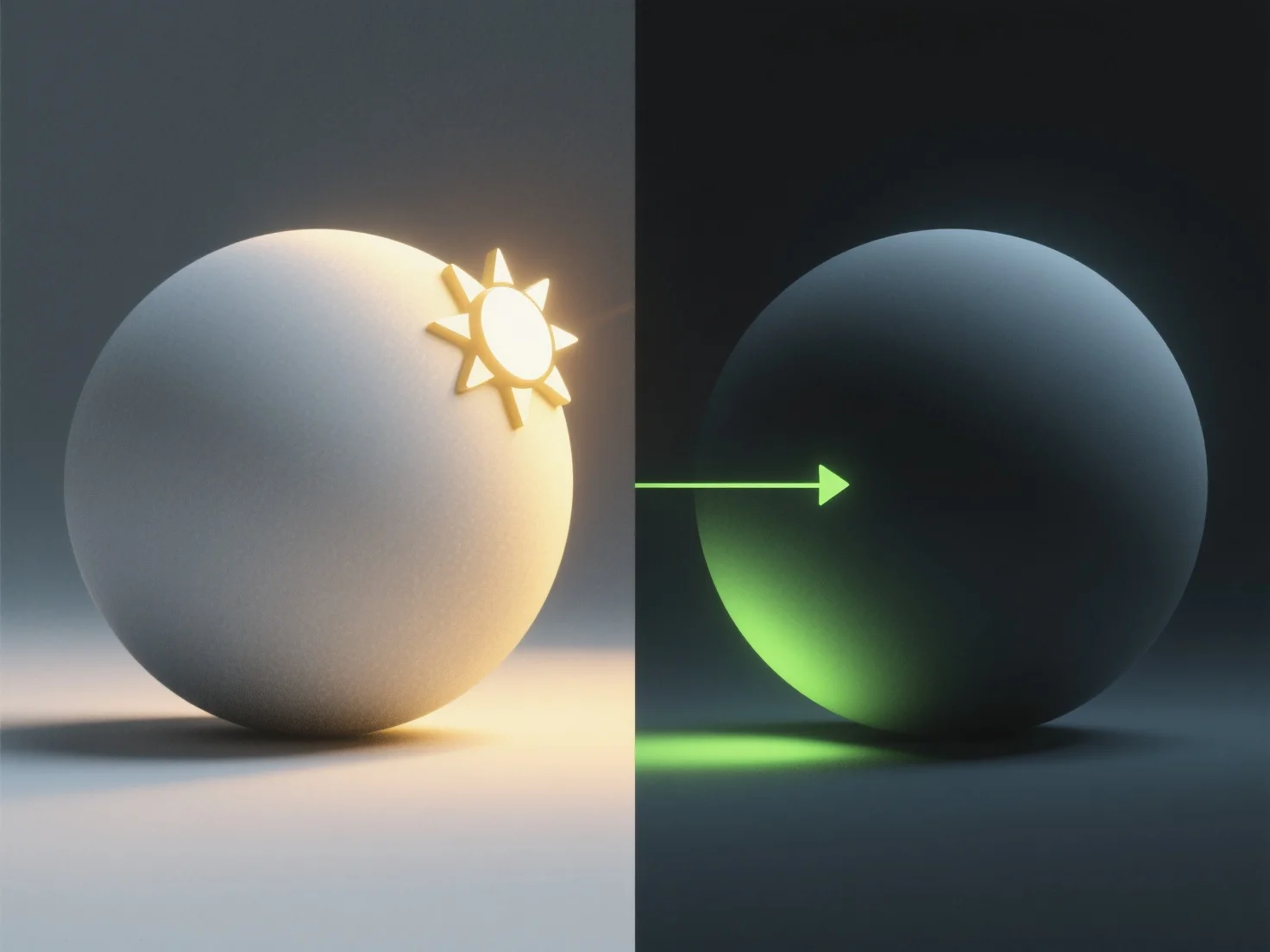
Le processus d'ajout d'éclairage et d'ombres à un modèle 3D implique généralement trois étapes clés : la configuration des sources de lumière, la configuration des propriétés d'ombre et le rendu de l'effet final.
Tout d'abord, configurez les sources de lumière. Les types courants comprennent les sources directionnelles (ressemblant au soleil, avec des rayons parallèles), les sources ponctuelles (omnidirectionnelles, émettant de la lumière à partir d'un seul point) ou les projecteurs (focalisés, en forme de cône), choisis en fonction des besoins de la scène.
Ensuite, configurez les propriétés des ombres. Ajustez les paramètres tels que la douceur de l'ombre (bords flous pour plus de réalisme), la résolution (clarté des détails de l'ombre) et la distance de l'ombre (jusqu'à quel point les ombres s'étendent de l'objet) pour correspondre à l'environnement, comme dans les jeux ou les animations.
Enfin, rendez le modèle. Cette étape traite les données de lumière et d'ombre pour générer l'image finale, en améliorant la profondeur et le réalisme en simulant la façon dont la lumière interagit avec les surfaces.