


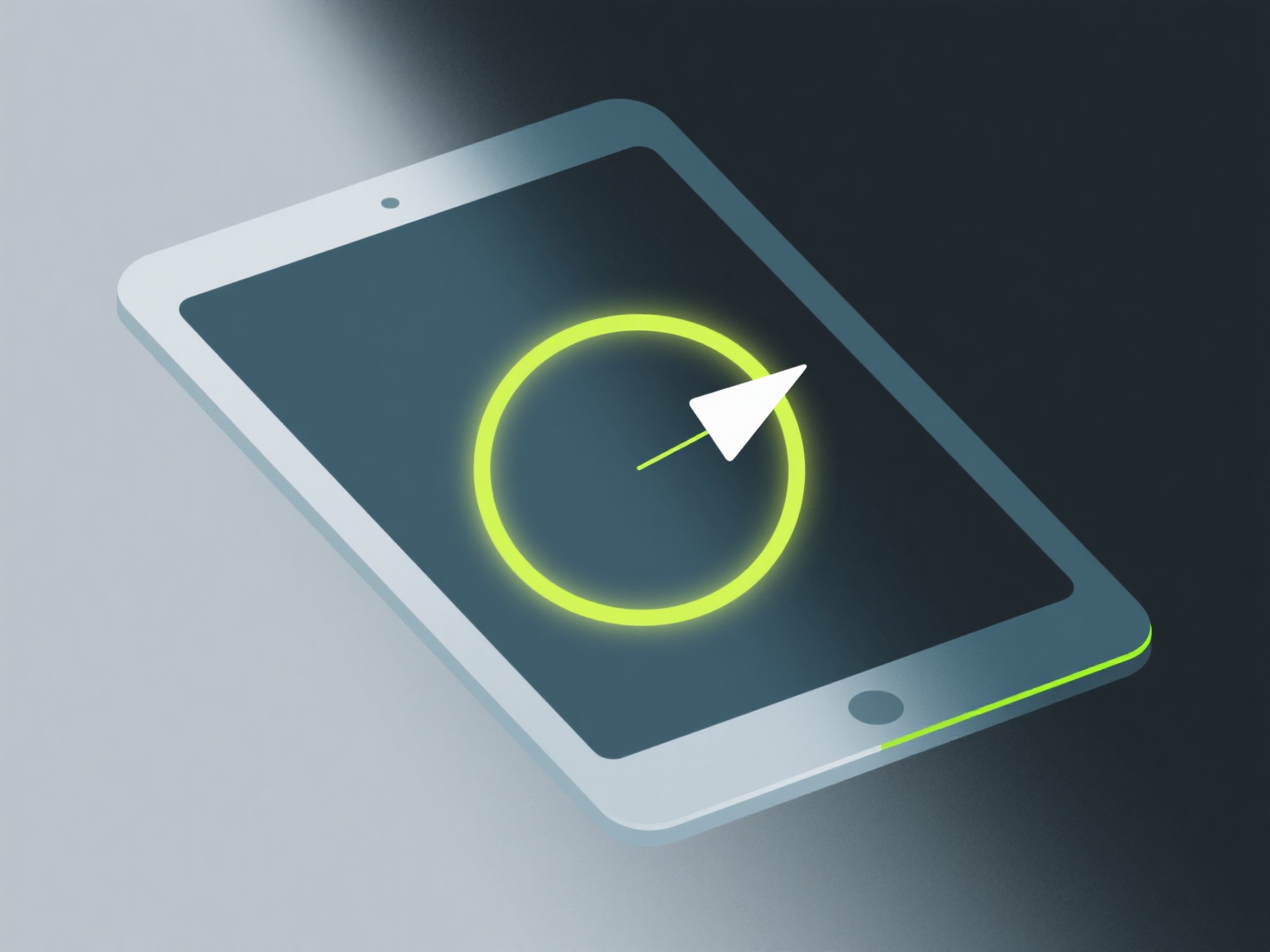
Les développeurs indépendants peuvent colorer des modèles 3D isométriques en utilisant des outils tels que Blender (pour la texturation 3D) ou Aseprite (pour le pixel art) afin d'appliquer des couleurs vives et plates et un ombrage subtil des bords qui complète les vues angulaires de la perspective isométrique.
Envisagez d'utiliser une palette de couleurs limitée (4 à 6 teintes) pour maintenir la cohérence du style. Les couleurs plates fonctionnent le mieux pour les modèles isométriques car elles préservent la clarté à petites tailles, ce qui est courant dans les jeux indépendants. Ajoutez des ombres le long des bords isométriques (comme des faces supérieures plus claires et des faces latérales plus foncées) pour définir la profondeur sans compliquer excessivement l'apparence.
Si vous êtes novice, commencez par une seule couleur de base par objet, puis ajoutez 1 à 2 variations de nuances. Ce flux de travail simple vous aide à pratiquer la profondeur sans vous perdre dans des détails inutiles.