


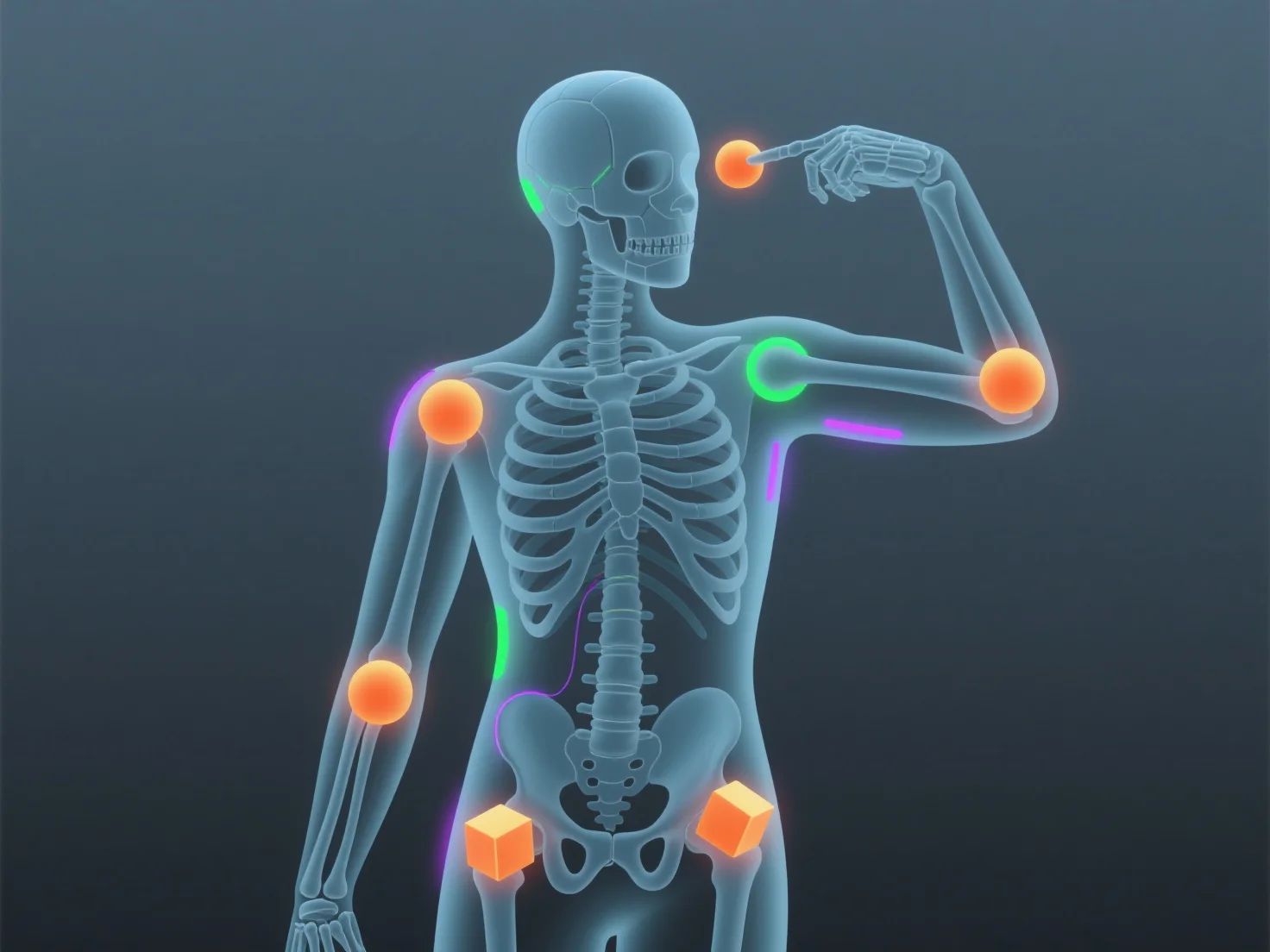
Le rigging anime les modèles 3D en construisant un squelette numérique (armature) avec des os et des articulations, qui contrôlent les mouvements du modèle lorsqu'ils sont mappés sur son maillage.
- **Conception du squelette** : Les animateurs créent des os (par exemple, la colonne vertébrale, les membres) et des articulations pour imiter l'anatomie réelle, formant ainsi la structure centrale du rig. - **Liaison du maillage** : Le squelette est lié au maillage du modèle 3D, de sorte que le mouvement des os (par exemple, plier un bras) déforme naturellement le maillage. - **Contrôle de l'animation** : L'ajustement des positions des os (images clés) permet aux animateurs de créer des mouvements tels que la marche ou les expressions faciales, car le rig assure un mouvement fluide et réaliste.
Cela fait le lien entre la modélisation 3D et l'animation, rendant les modèles réactifs et faciles à animer, même pour les débutants utilisant des rigs simples.