


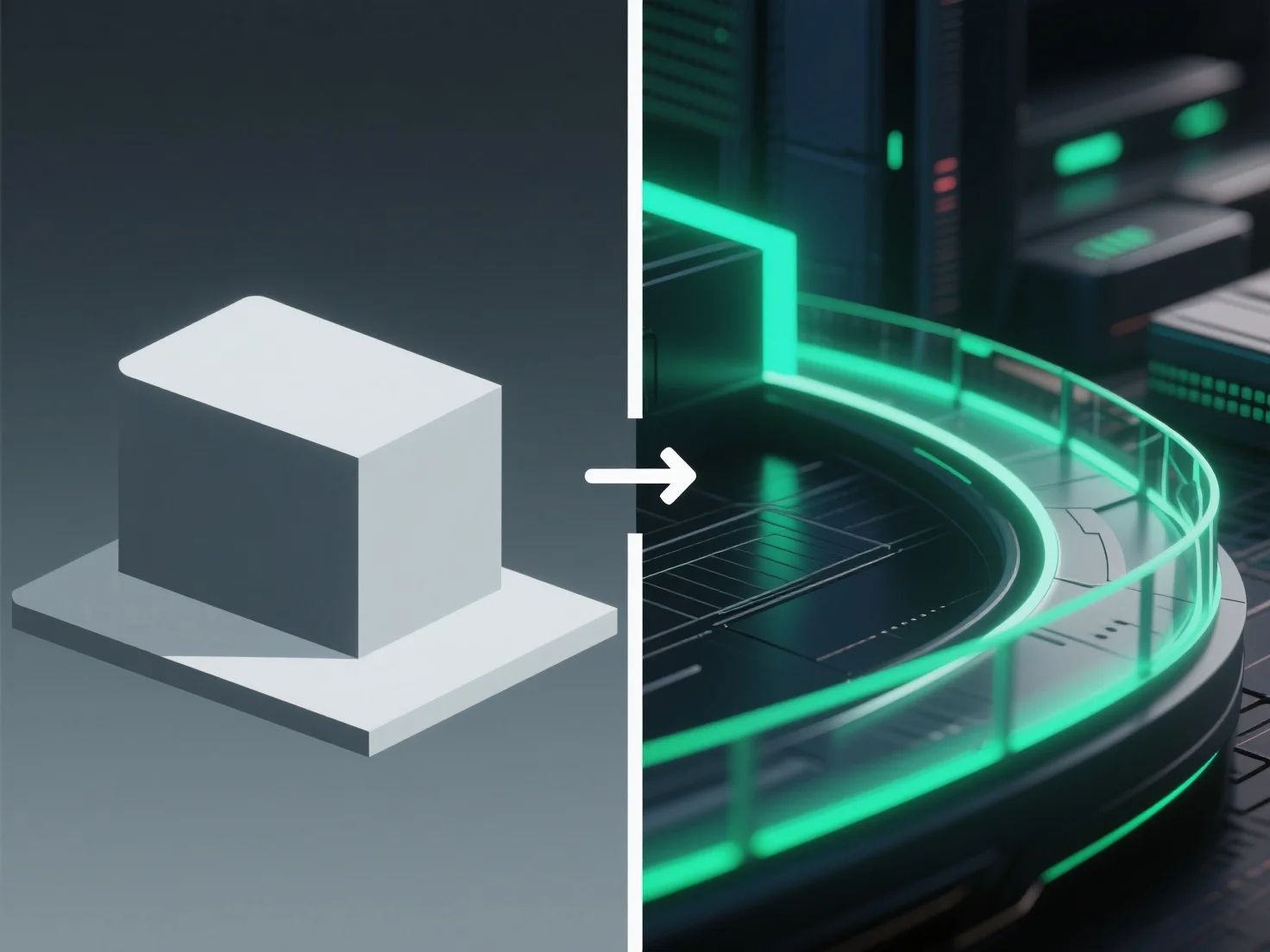
Le post-traitement améliore les rendus 3D en ajustant les éléments visuels tels que la couleur, l'éclairage et la texture après le rendu initial, afin d'affiner le réalisme et l'attrait global.
Les ajustements clés incluent : - Corriger l'éclairage inégal pour équilibrer la luminosité dans toute la scène. - Renforcer le contraste pour affiner les détails et améliorer la profondeur. - Ajouter des effets subtils tels que le floutage (halos de lumière douce) ou la profondeur de champ (floutage de l'arrière-plan) pour imiter le comportement d'un appareil photo dans le monde réel.
Pour les débutants, des outils tels que le compositeur de Blender ou le logiciel gratuit GIMP simplifient le post-traitement. Commencez par des ajustements de base (luminosité, équilibre des couleurs, netteté) pour améliorer la qualité du rendu sans configurations complexes.