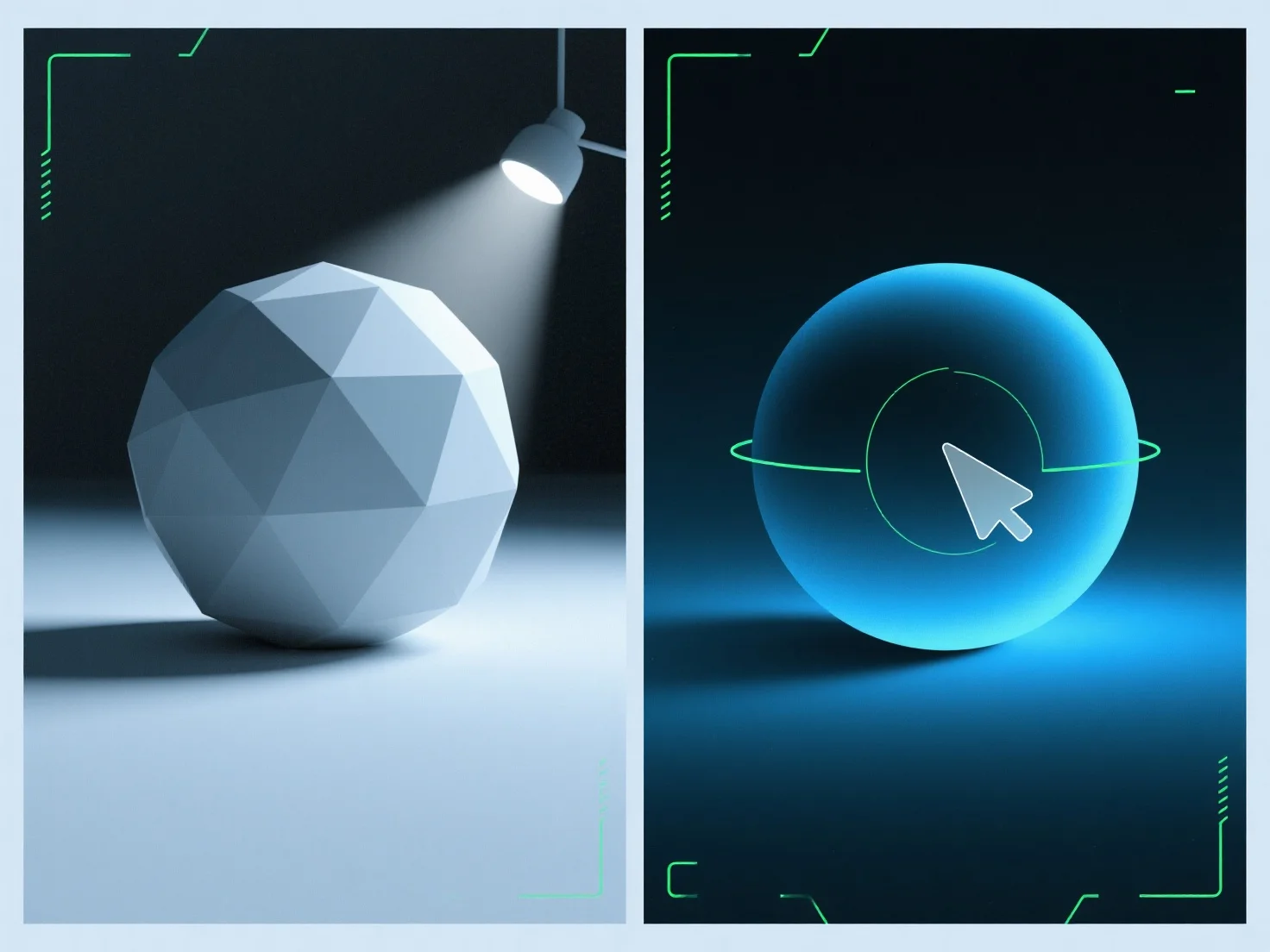
La lumière ambiante remplit les ombres dans les rendus 3D en ajoutant un éclairage uniforme et non directionnel pour adoucir les bords des ombres et réduire leur profondeur, équilibrant ainsi l'éclairage global de la scène. En tant que source diffuse et non directionnelle, elle éclaire les zones d'ombre qui pourraient autrement apparaître trop sombres ou plates, évitant ainsi de créer de nouvelles ombres contrairement aux lumières directionnelles (par exemple, le soleil, les projecteurs). Ajustez son intensité pour affiner : des valeurs plus faibles préservent la profondeur des ombres pour un effet dramatique, tandis que des valeurs plus élevées créent une scène plus douce et uniformément éclairée. Cela garantit que les ombres restent naturelles tout en étant équilibrées, améliorant ainsi le réalisme du rendu.


Comment la lumière ambiante est-elle utilisée pour combler les ombres dans les rendus 3D ?
La lumière ambiante adoucit les ombres des rendus 3D avec un éclairage uniforme et non directionnel, en équilibrant l'éclairage grâce à une intensité réglable.